Uses dlib and OpenCV to detect facial landmarks and then paste images of masks (appropriately scaled and rotated) onto faces in an image. Works best with frontal images. Facial landmarks come from the dlib predictor's 68-point framework that was trained on the iBUG 300-W dataset.
Inspiration and code snippets from Adrian Rosebrock's articles on facial landmarks from pyimagesearch.com.
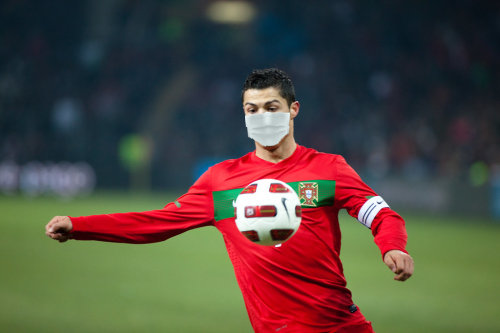
Input image:
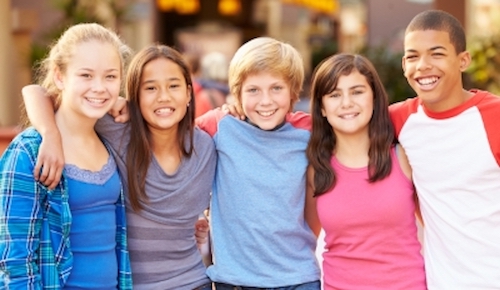
Output image:
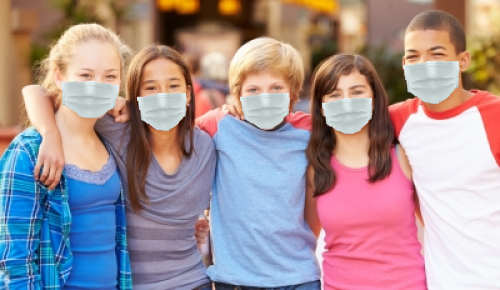
Input image:
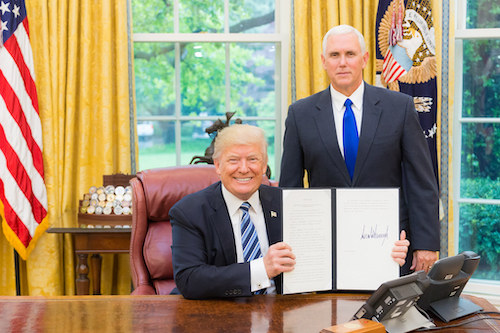
Output image:
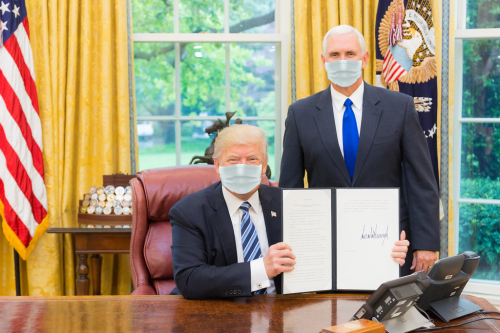
Input image:
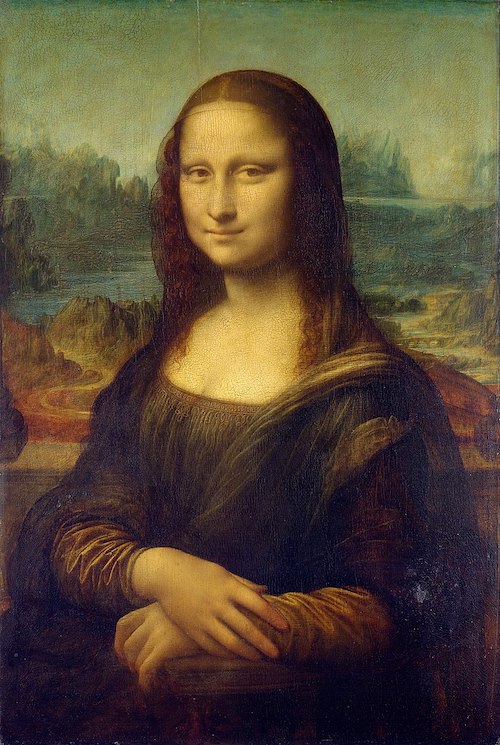
Output image:
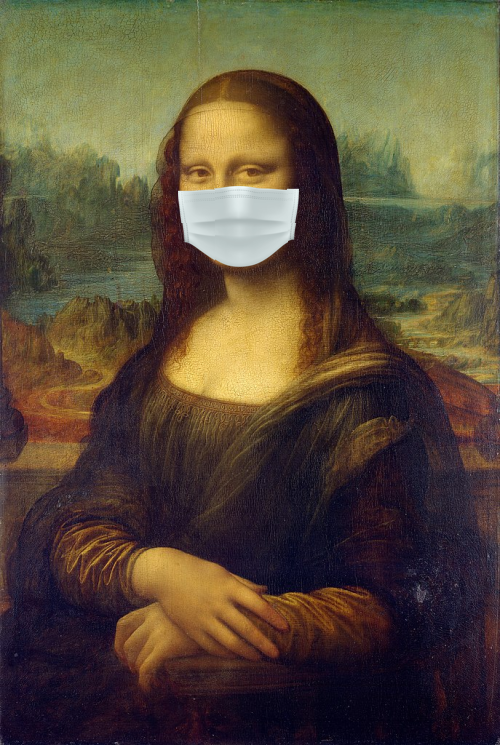
Input image:
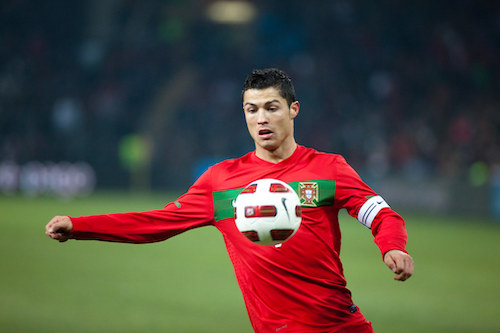
Output image:
Maskify requires the OpenCV and dlib libraries. It also uses imutils for helper functions and Pillow for basic image editing.
The maskify.py script assumes that dlib’s pre-trained facial landmark detector (shape_predictor_68_face_landmarks.dat) has been downloaded, with that exact name, and is saved to the same directory as the Python script.
Specify the image path using the --image argument. For example:
python maskify.py --image test_images/test_photo1.jpg
All photos used in the examples are included in the test_images folder.
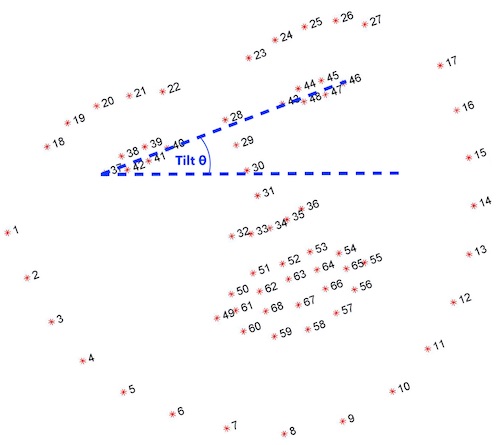
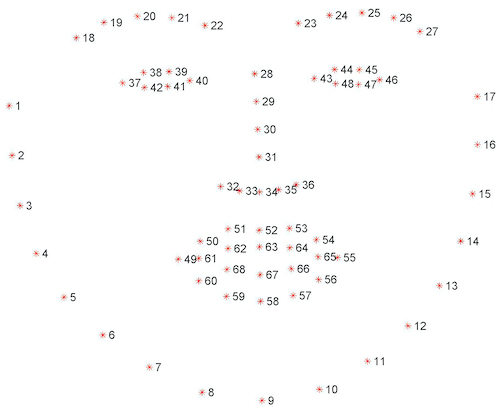
The 68-point facial landmarks predictor from dlib maps each face according to the following points:
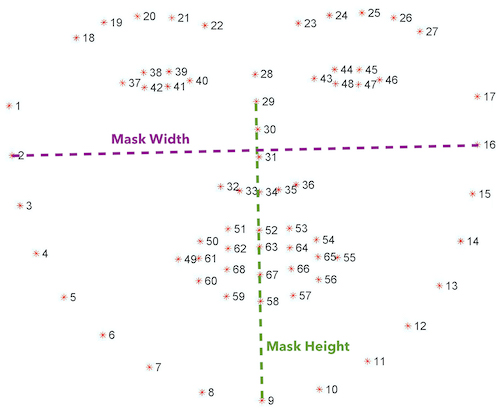
Maskify calculates the dimensions for the pasted mask image using the Euclidean distance between points 2 and 16 for the width and the Euclidean distance between points 29 and 9 for the height. Originally, only the height was calculated in this way and then the mask was proportionately scaled to maintain its original aspect ratio, but allowing for flexible resizing proved to look more natural.
The angle of head tilt is calculated by comparing the coordinates of the outermost points of the eyes.