MRG, ENH: make subplots_adjust work with {raw,epochs}.plot() and ica.plot_sources() #6670
Conversation


|
Here's an example of |

Codecov Report
@@            Coverage Diff             @@
##           master    #6670      +/-   ##
==========================================
+ Coverage   89.39%   89.48%   +0.09%
==========================================
  Files         415      420       +5
  Lines       75230    75589     +359
  Branches    12366    12383      +17
==========================================
+ Hits        67249    67638     +389
+ Misses       5149     5142       -7
+ Partials 2832 2809 -23 |
 drammock
changed the title
drammock
changed the title

|
This pull request introduces 5 alerts when merging 3a3666f into 0ad37f0 - view on LGTM.com new alerts:
|

|
Any chance you can also implement a zen mode (i.e. get rid of the buttons and the timeline overview)? |
|
Yes, but I'd like to do that in a separate PR.
…On August 17, 2019 2:52:37 AM PDT, Clemens Brunner ***@***.***> wrote:
Any chance you can also implement a zen mode (i.e. get rid of the
buttons and the timeline overview)?
|
drammock
changed the title

|
@cbrnr also feel free to try. I'll give it a shot tomorrow |
|
I tried |
|
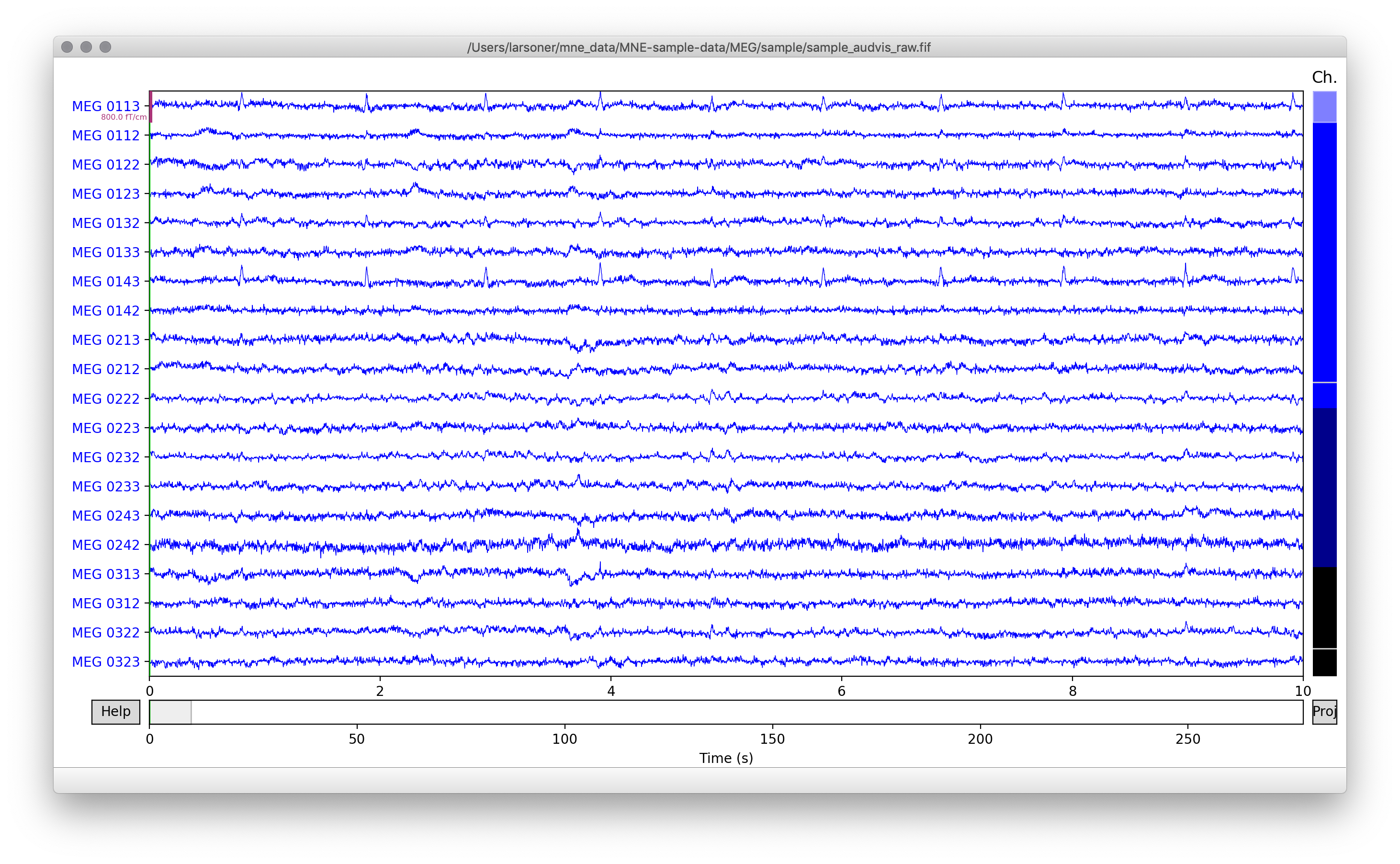
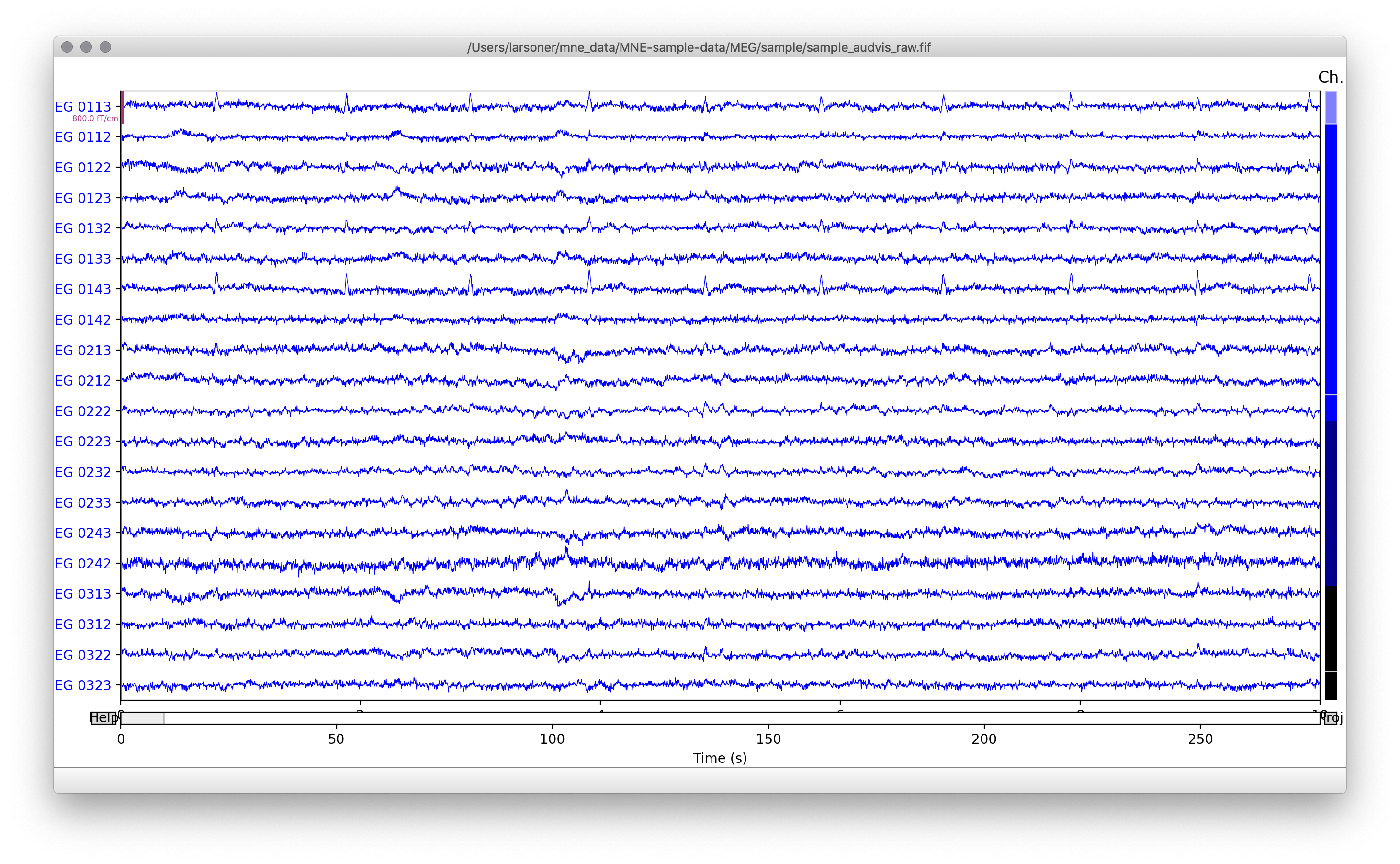
On my HiDPI macOS screen things do not look correct. The following code: Shows this (just the
But on this PR it looks like:
I am not sure why I have these overlap problems but @cbrnr did not (unless you missed them?). |
|
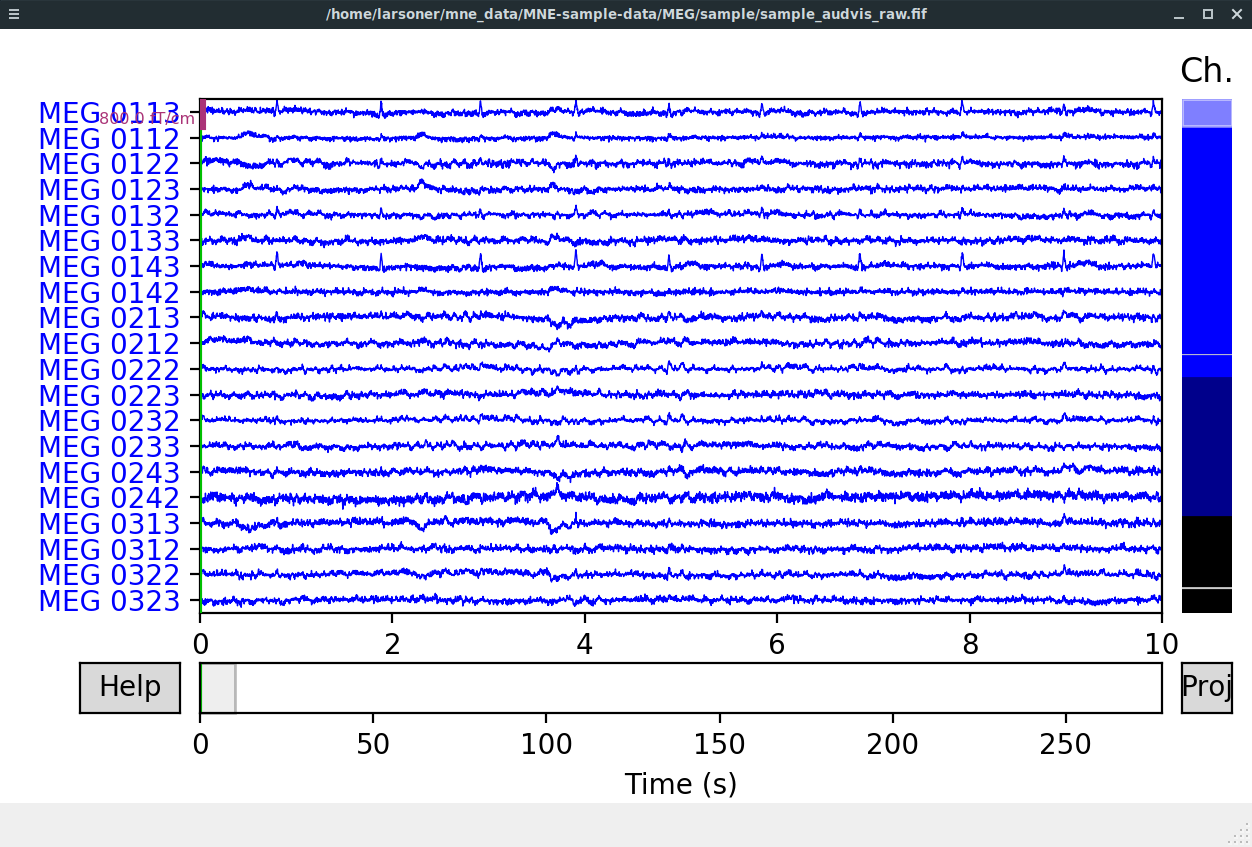
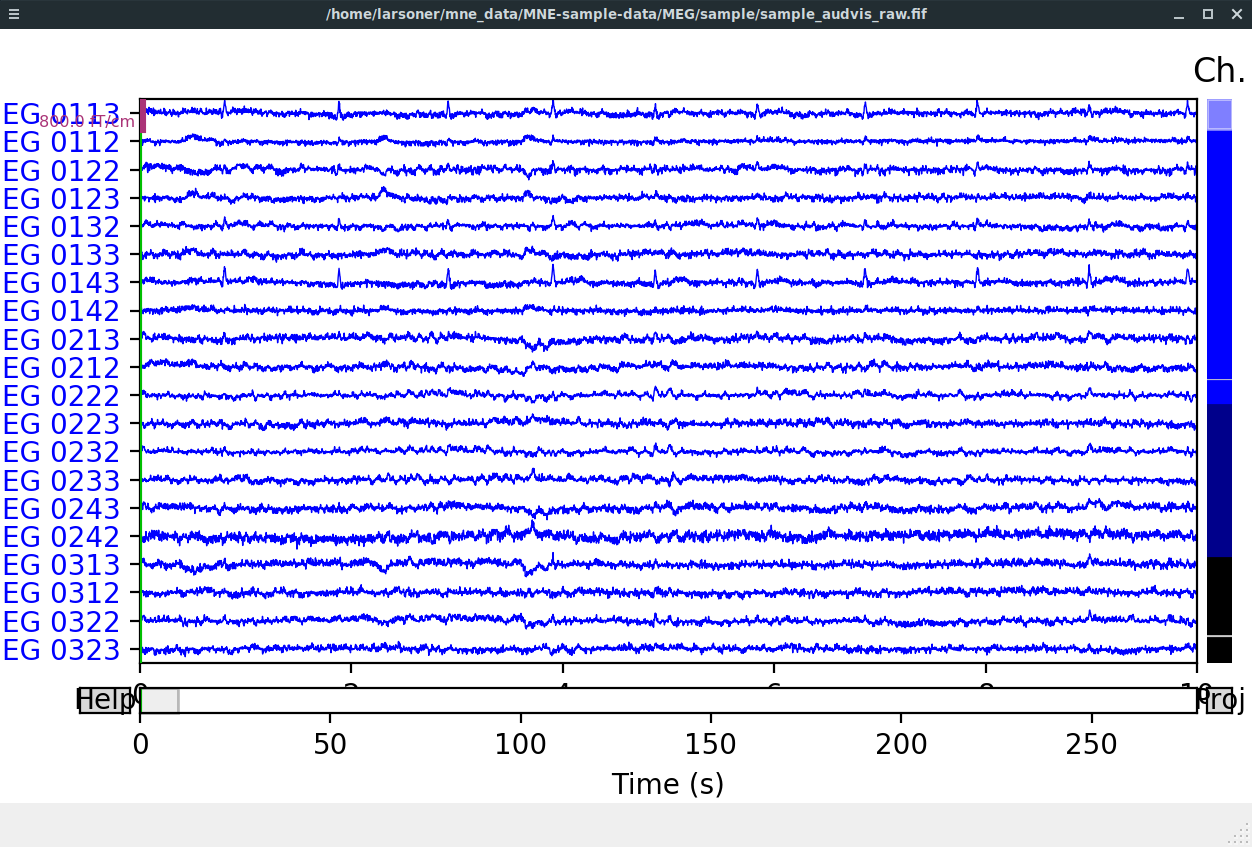
If you want to test on a non-HiDPI screen as long as you're on the Qt5Agg backend you can do (here on my Linux non-HiDPI machine): I get on
But on this PR:
|
|
thanks, I think I know what's wrong. Will fix today.
…On August 19, 2019 7:47:48 AM PDT, Eric Larson ***@***.***> wrote:
If you want to test on a non-HiDPI screen as long as you're on the
Qt5Agg backend you can do (here on my Linux non-HiDPI machine):
```
QT_SCALE_FACTOR=2 python -ui ~/Desktop/plot.py
```
I get on `master`:

But on this PR:

|
 drammock
force-pushed
the
raw_subplots_adjust
branch
from
drammock
force-pushed
the
raw_subplots_adjust
branch
from
d336cdb to
9889cff
Compare
|
The gaps at the top and bottom seem incorrect.
This PR:
|
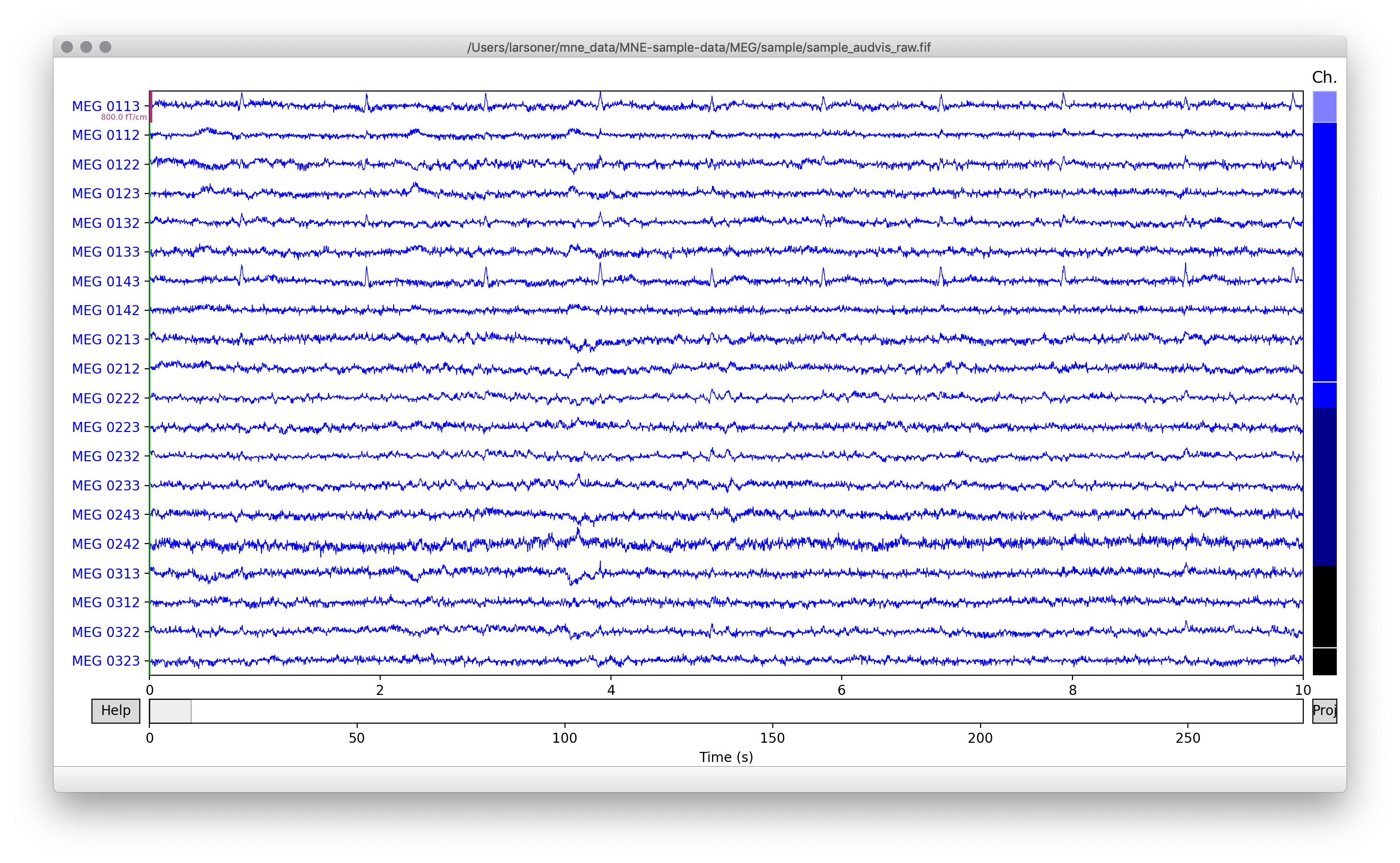
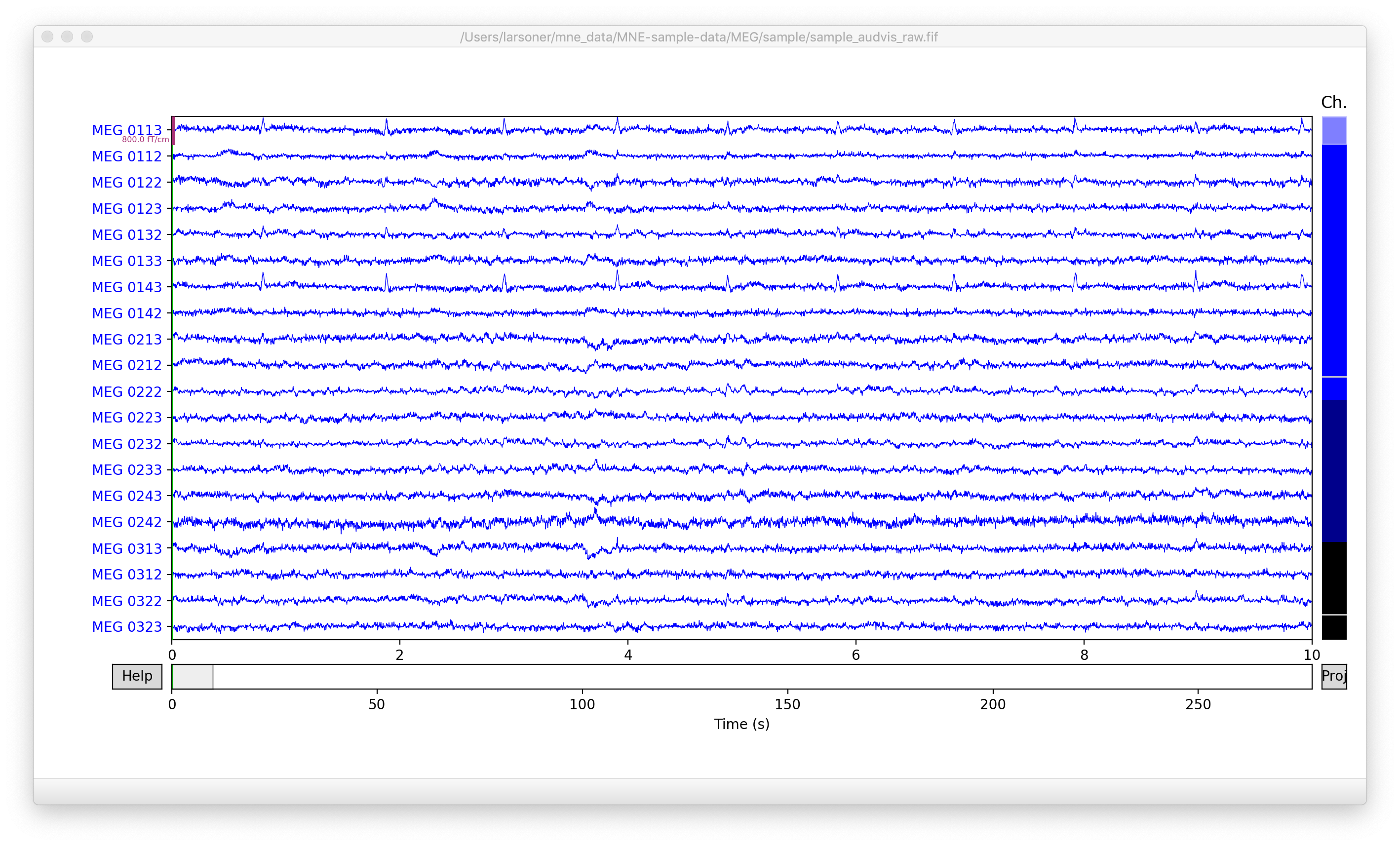


|
Unfortunately now it doesn't work for me - but only if I'm on a scaled resolution and using the Initially, this looks fine: After manually resizing the window: |
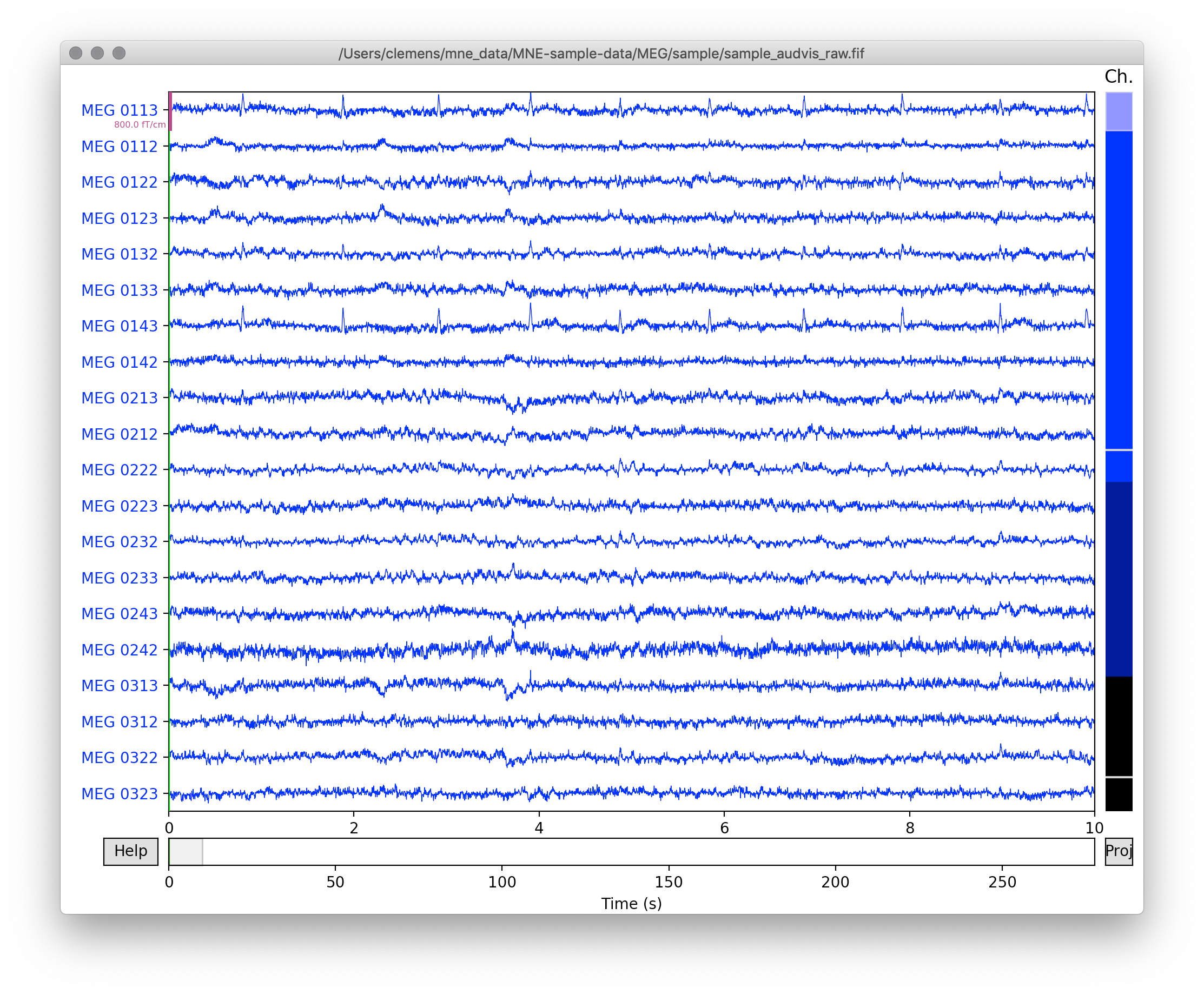
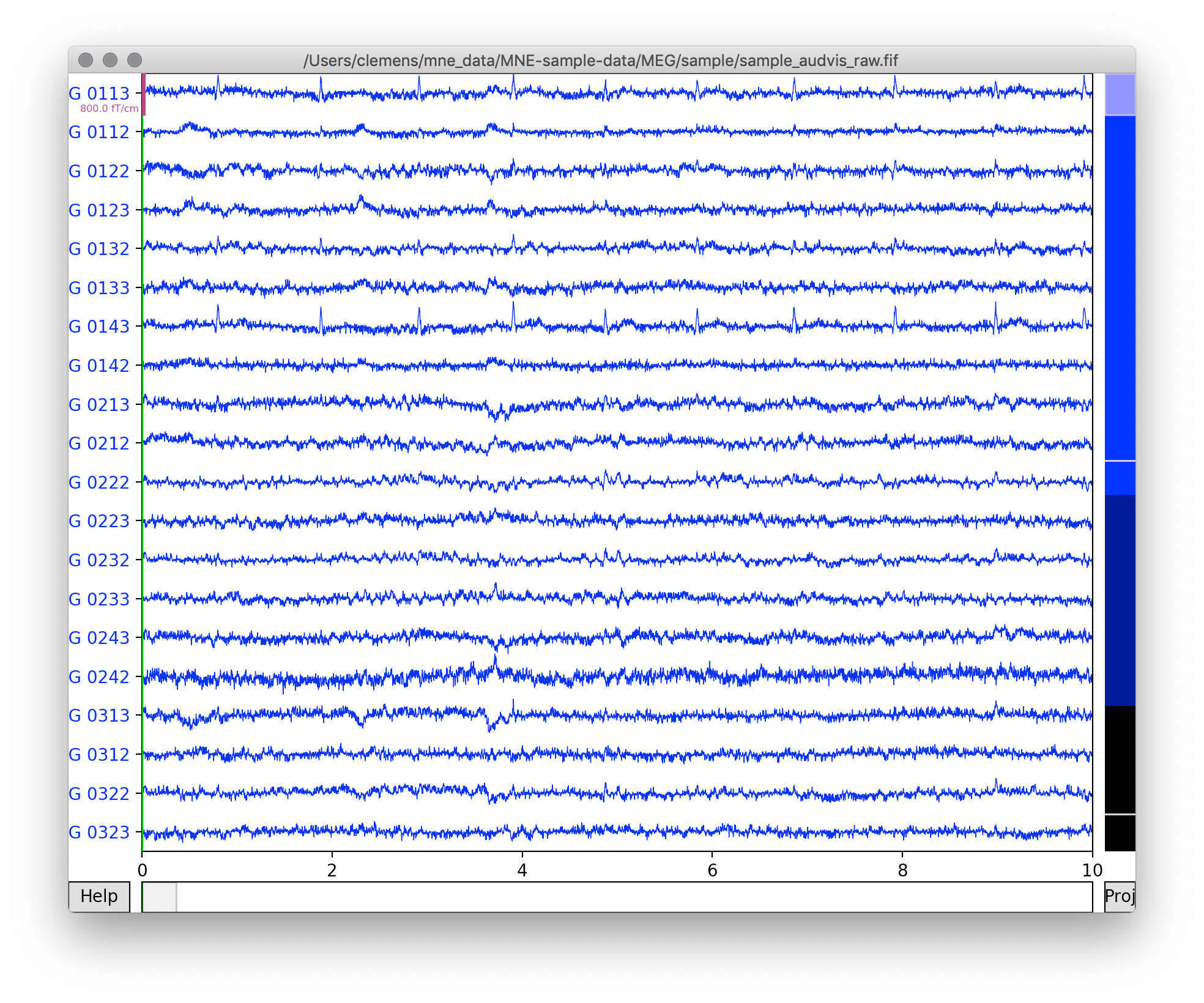
|
I also see this when running with @drammock is there something I could try adding as a resize event handler (for the macosx backend only) that might force it to update the params? |
|
I'm really not sure what to do here. I can't tell from the screenshots whether resizing is not happening at all, or if it's happening but not to the correct degree. |
|
Let's not drop |
|
I have arranged access to a Mac for next week so I'll try to debug on Monday. I tried today on KC's Mac desktop but could not reproduce (his resolution may not be high enough? It is an "Apple Cinema display" 2560 x 1440) |
|
The Qt5Agg backend is fine, did you do it with |
|
I tested only with the default backed but had to run to a meeting before I could verify whether it was defaulting to qt or macosx. Will continue testing tomorrow. |
|
@drammock you need to set a scaled resolution, it works with the native resolution. I'm not sure this works with 2560x1440, but try setting it to a scaled (lower) resolution. I have a 4K display and select the second resolution to the right in the Displays settings page. |
|
I'm really struggling to reproduce this. Screenshot:
|
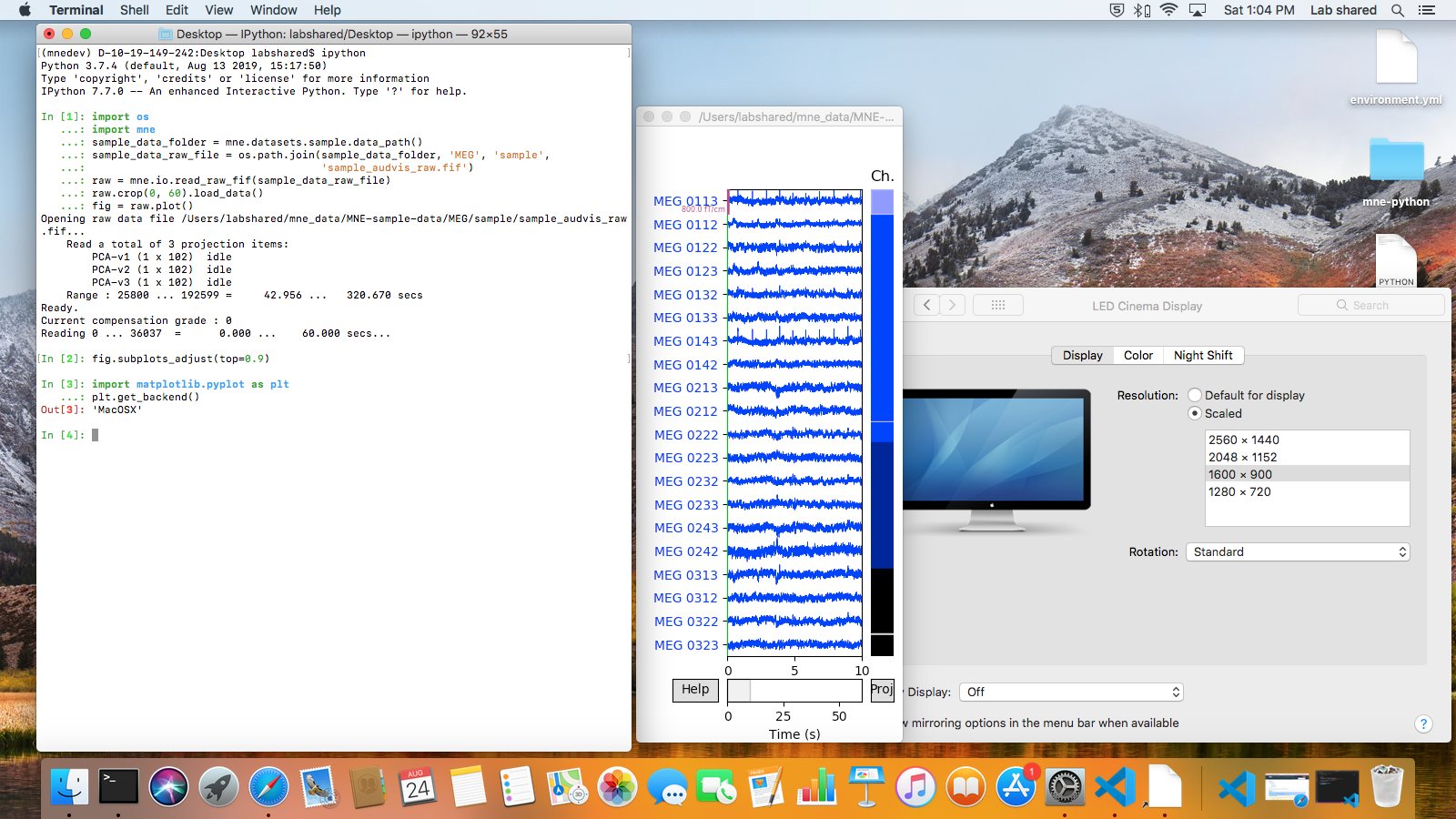
|
running in a plain python terminal instead of ipython, the mouse cursor never turns to double-headed arrow so it looks like resizing doesn't work --- note also the grayed out close/minimize buttons even though the window is on top --- but if I click and drag the window edge anyway and then go back to the terminal and start typing, the window size does belatedly change (and behavior of the margins is as expected). Before resize:
After
|
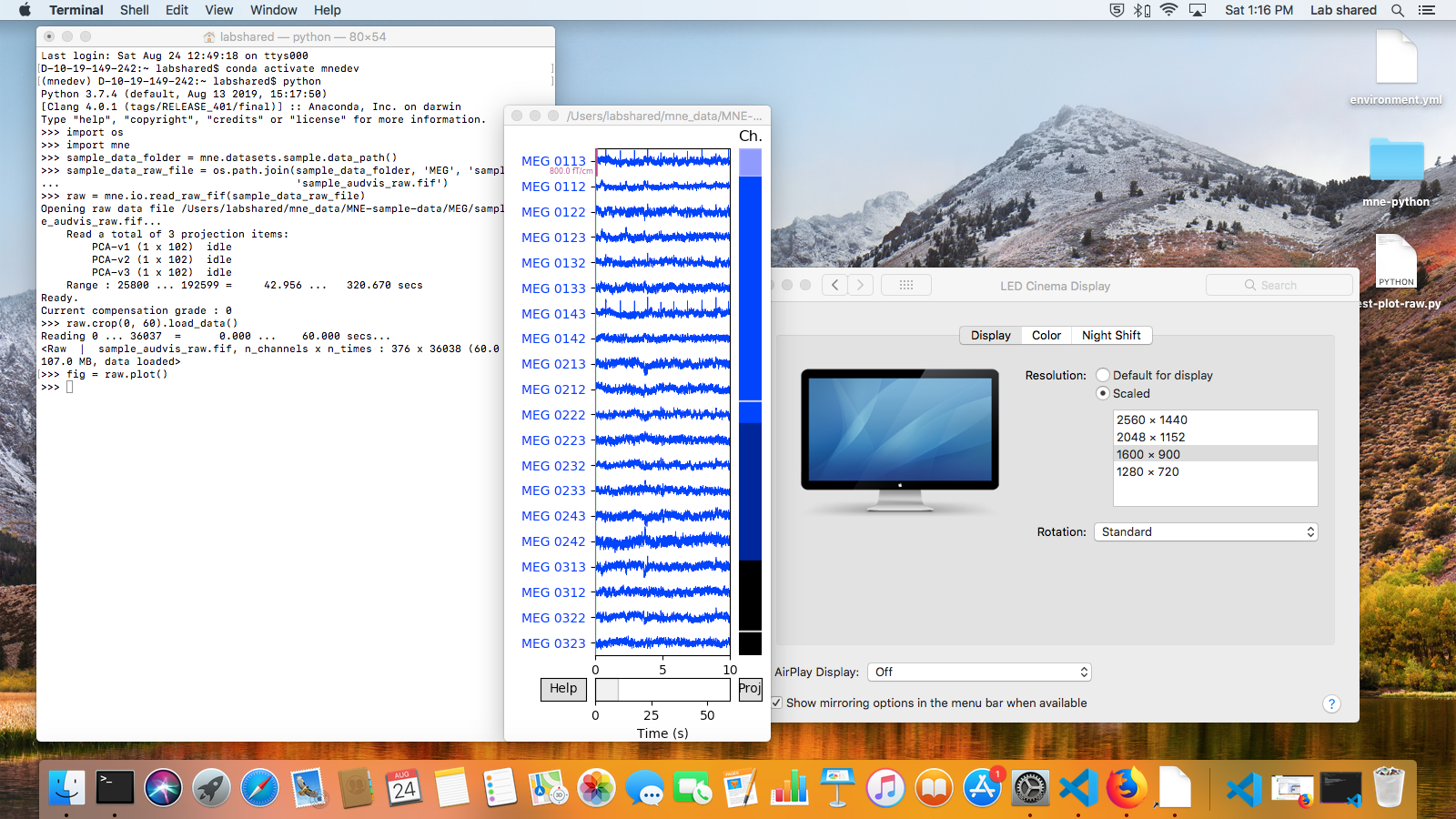
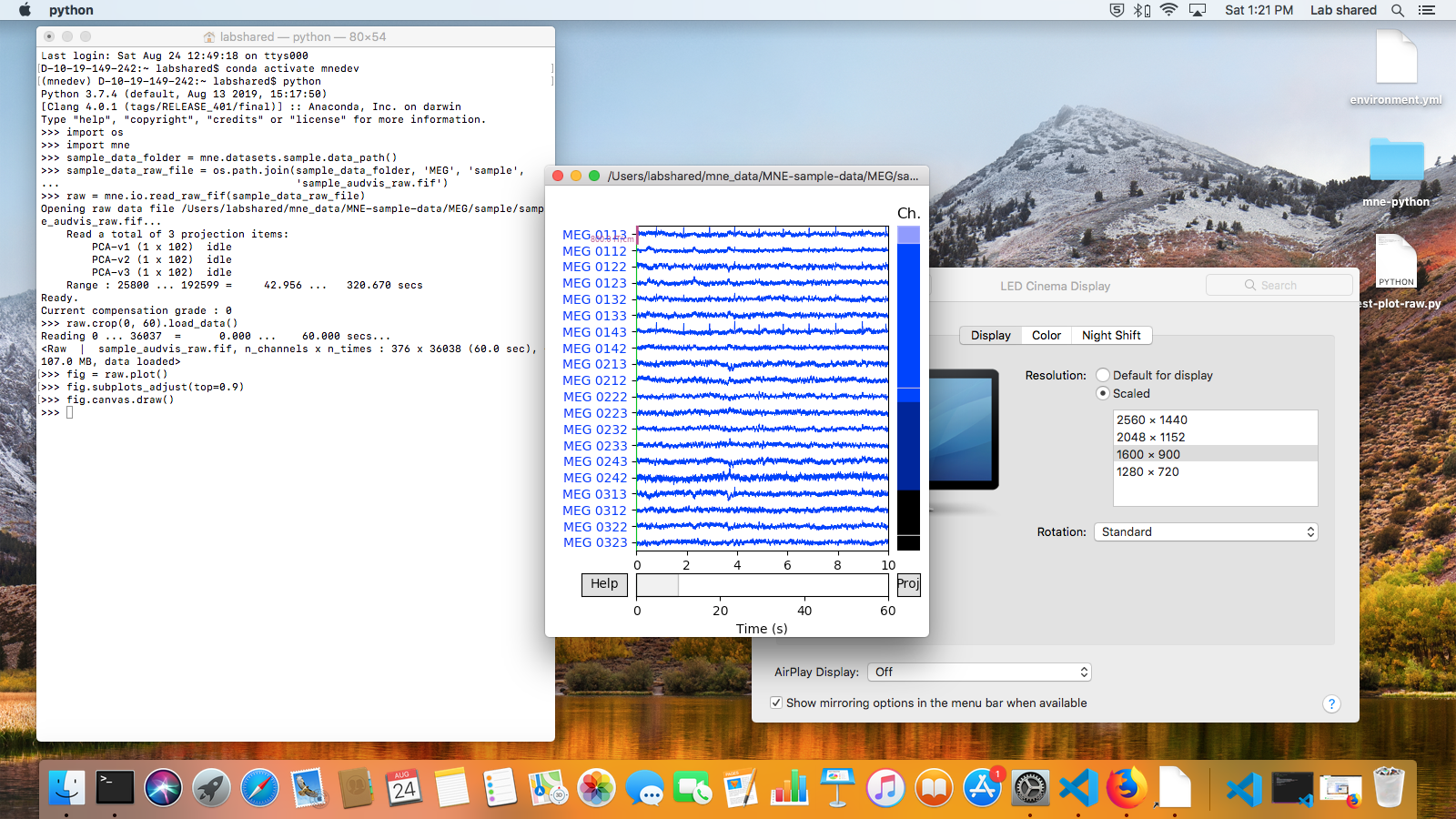
|
Running as a script I also get expected behavior:
|
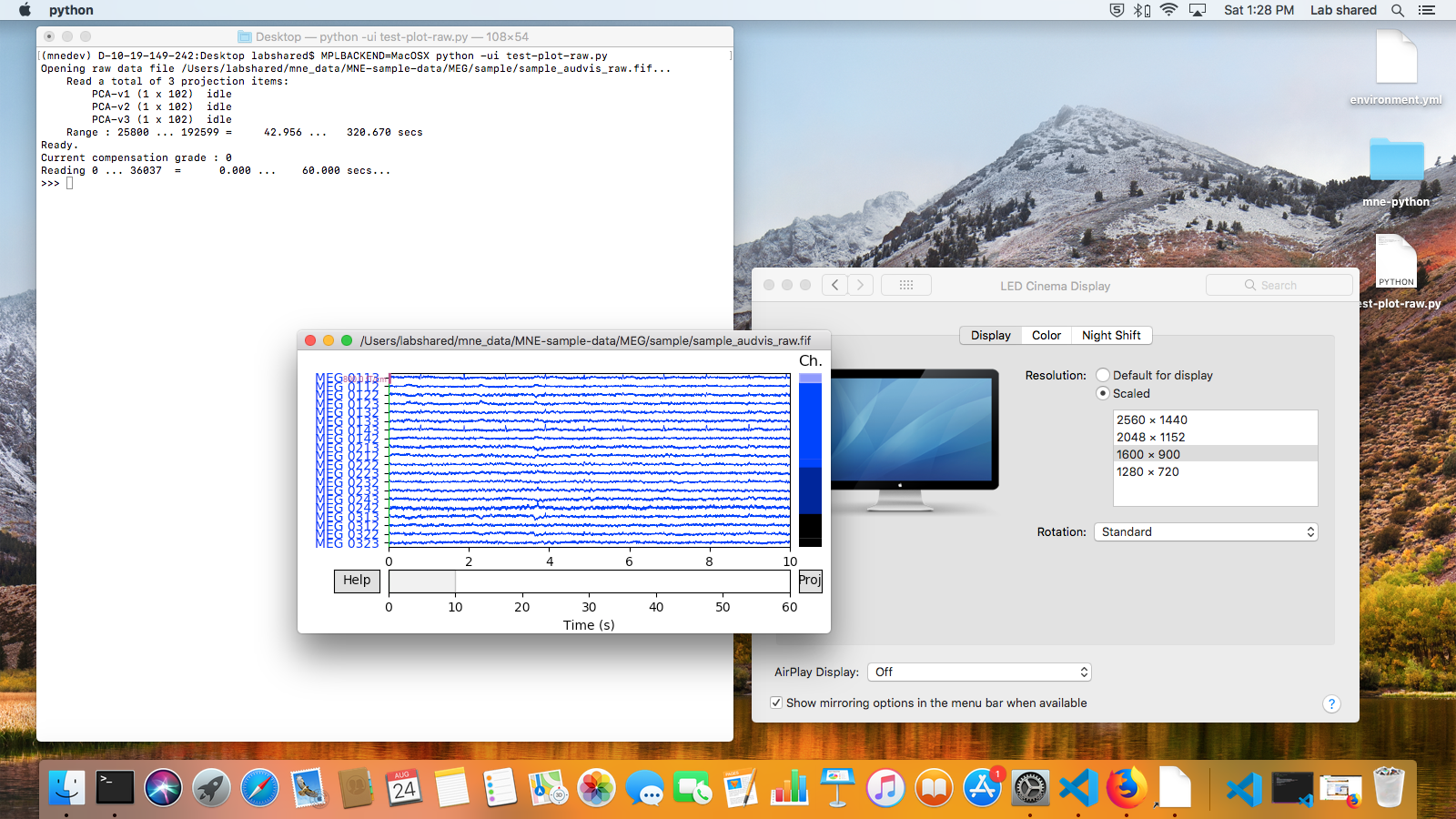
|
Here are the test system details: |
|
Same results at 2048x1152 resolution:
...and at 1280x720:
|
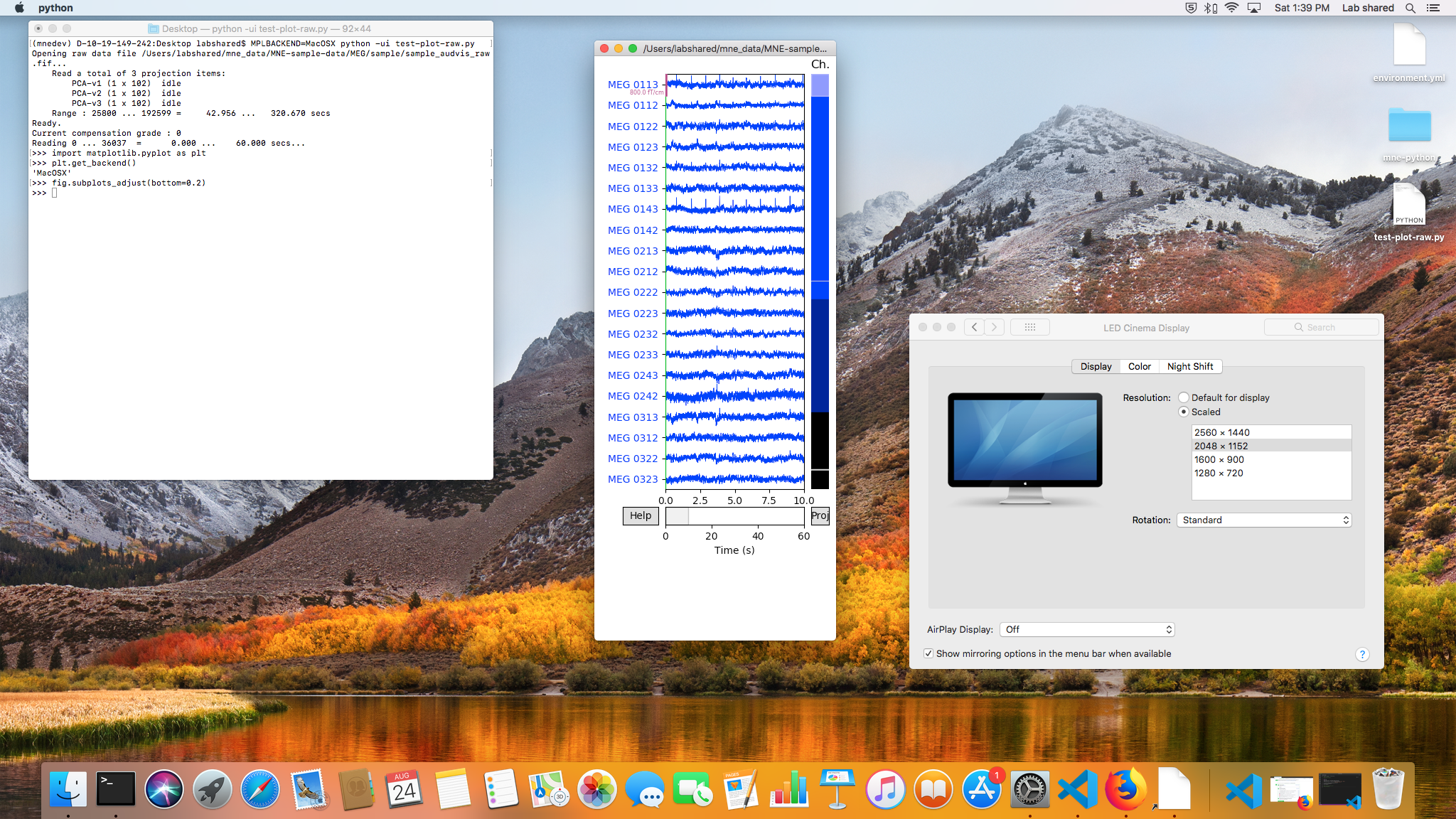
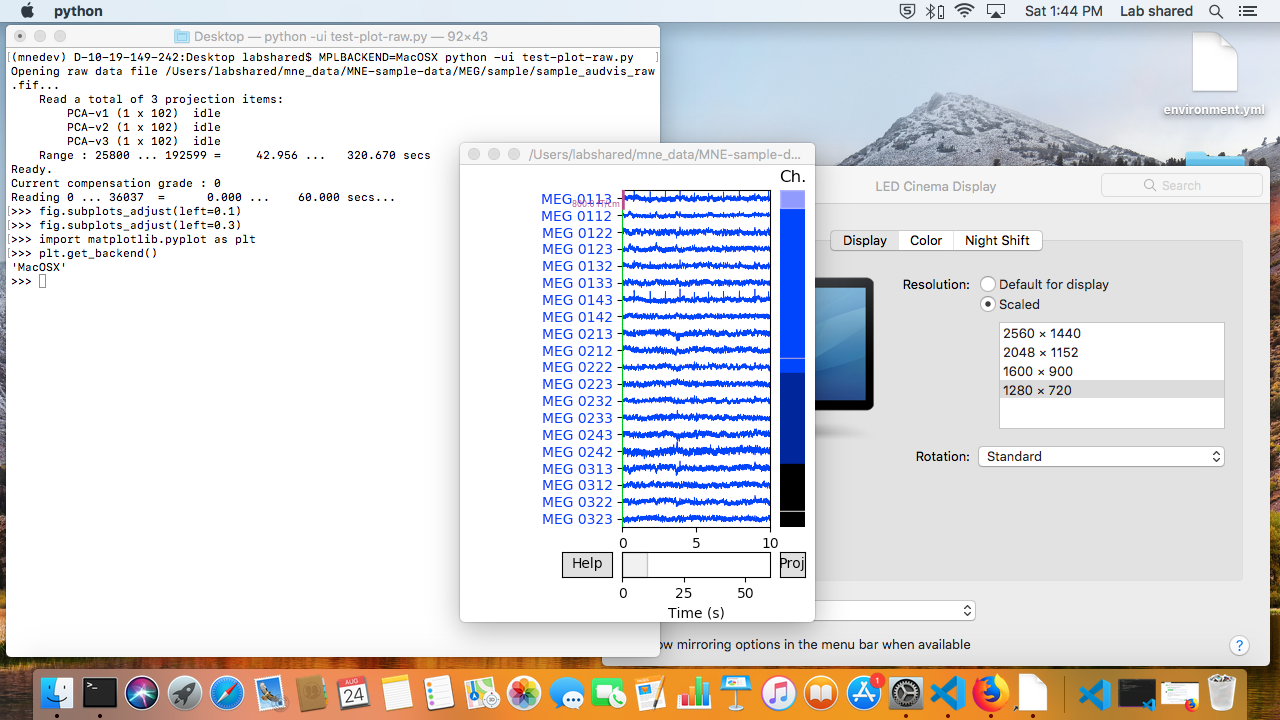
|
for completeness here are the Qt5Agg screenshots on the same system. Default scaling:
With
|
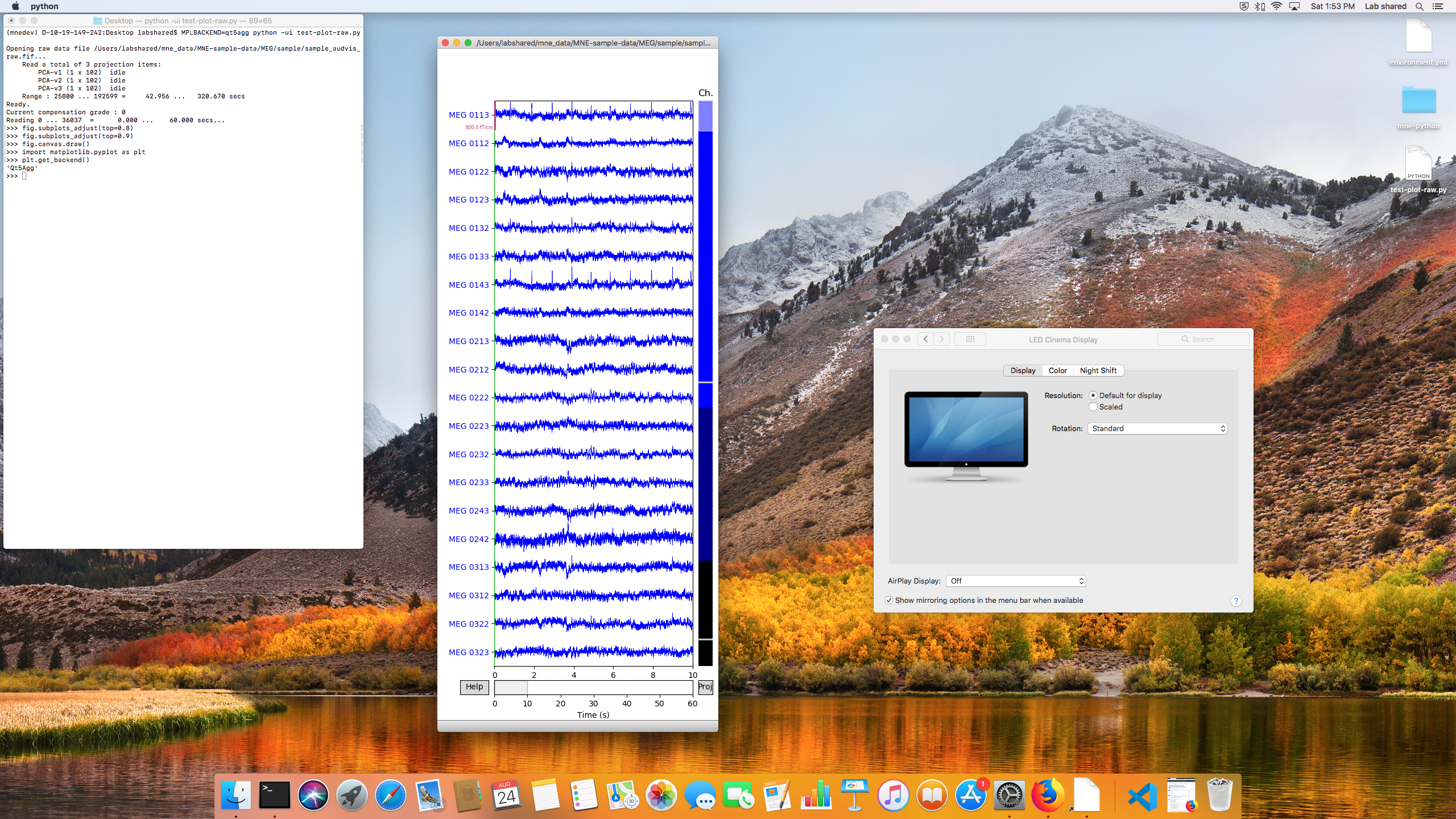
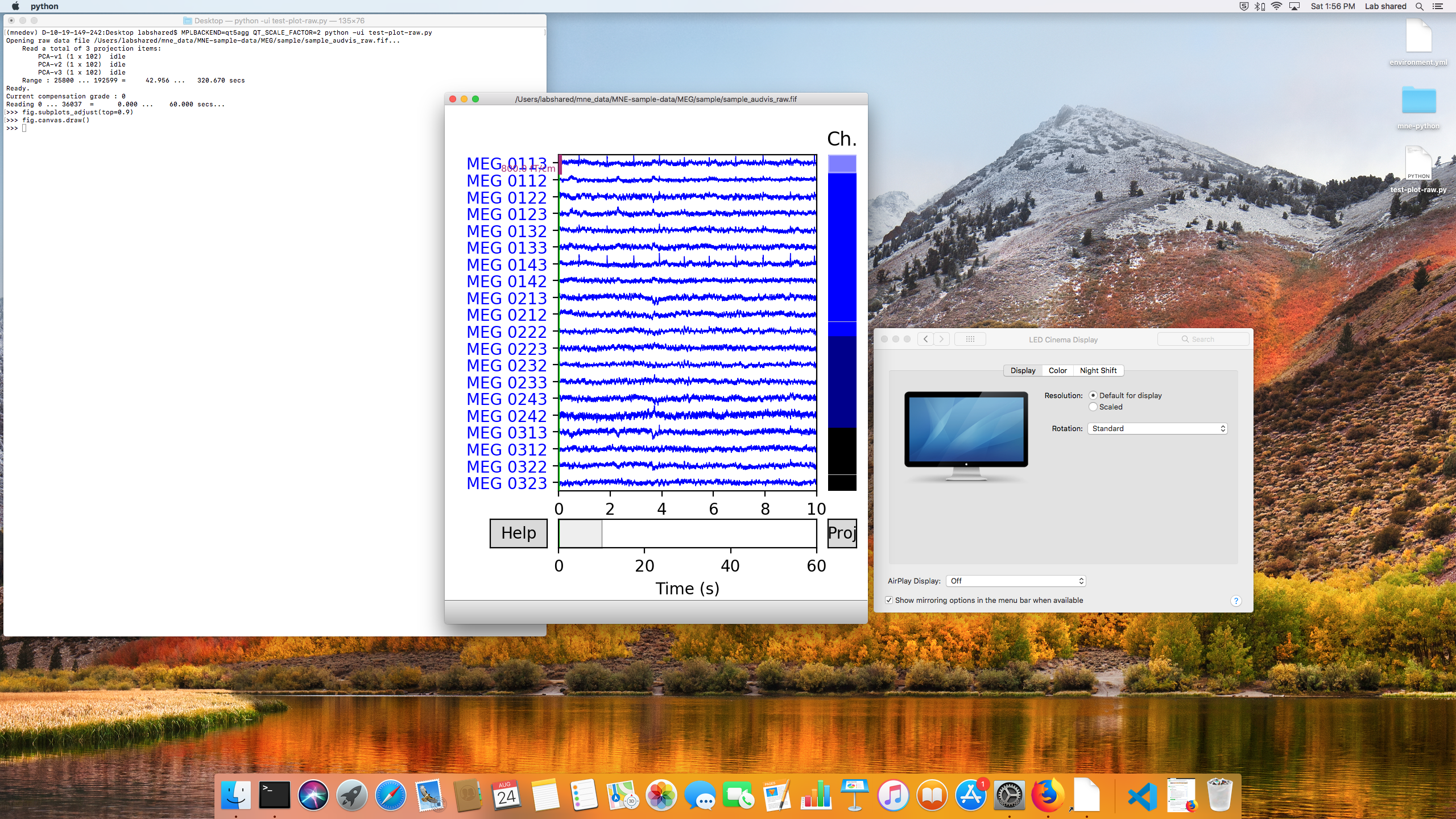
|
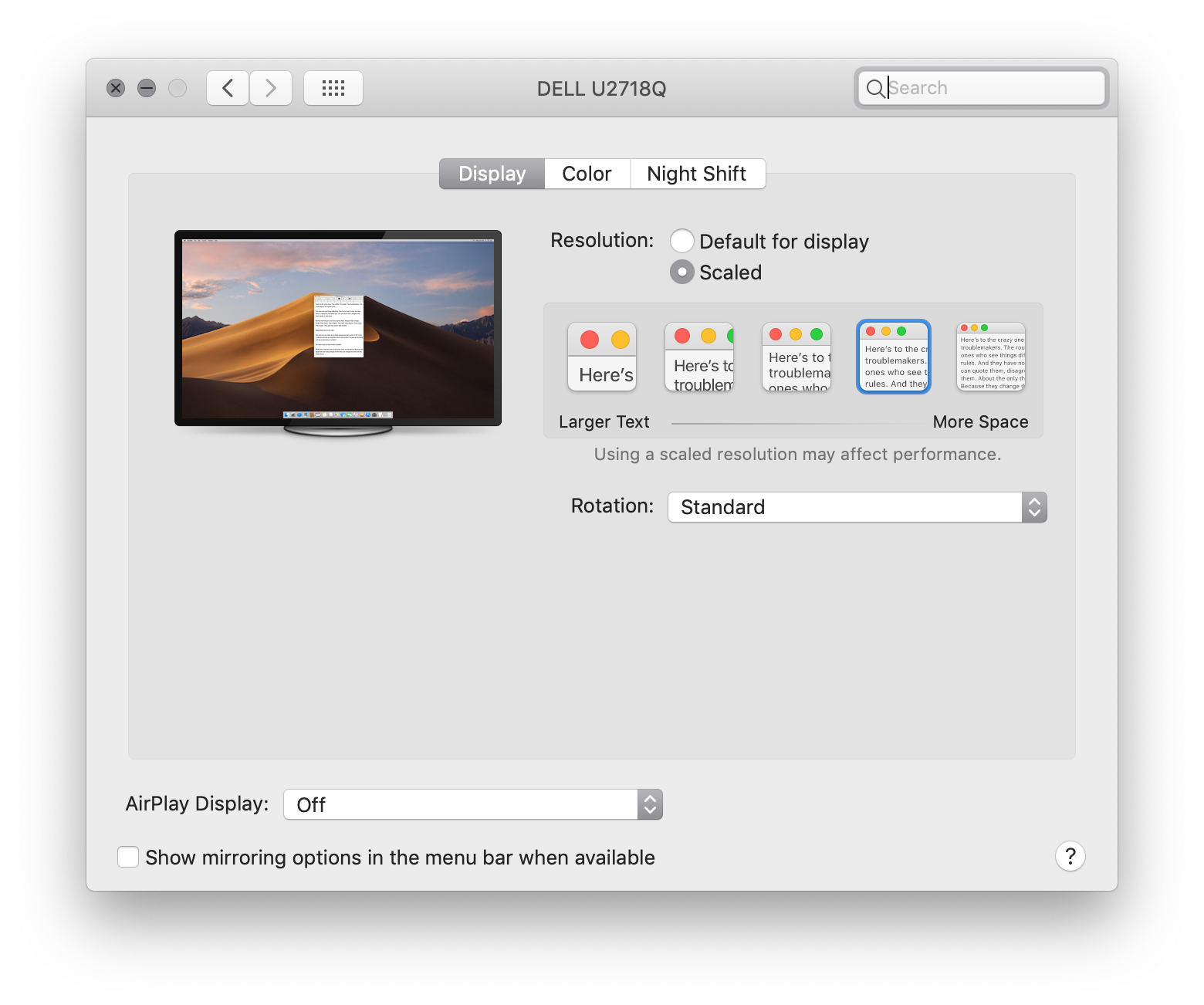
I think your monitor might not be recognized as a retina/HiDPI screen because its native resolution is too low. To reproduce the problem, you need to have a screen that macOS recognized as retina/HiDPI capable. Here's what my display preferences window looks like - notice the five presets for different scaling factors:
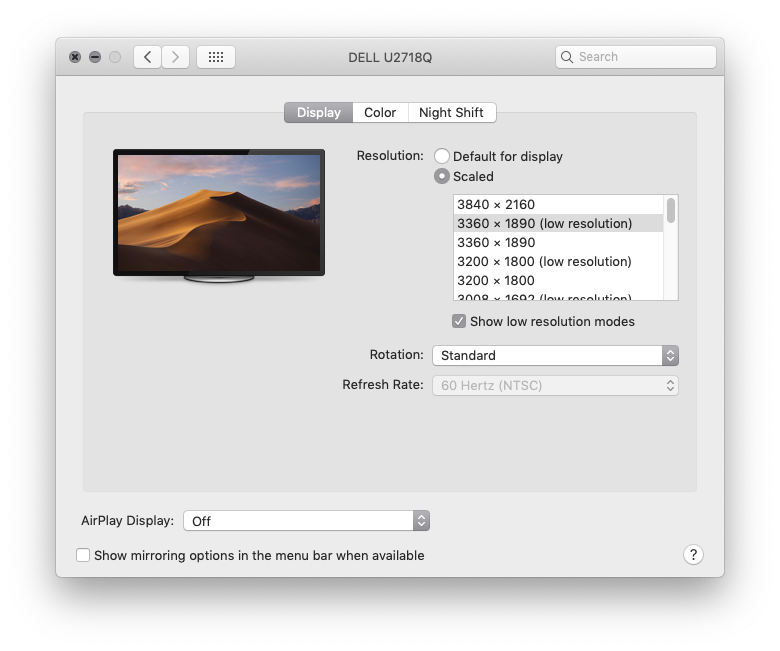
I think this is only shown if the monitor is at least 4K, and these settings seem to influence how scaling is performed. In your case, I think macOS performs regular non-HiDPI scaling, and therefore you don't see the problem. I can simulate this even on my HiDPI screen by alt-clicking on the "Scaled" radio button and selecting a resolution that says "(low resolution)":
Now this is exactly the same 3360 x 1890 resolution I normally use, but in low resolution mode (aka non-HiDPI) I don't see the issue with overlapping elements either. |
|
PS: What this means is that this issue occurs on MacBooks with retina displays (so basically all of them) with the default |
|
PPS: Here's the code snippet I used (copied from your screenshots): |
|
This pull request introduces 3 alerts when merging 2f1b9b6 into b7dd664 - view on LGTM.com new alerts:
|
|
Nice! I can confirm that this now works with all combinations of If the LGTM warnings are fixed (by e.g. using tuples instead of lists), +1 for merge! |
|
@cbrnr those LGTM alerts are unrelated to this PR, and I would consider them false alarms. Moreover I don't think it will work to just change them to tuples. Two of the lists it's complaining about are being used to index numpy arrays, and lists/tuples are treated differently in that context. The third one is an instance of |
|
forgot to include the link; see here: https://lgtm.com/projects/g/mne-tools/mne-python/rev/pr-0e4df471613fdb5248495edb0782bef332768744 |

|
Lets merge then
|

|
Thanks @drammock! |
|
BTW @drammock if you ever need to debug HiDPI on macOS on a non-HiDPI display, you can enable (usually ugly) HiDPI resolutions typically hidden from the user with something like: $ sudo defaults write /Library/Preferences/com.apple.windowserver.plist DisplayResolutionEnabled -bool trueIt's also possible clicking the "scaled" button while holding Alt/Option might do it (or be necessary). I did something like this a couple of years ago when I only had access to a non-HiDPI macOS display and it worked. So hopefully next time you won't need to borrow @ktavabi's machine but any macOS one (where the owner doesn't mind some option tweaking) should work :) |
…plot_sources() (mne-tools#6670)

* make raw.plot() compatible with subplots_adjust()

* tweak tutorial to test subplots_adjust

* fix doctest

* minor refactor

* subplots_adjust works for epochs.plot()

* works with ICA

* delete callback functions

* refactor/DRY

* fix unused imports

* fix pydocstyle

* fix for older versions of matplotlib

* fix for hidpi screens

* fix: add back resize listener

* fix: add callback to epochs

* add callback to ICA

* fix wrapping

* refactor: DRY

* fix for Retina displays
4 participants


closes #6647