How to unlock Kubernetes REST API and link it to Swagger UI
WARNING!! Do not apply this changes on publicly available cluster unless, you hold your keys under the mat.
In case view only is sufficient, I found better guide for you: https://jonnylangefeld.com/blog/kubernetes-how-to-view-swagger-ui
Interacting with the Kubernetes REST API via Swagger UI is not that straight forward and I did not find yet any simple as possible guide to do so.
This guide crafted on Ubuntu and show how to:
- create a kind cluster with ingress and expose 80 and 443 port to local machine.
- expose Kubernetes REST API, using nginx proxy
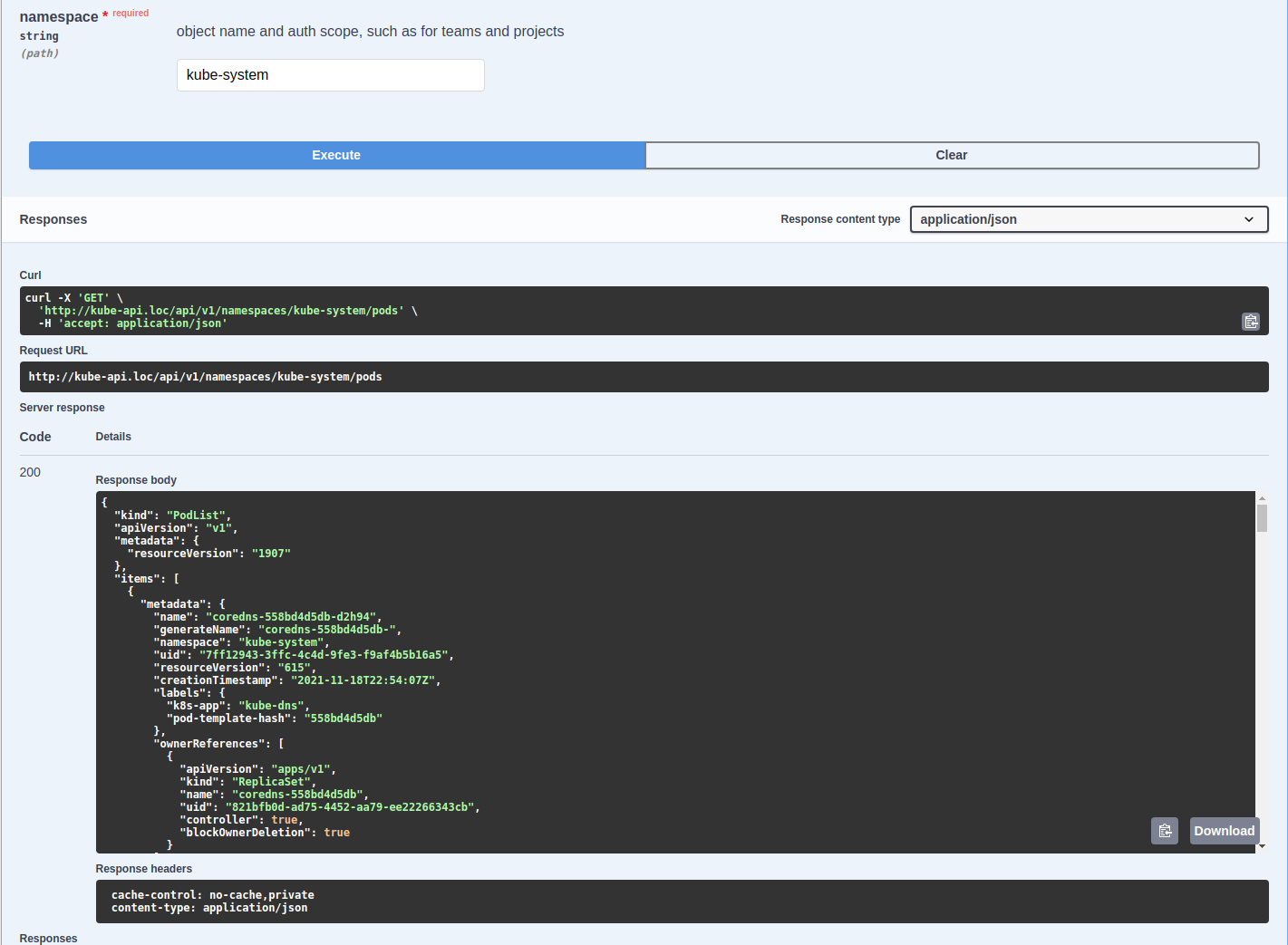
- install Swagger UI and point to proxied api.
cat <<EOF | kind create cluster --config=-
kind: Cluster
apiVersion: kind.x-k8s.io/v1alpha4
name: swaggerman
nodes:
- role: control-plane
  kubeadmConfigPatches:
  - |
    kind: InitConfiguration
    nodeRegistration:
      kubeletExtraArgs:
        node-labels: "ingress-ready=true"
  extraPortMappings:
  - containerPort: 80
    hostPort: 80
    protocol: TCP
  - containerPort: 443
    hostPort: 443
    protocol: TCP
EOFkubectl apply -f https://raw.githubusercontent.com/kubernetes/ingress-nginx/main/deploy/static/provider/kind/deploy.yamlMake sure ingress-nginx-controller is already running, before you proceed further.
The yaml manifests will:
- Create
api-proxynamespace - Bind default
ServiceAccounttocluster-adminroles. - Create a proxy pass nginx config with with actual Bearer token and certificates.
- Deploy and expose nginx as a proxy for kube api.
- Create Ingress with
kube-api.lochost and CORS enabled.
Add kube-api.loc to /etc/hosts and make it point to 127.0.0.1.
kubectl apply -f https://raw.githubusercontent.com/olivernadj/Kubernetes-REST-API-feat-Swagger-UI/main/api-proxy.yamlAt this point you should be able to access Kube API on http://kube-api.loc/api
The yaml manifests will:
- Create
swaggernamespace - Deploy and expose Swagger UI.
- Create Ingress with
swagger.lochost.
Add swagger.loc to /etc/hosts and make it point to 127.0.0.1.
kubectl apply -f https://raw.githubusercontent.com/olivernadj/Kubernetes-REST-API-feat-Swagger-UI/main/swagger.yamlAt this point you should be able to access Swagger UI on http://swagger.loc/
I hope you succeed and enjoy carefree hand-on experience with Kubernetes REST API