CrossFire farming python script. (not only for gaming, but also for slacking)
Step 1: install "pyautogui" package.
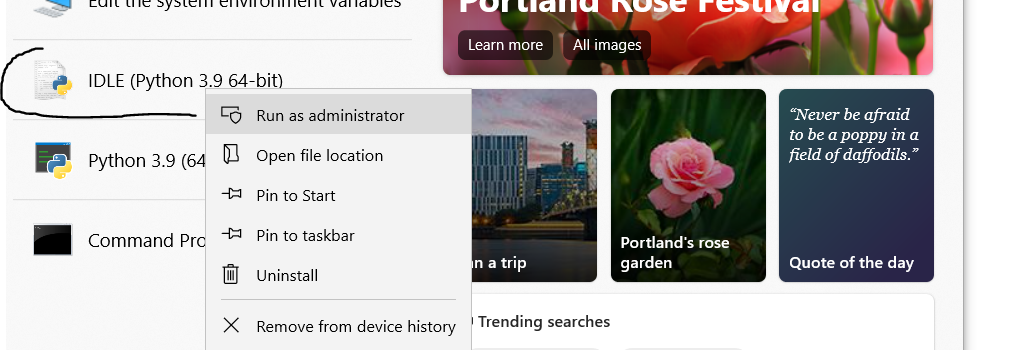
Step 2: Open the python IDLE as administor (if you do not open it as admin, the script probably won't work in game, but will work outside the game)
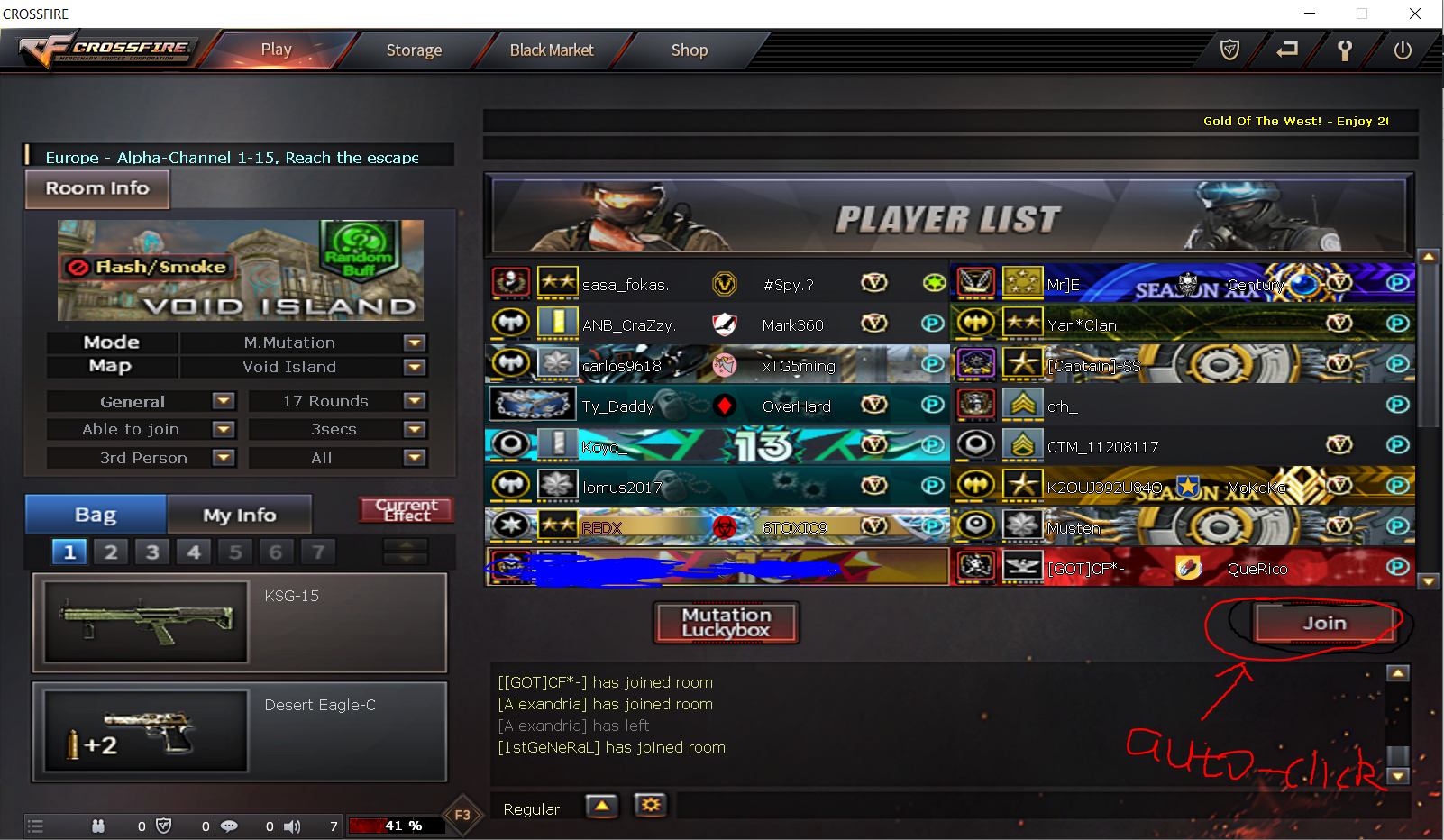
Step 3: open the game as windowed mode and place the window approximately at the middle of the screen (adjust the window to the right position since the auto-click will automatically click the "join" button on the right bottom)
Step 4: in the python IDLE, open the "CF_move_mouse.py" script, run module

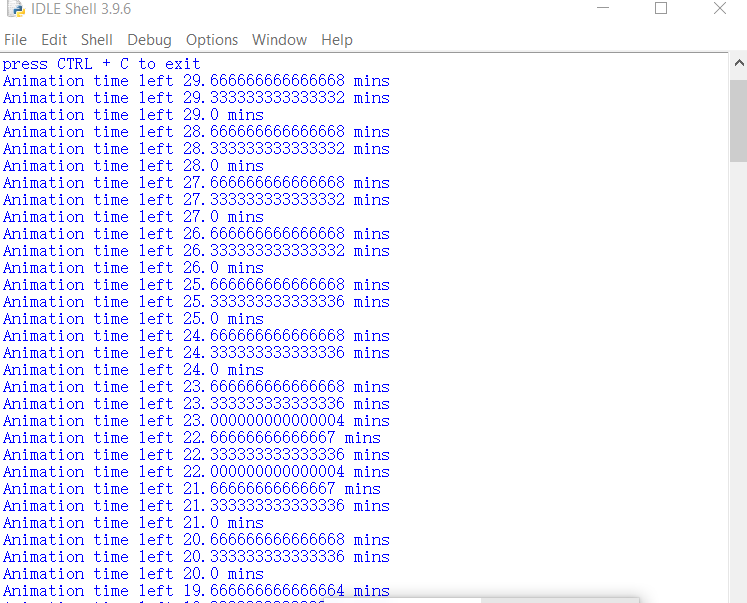
Step 5: you wll see the how much time left in the message window. Rerun the script when time's up. (press "control + c" to exit the automation)
Step 6: go back to the game window, enjoy your farming.