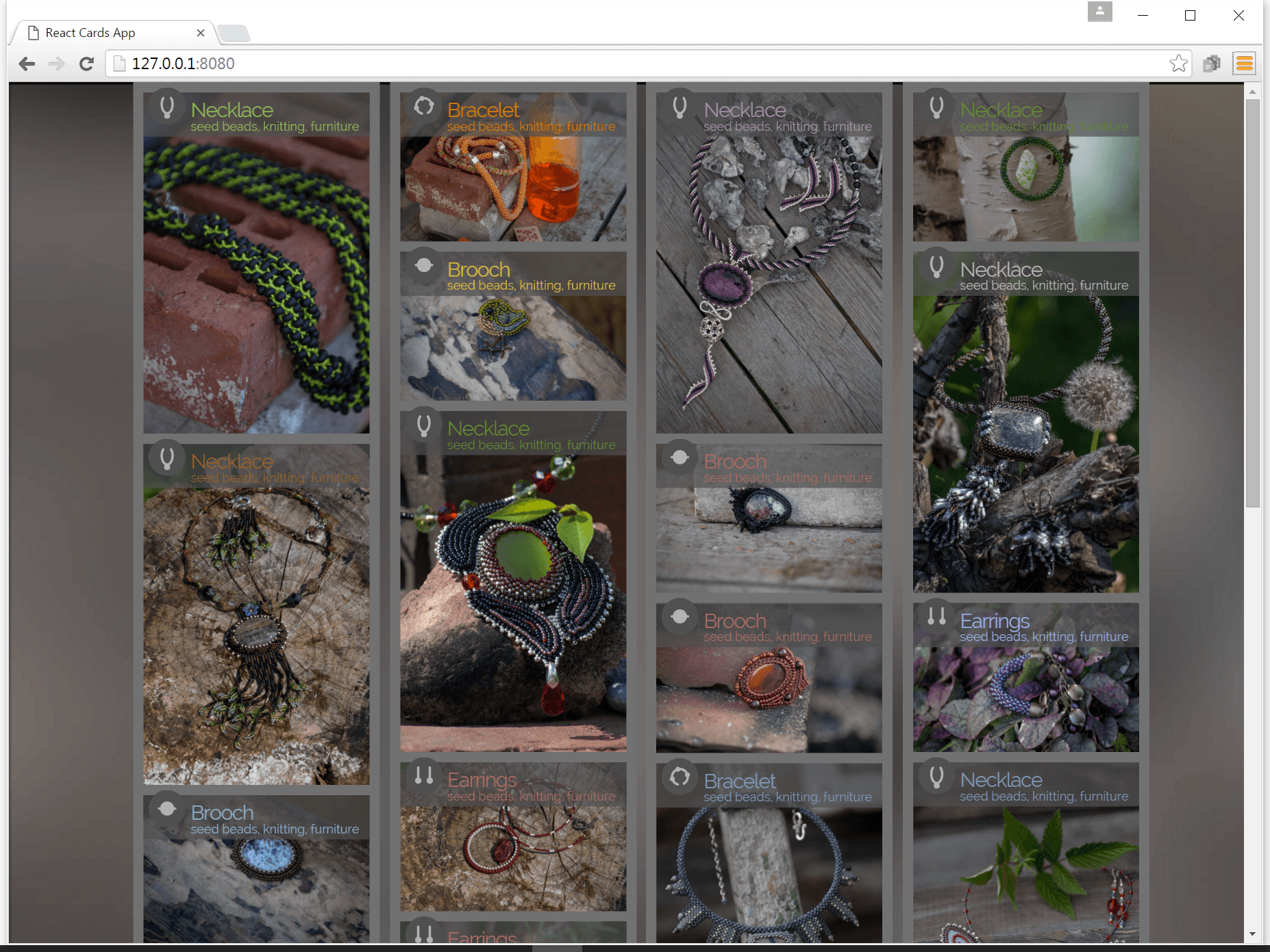
jQuery plugin with React component inside. Two days. Tested mostly in Chrome. jQuery plugin takes list of cards info, composes a data object and provides it into a react component, which renders cards layout according the data.
View here http://sergej-s.github.io/react-cards-plugin/.
JavaScript ContentCard/manager
Task: Build a JQuery plugin and a ReactJS component which will enable the following functionalities:
- The header and text paragraph (title/short description) should be in a block – the header should be preceded by an icon and the entire blog should have an image background.
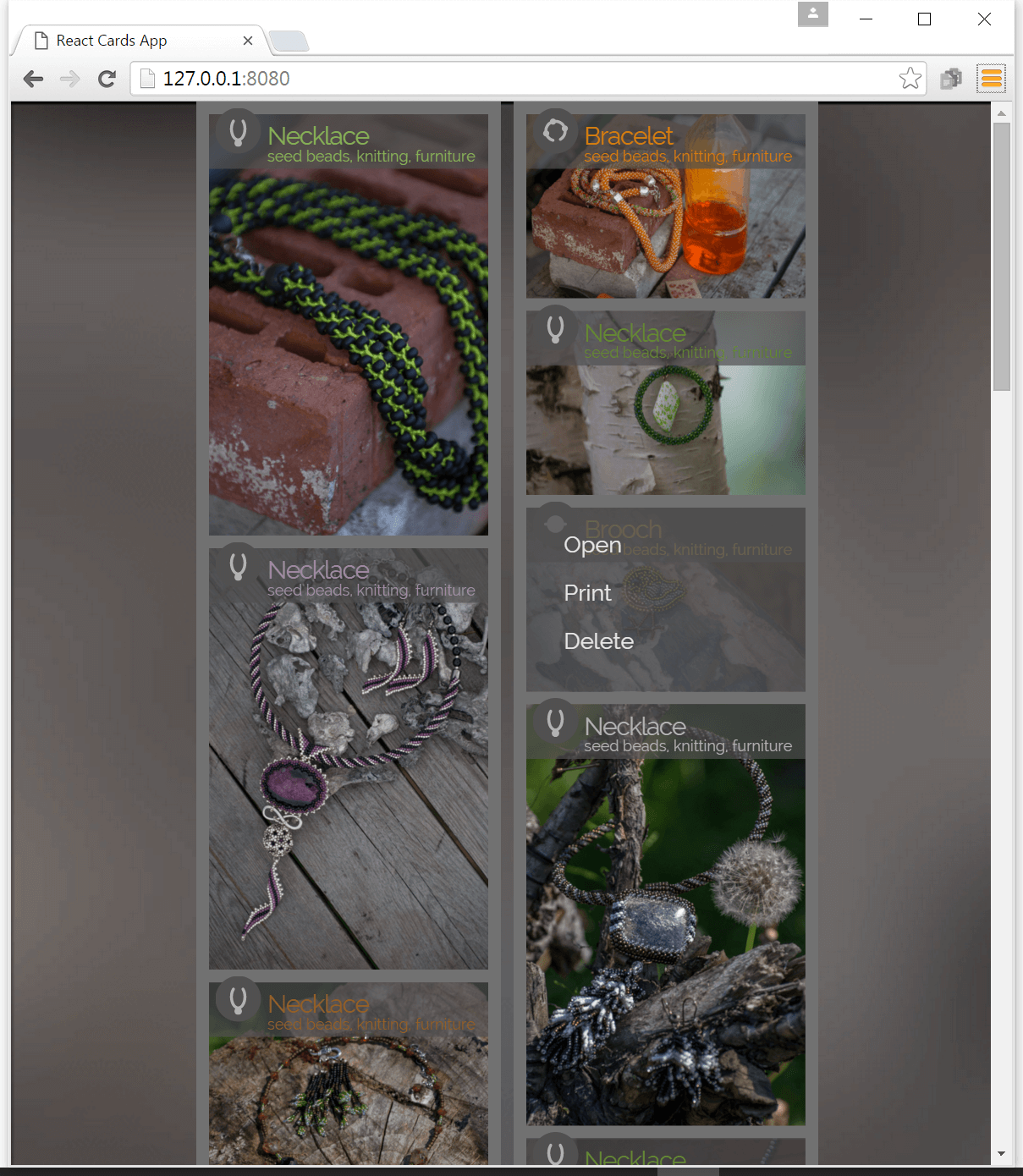
- A transparent overlay with block manipulation options should be shown on “mouse over” (open, delete, print...)
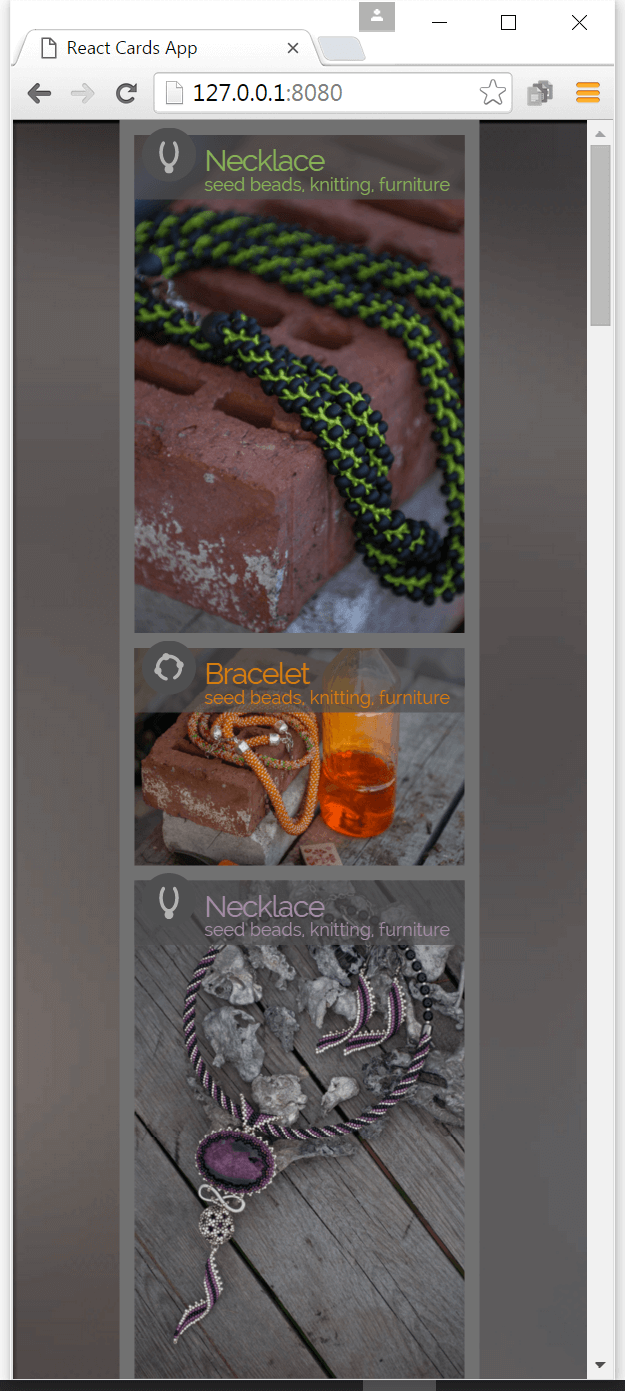
- A group of such blocks should be responsive (i.e. 4 in one row on a high resolution, 2 in one row on smaller resolutions, with each mobile in its own row) and function in a Bootstrap v3 grid (default 12 cells per row)
- The blocks should have the same width/height regardless of state (etc. after resizing)
- Be especially mindful of the details (straight ellipsis, neat paddings/margins etc.) – visual design is as relevant as the software implementation.
Examples of content-card implementations:
- https://chrome.google.com/webstore/category/extensions?hl=en-US
- http://www.podravka.hr/("inspiracija" section)
- http://www.dtelepathy.com/blog/inspiration/ux-flows-how-to-champion-your-content-with-cards
- http://www.pinterest.com/flexewebs/cards-ui/