This is usage for using this program. You need two rasberry pi(server and client). And we used one display for rasberry pi*. Following paragraph introduces the usage of of our project
Demo Video
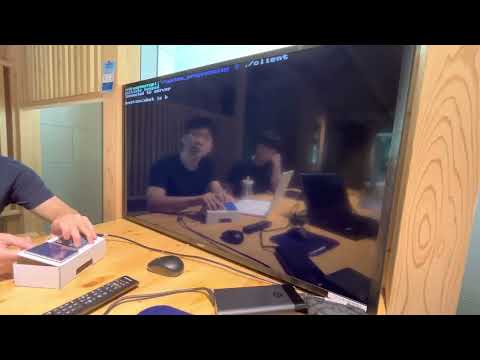
*https://www.devicemart.co.kr/goods/view?no=1376592
1. Copy this repository
Run this code on server and client rasberry pi.
git clone https://github.com/seygodin/system_programming.git2. Compile Display Output Module
Run this code on client rasberry pi.
$ sudo git clone https://github.com/goodtft/LCD-show.git

$ cd LCD-show

$ sudo ./LCD35-show
3. Compile Keyboard Input Module
Run this code on client rasberry pi.
A. get wiringPi
git clone https://github.com/WiringPi/WiringPi.git
cd WiringPi
./build
B. check membrane.c, membrane.h, client.c is in same folder. then, enter the command.
gcc -Wall -o client client.c membrane.c -lwiringPi4. Compile ChatGPT Call Module
Run this code on server rasberry pi. You must put your own GPT api key to YOUR_API_KEY of final_version/gpt_com.c (line 97).
gcc -o server final_version/gpt_com.c -lcurl -lcjson5. Run program
Server Rasberry Pi
./serverClient Rasberry Pi
./client