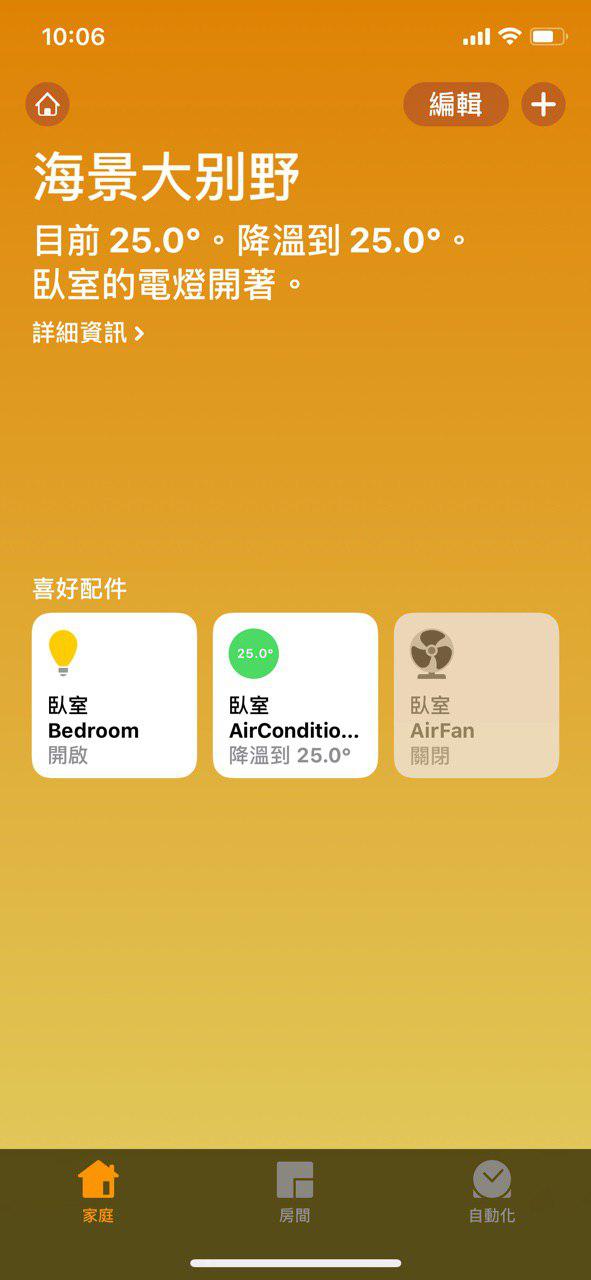
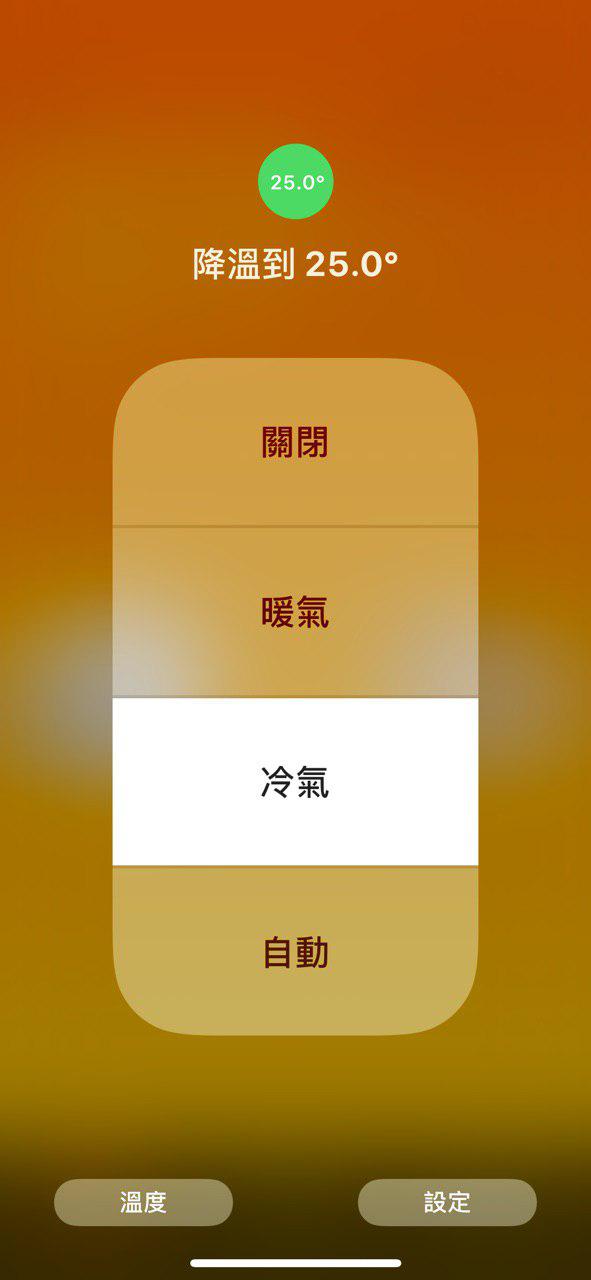
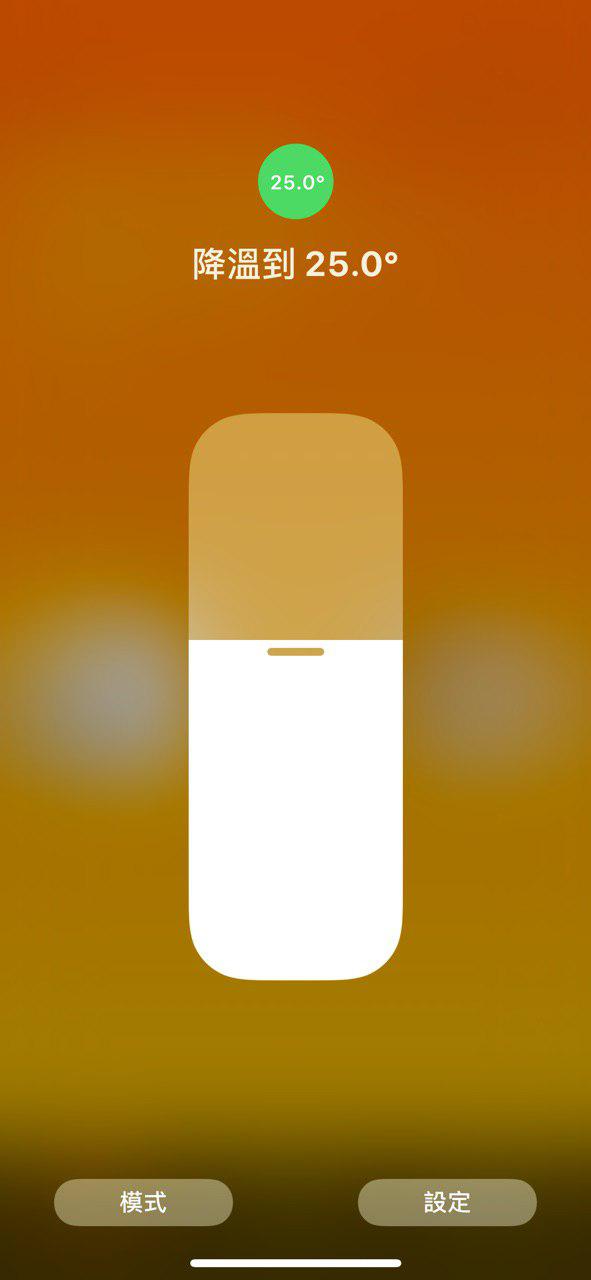
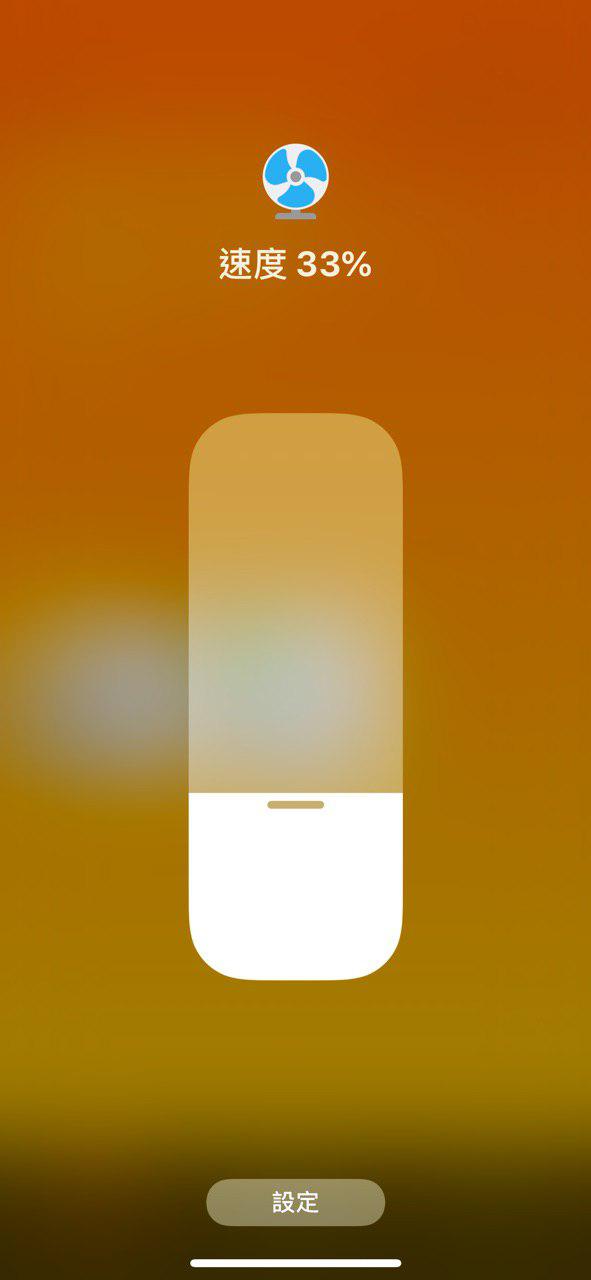
Link Homekit to your Gree air conditioner(YB0F2) using Raspberry Pi.
- Work with Apple Homekit to control Gree air conditioner through IR.
- Turn on air conditioner when changing the target temperature(cooling mode in this case by default).
- Fan speed 1-3 means the real fan speed; 0 means auto speed.
-
Configure your Raspberry Pi:
- Connect IR transmitter to Rpi 17(in BCM).
- Add
dtoverlay=lirc-rpi,gpio_in_pin=18,gpio_out_pin=17to/boot/config.txt. - Install
Lircand configure it.
-
Configure Lircd service:
- Put generated config file
air.lircd.confinto/etc/lirc/lircd.conf.dfolder (make sure the file name is with suffix.conf). - Restart
lircwithsudo systemctl restart lircd.service.
- Put generated config file
-
Boot the program:
- Put
ac.confinto/etc/supervisor/conf.dif you usesupervisor. - Connect accessory to Homekit with default pin
23333333.
- Put
- Regenerate
lircdconfigure file: Useconfig-gen.py. - Specify pin or storage folder using
AirRC --pin=23333333 --storage=config.