Contents
We build this Weather Forcast Software to help you be able to know the weather around the world. An application of science and technology to predict the conditions of the atmosphere for a given location and time
Please install packages list from here and download our program from git clone git@github.com:utk-cs/Team_alpha.git
You shall obtain files: WeatherApp.py and image (directory)
Run with: py WeatherApp.py
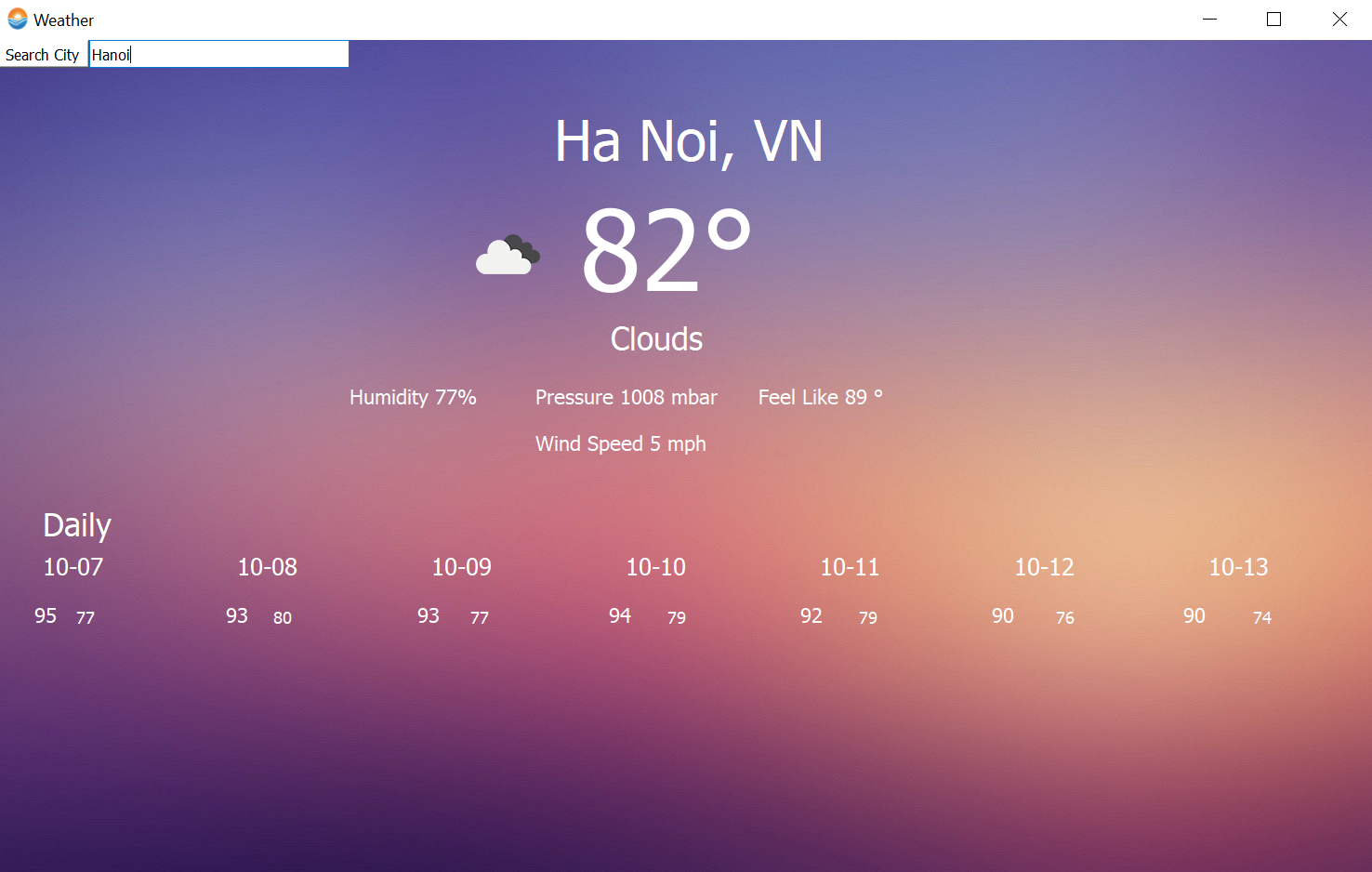
Iteration 1: At the top-left corner appeared a search box, enter a desired location.
Then enter the type of unit for temperature. There are 3 choices for it:
-
anything: kelvin
-
"metric": Celsius
-
"imperial": Fahrenheit. It will appear weather condtion you need today and some basic information on the next 7 days Maksure you click the box "Unit" by left-click mouse after entered "Search city" and "Unit"
Iconset: (https://openweathermap.org/weather-conditions)
License: Free for commercial use ()
Download date: 2021-10-03
A machine can run python3
-
Get a free API Key at OpenWeatherMap
-
Private API key included in the test.py
- PyQt5 - pip install pyqt5
- BlurWindow - python -m pip install BlurWindow
- requests - python -m pip install requests
- pytz - pip install pytz
- pip install qt-material
1. Search box which can get longtitude and latitude from One Call api

2. Background with image

3. Today's temperature at desired location + country (states)

4. Weather conditon's icon based on the result return from One Call api

5. Today's variables (humidity, pressure, feel likes, wind speed) with no decimal number

6. Daily section contain: next 7 dates with max. and min. for each day

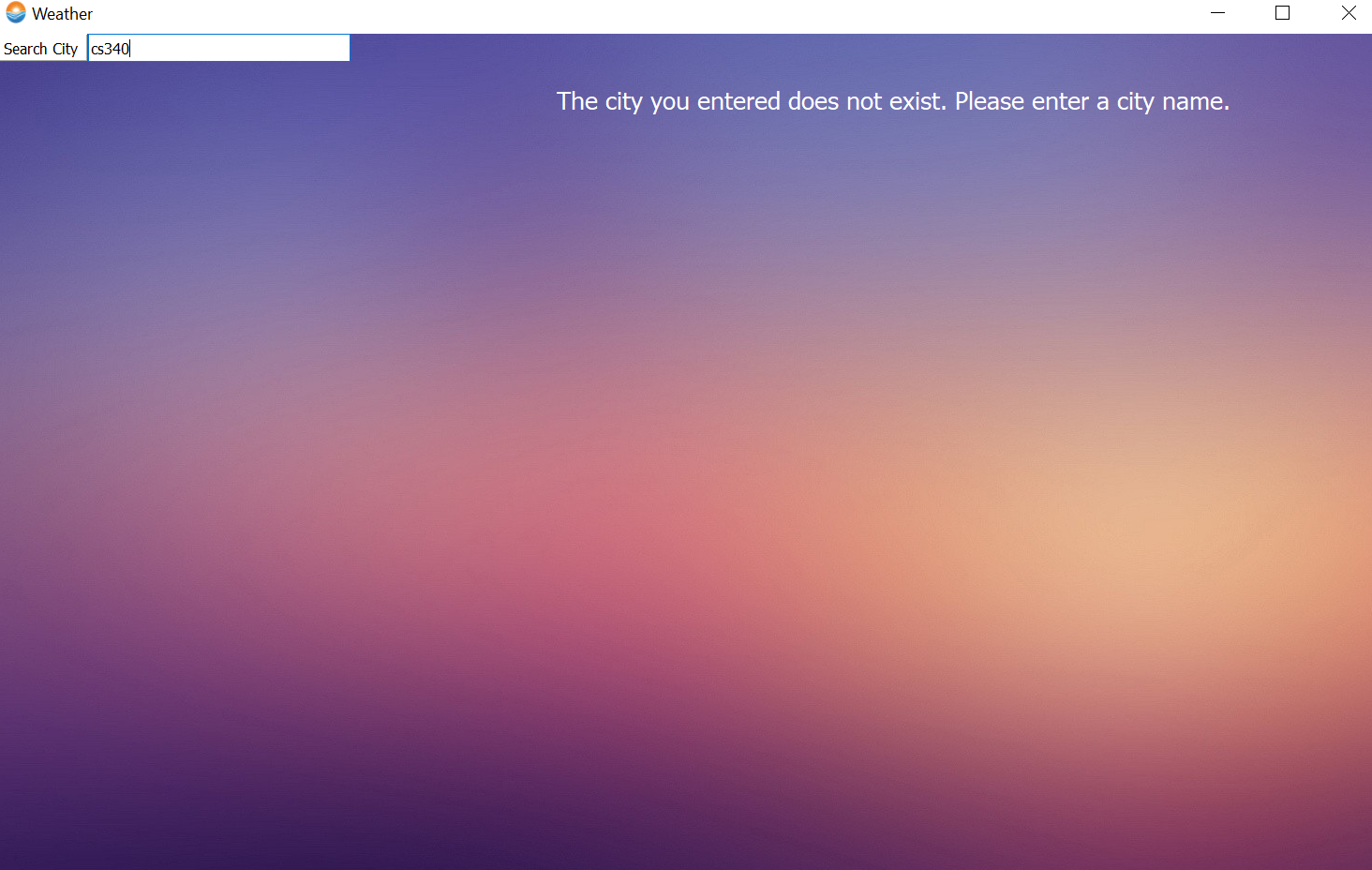
7. If the user entered an invalid location, it will prompt an error message
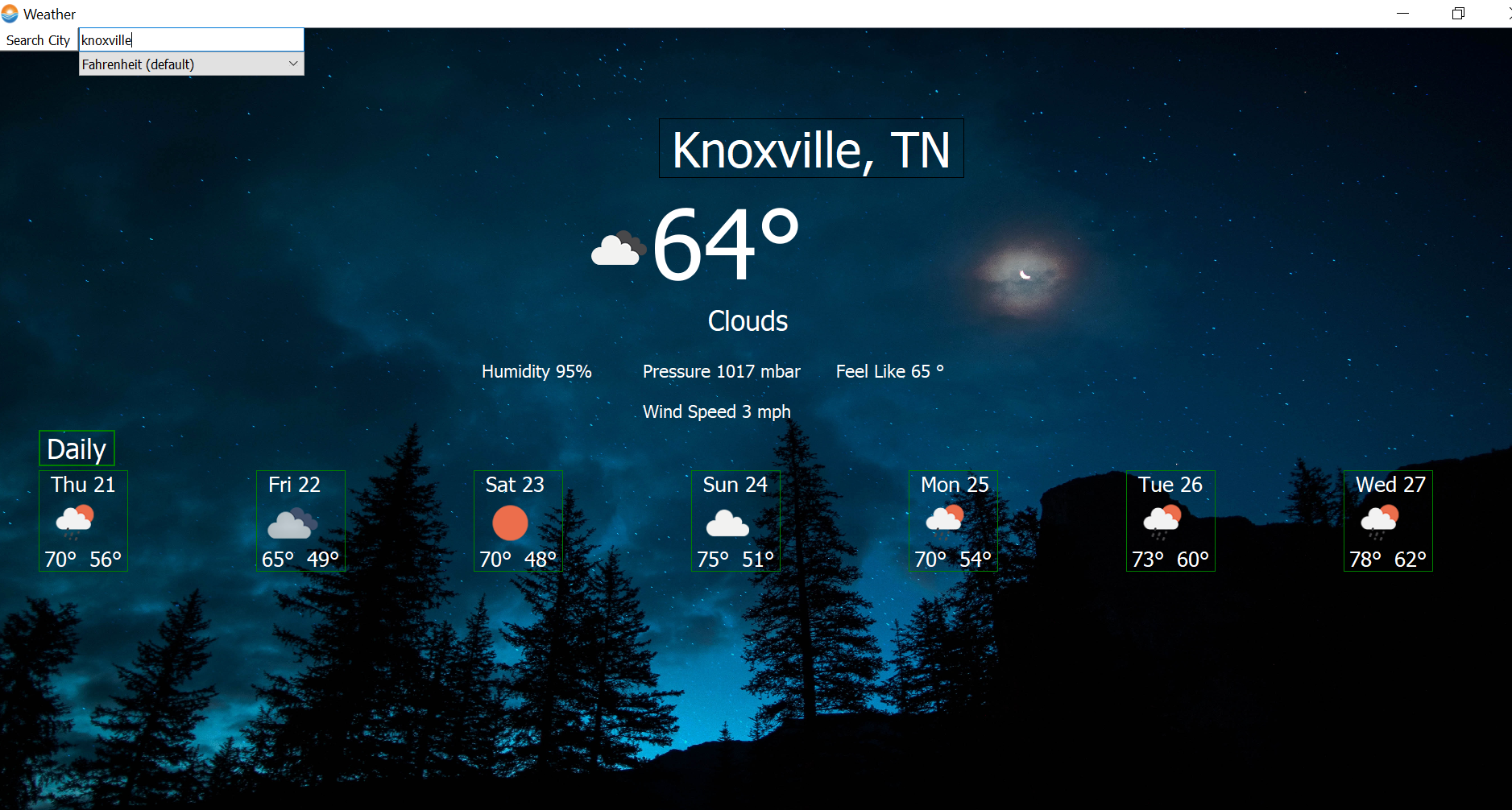
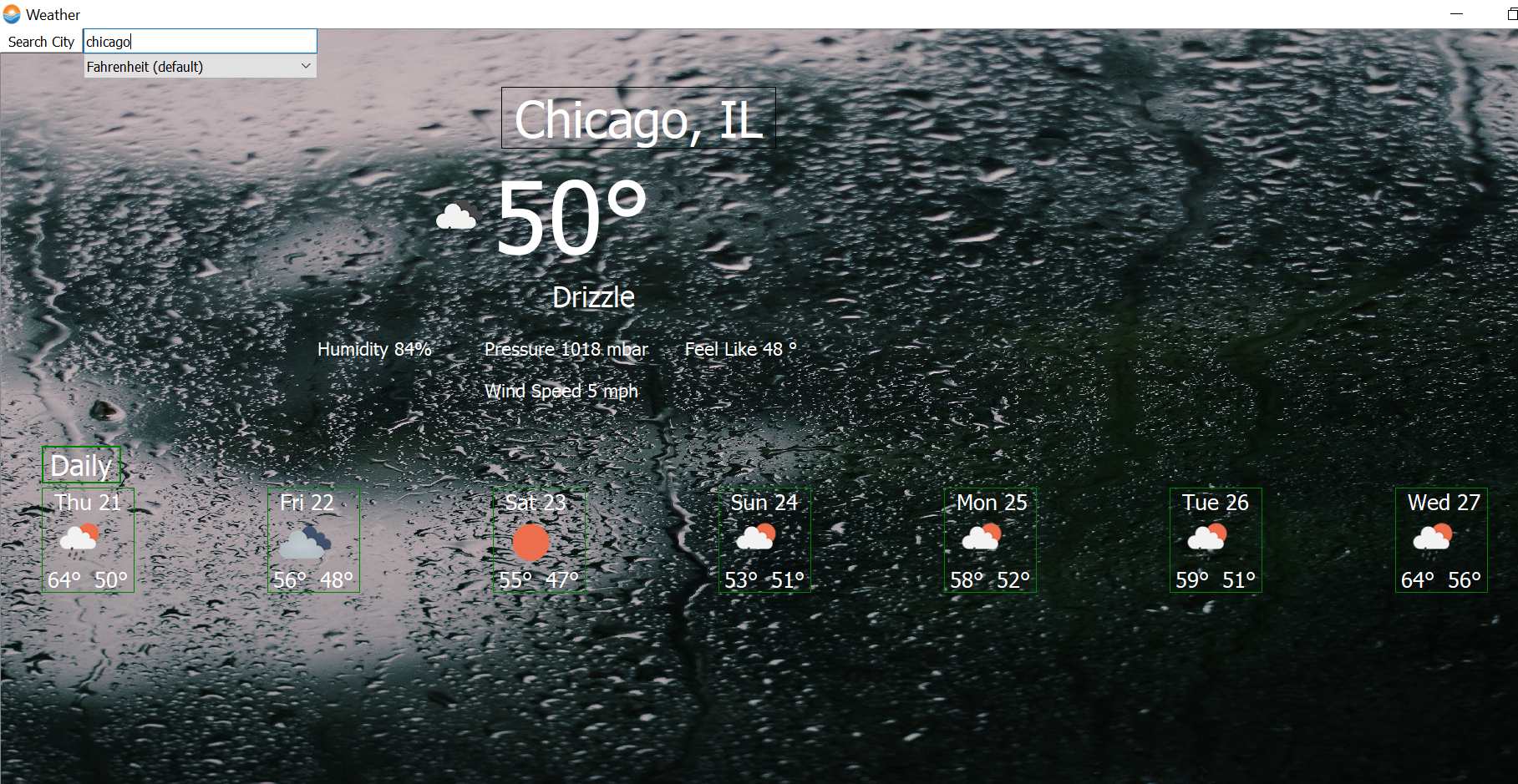
1. Icons for daily weather

2. Background image based on today's weather conditon

3. Display look better
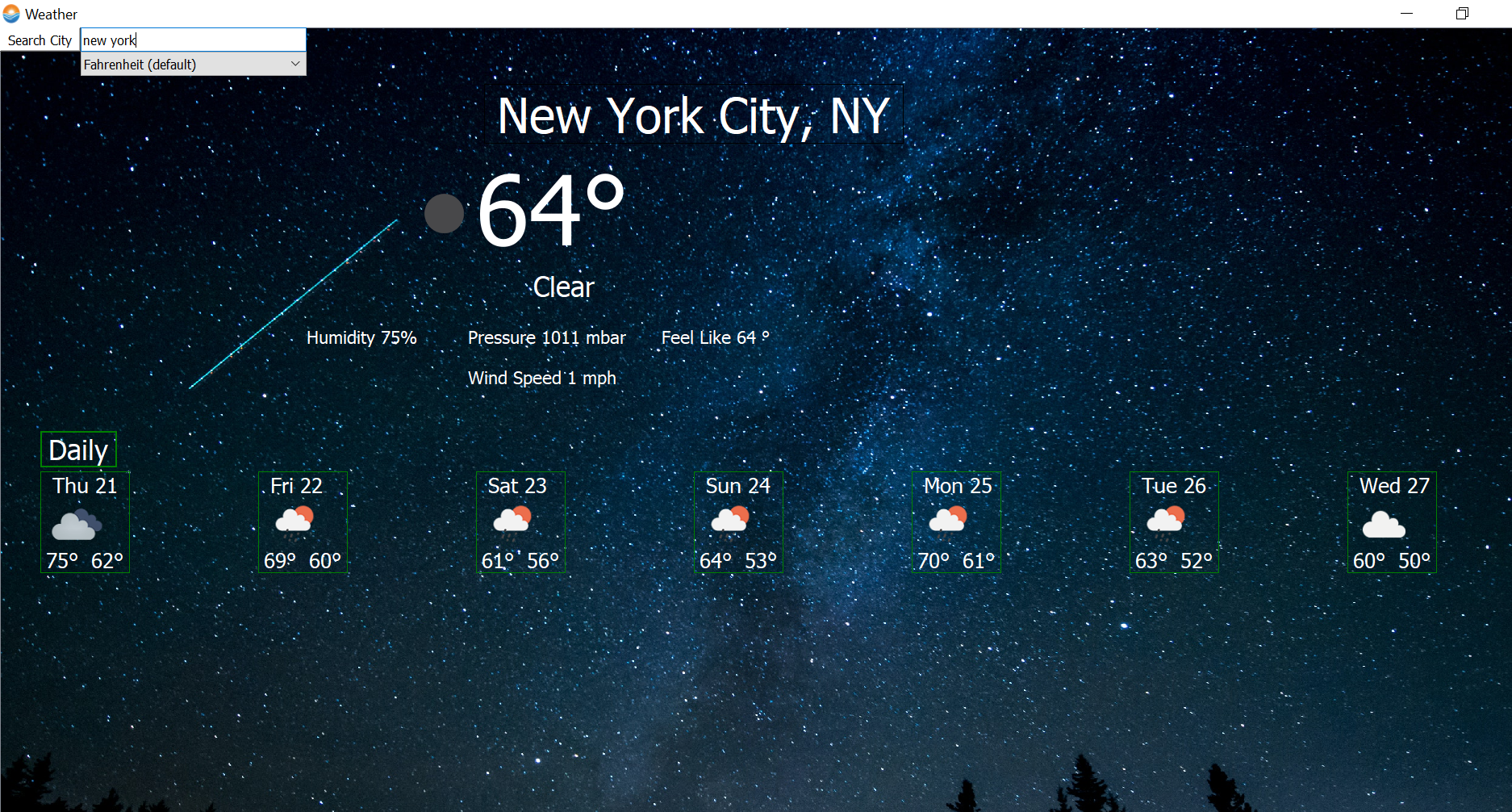
1. The labels that can stand at the same place in bigger or smaller screen size

2. Hourly for today's date

3. Alert messeage

4. Save a favorite location. Any time you open the application, it showned your saved location
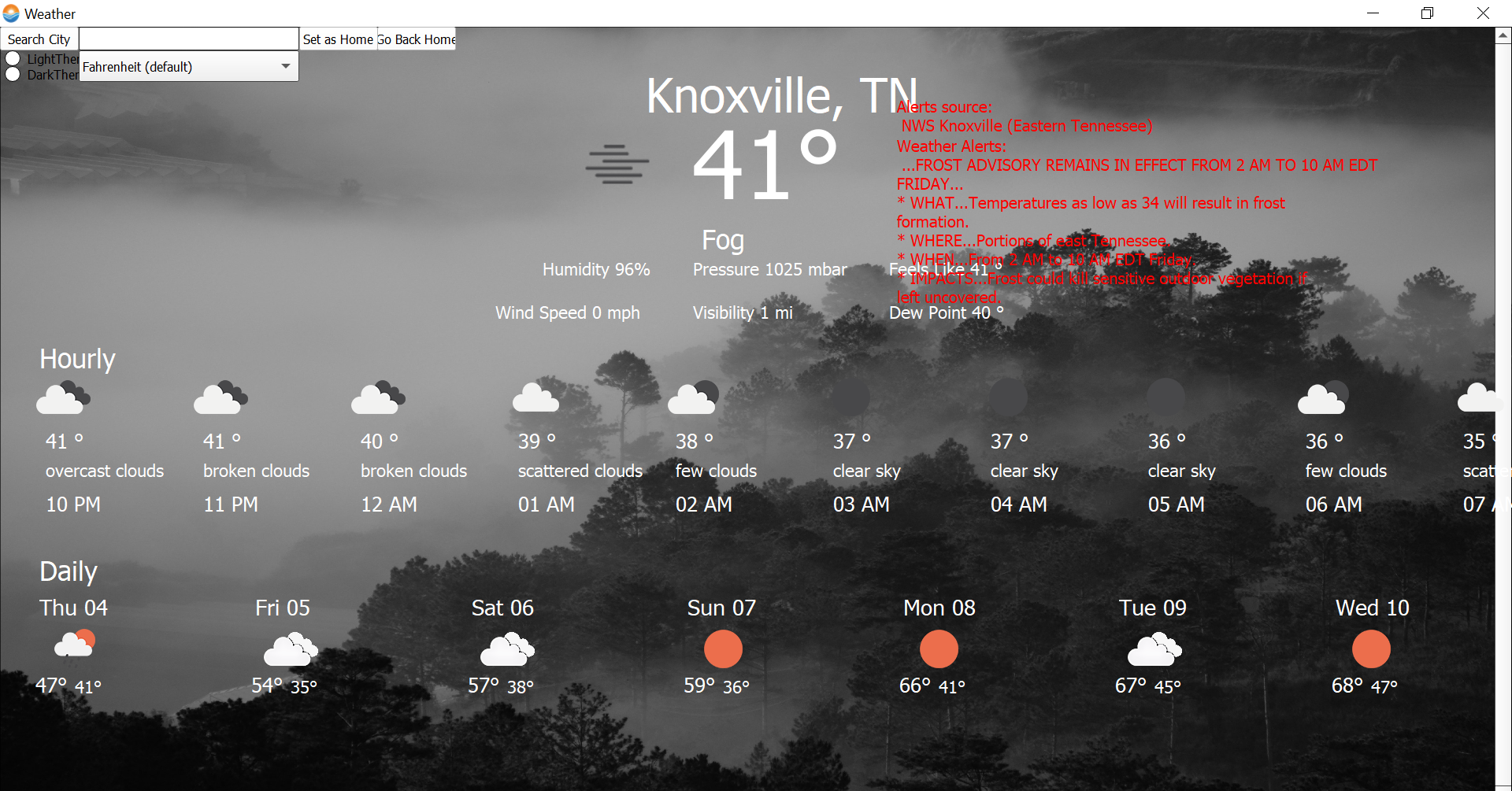
1. Warning messages appear when the location has an alert

2. Hourly information for the current data

3. Reset to default settings button
gif.mp4
An Phan - phanthanhan2107@gmail.com (primary), aphan2@vols.utk.edu (school)
Seth Johnson - sjohn248@vols.utk.edu
Darius White
Taha Khan
Project Link: Team_alpha