A TUI built on top of work CLI
Important
This is very much a work in progress. Please open an issue if you have feature requests or bug reports.
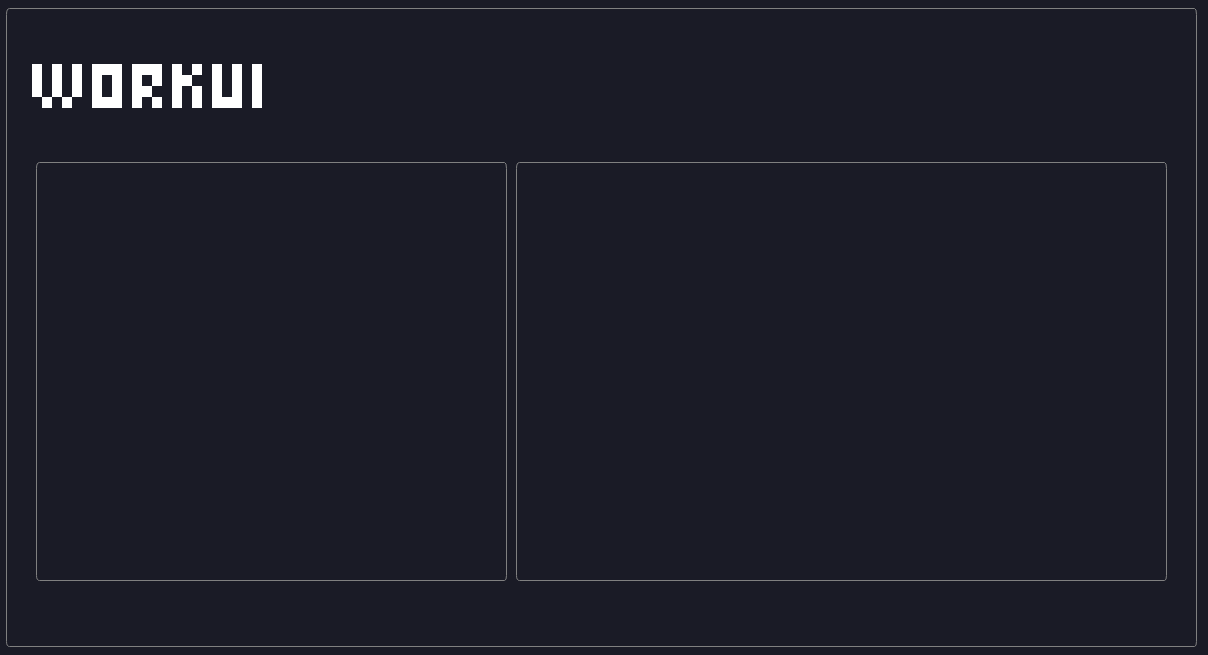
workui is a terminal user interface for the work CLI - a unified, stateless command-line tool that bridges AI agents and task management systems. It provides a visual interface for managing work items across multiple backends (Jira, GitHub, Linear, Azure DevOps, local filesystem) without vendor lock-in.
Key Features:
- Visual interface for work CLI commands
- Context-aware work item management
- Multi-backend support through work CLI
- Real-time work item filtering and querying
- Relationship visualization between work items
- work CLI installed and configured
- Node.js 18+ (LTS recommended)
- Authenticated contexts in work CLI (see work CLI documentation)
brew install macklinu/tap/workuiIf you're looking for Windows or Linux builds, please check the Releases page for now and/or help me figure out how to publish the executables to Linux or Windows package managers.
Everything is built on top of work CLI, so you need to have work CLI installed and configured with at least one context.
Warning
I need to work on keybindings for navigation + more commands that get you into work item list/detail views, so the entrypoints and keyboard shortcuts below are likely to change.
View work items for the current context by typing workui items. Press i while in workui to go to the work items view at any time.
Press c while in workui to switch between configured work CLI contexts at any time.
workui leverages work CLI's context system. Before using workui, ensure you have configured at least one context:
# Example: Add a GitHub context
work context add gh-project --tool github --repo owner/repo

# Example: Add a Jira context
work context add jira-project --tool jira --project ABC

# Set active context
work context set gh-project

# Now you can use workui
workui itemsTo install dependencies:
bun installTo run and reload when saving changes:
bun run --watch src/index.tsxworkui is built using:
- OpenTUI for terminal UI components
- Effect for functional programming patterns
- work CLI as the backend
The application follows a context-driven architecture where:
- Contexts define tool + scope + credentials
- Work items are queried and managed within contexts
- Relations between work items are visualized and navigable
- Applied AI Engineers: Visual interface for agent-driven task management
- Product & Business Owners: Quick overview of work items across projects
- DevOps Engineers: Visual monitoring of work items in CI/CD workflows
- Technical Project Managers: Unified view across different project management systems
- Follow the coding standards
- Write tests for new features
- Update documentation for new features
- Ensure compatibility with work CLI interface
MIT License - see LICENSE for details.
This project is forked from ghui by Mackie Underdown. The original ghui provided a terminal user interface for GitHub CLI, which served as the foundation for workui's architecture and design patterns.
Original ghui features that inspired workui:
- Terminal UI built with OpenTUI
- Two-column master-detail layout
- Context-aware navigation
- Real-time data fetching and display
We're grateful for the solid foundation that ghui provided, enabling us to focus on adapting the interface for the work CLI's multi-backend task management system.