A Docker Compose environment that can be used to mock up or test your Saltstack states.
Using Docker Compose we spin up several prebuilt containers to create a self-contained Saltstack environment with a master and several slaves.
To start up a new environment use the ./build.sh command to start docker compose.
By default the build script will create an Ubuntu 18.04 based salt-master. You can override that with a command line option to build.sh.
Available options are:
- ubuntu18.04 (default)
- ubuntu20.04
- centos7
- centos8
./build.sh./build.sh centos8
Access the Salt Master to run basic salt commands, apply states, and test:
./master.sh
The docker compose system, by default, spins up four minions:
- ubuntu18.04 (default)
- ubuntu20.04
- centos7
- centos8
./minion.sh./minion.sh centos8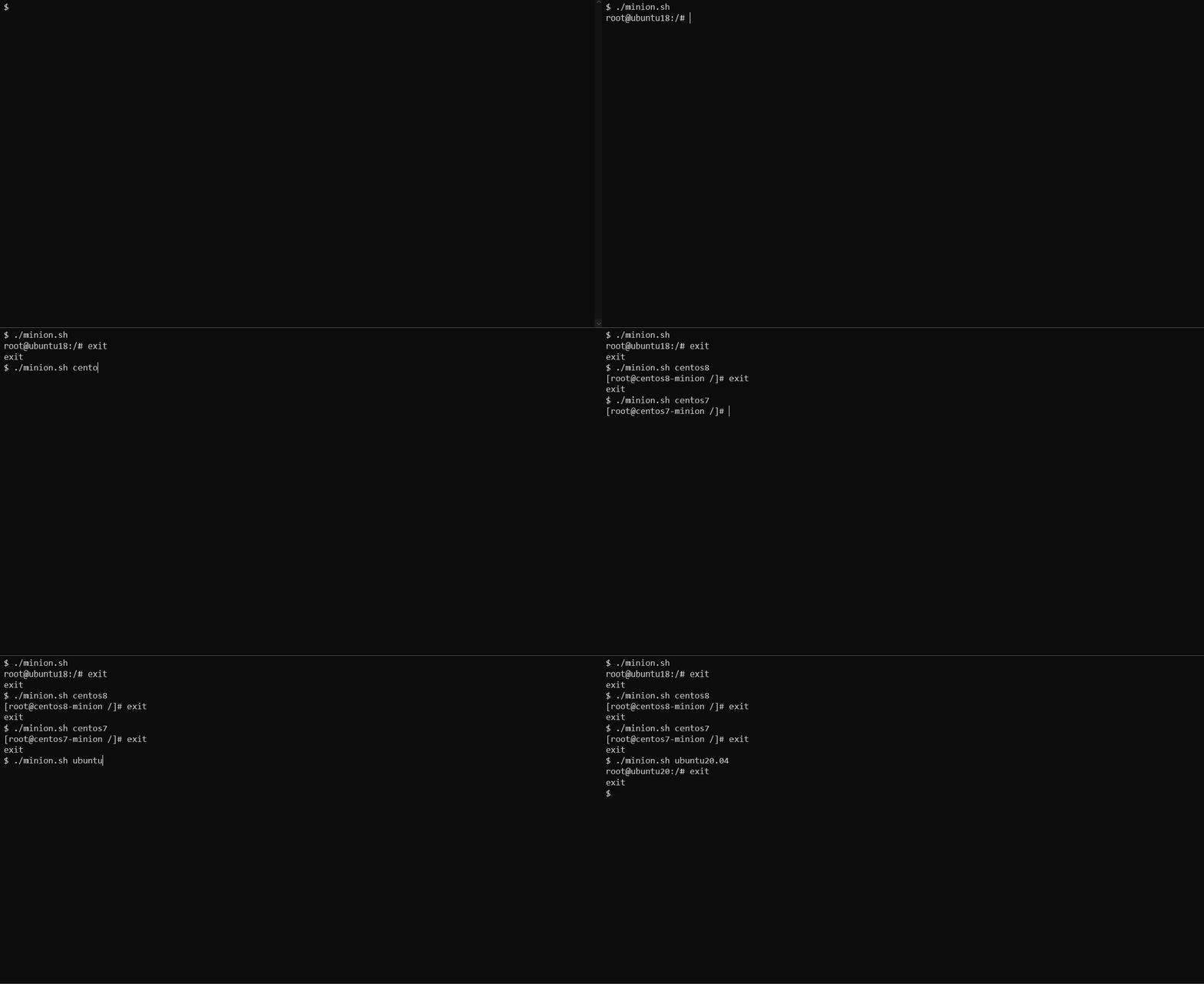
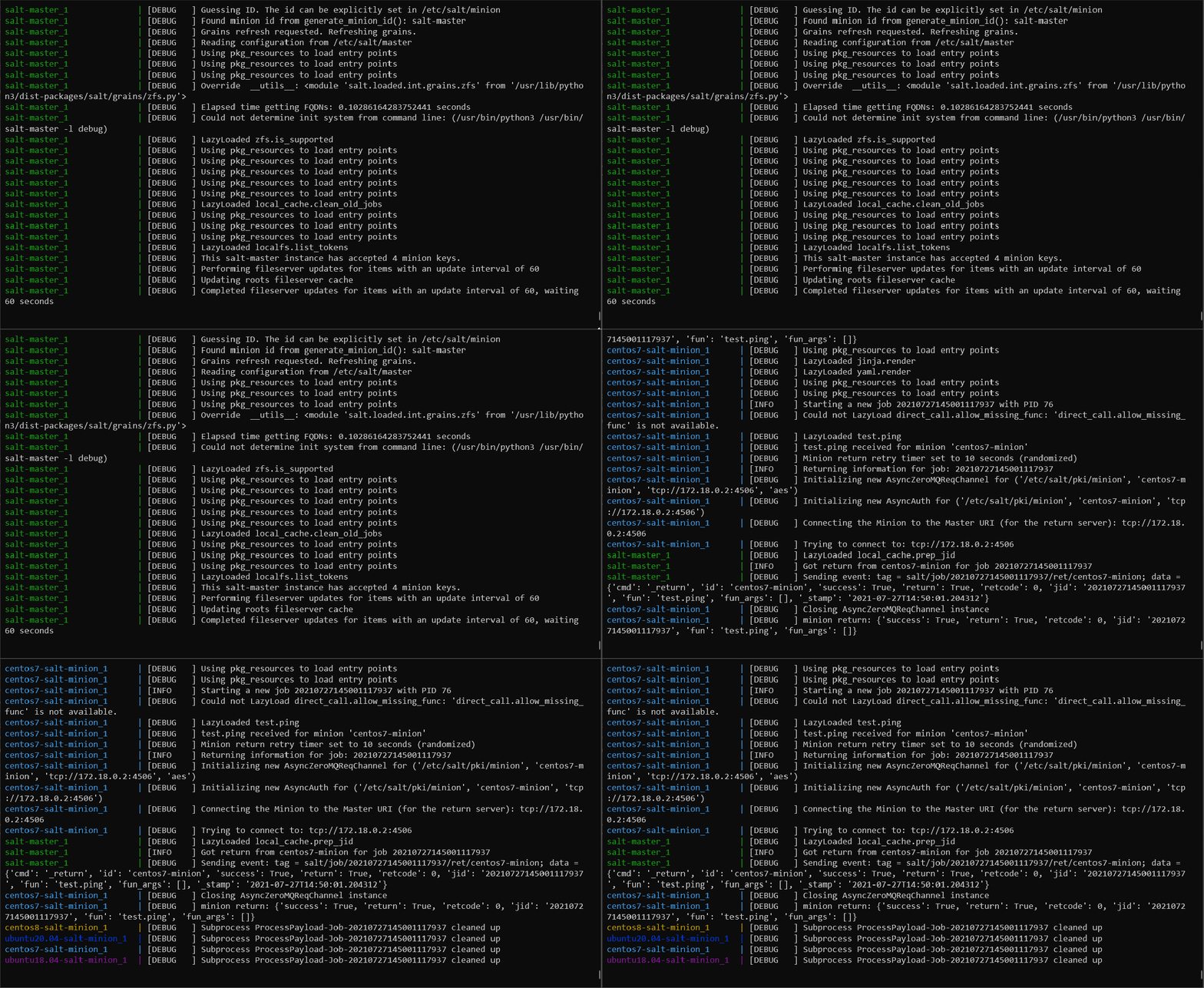
All minions are run with debugging on by default. Since all minions are spun up from the docker compose, you can view the docker compose window to see the output of the salt commands from the minions.
Here we can see the test.ping command sent to each minion from the master salt * test.ping:
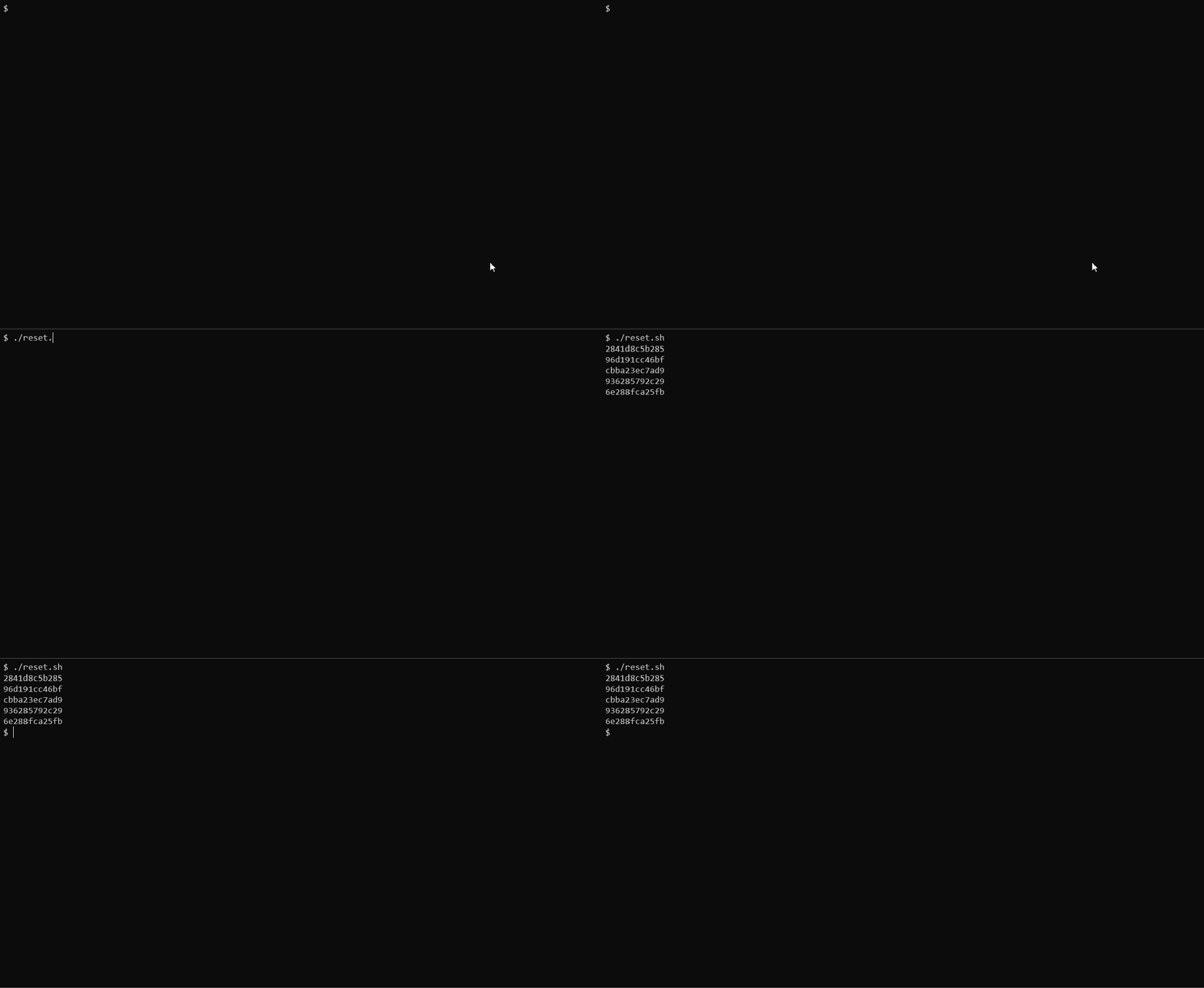
From time to time it is handy to blow away the environment to ensure that you have a clean slate for your development or testing. The reset.sh command will go through and collect all the containers that have the word "salt" in the name and destroy them. This ensures a fresh start on a subsequent ./build.sh.
Make sure you have stopped the docker compose process before you try to reset the environment.
I have only tested this process on my local PC which is running the following:
- Windows 10 Pro
- Docker Desktop
- WSL2 (Windows Subsystem for Linux 2) with Ubuntu 20.04
I have also included some work arounds for MinGW environments that I had encountered from previous configurations (the winpty you see sprinkled around in the shell scripts). These might not be needed these days, but I left them in just in case.
We use docker volumes in two places on the salt master.
- salt/master.d is mounted to /etc/salt/master.d
- salt/ is mounted to /srv/salt
The salt/master.d is used to provide overrides to the default salt-master configuration of the salt master. This can be used for adding reactors, external pillars, etc.
The salt/ directory is used as a base for your states, pillars, runners, etc. This folder is mounted directly from the local repo so that you can create states and then run and test them from the master in real time. If you want to use another repo or directory structure for that, be sure to update the docker-composer.yml file to adjust that volume source location.
All containers used for the salt-master and salt-minions are stored in this repository under the containers-images folder. These images are available at https://hub.docker.com/u/expresshosting. These images are automatically built when a commit is made to this repo, as well as when the underlying base images are updated. That means that the images should be as up to date as possible at all times.

If there are any other minions or masters that you would like see added, please add a PR (Pull Request) and I will get them added.
My original inspiration for this project was taken from https://github.com/cyface/docker-saltstack