Jupyter Notebook stays on macOS menubar.
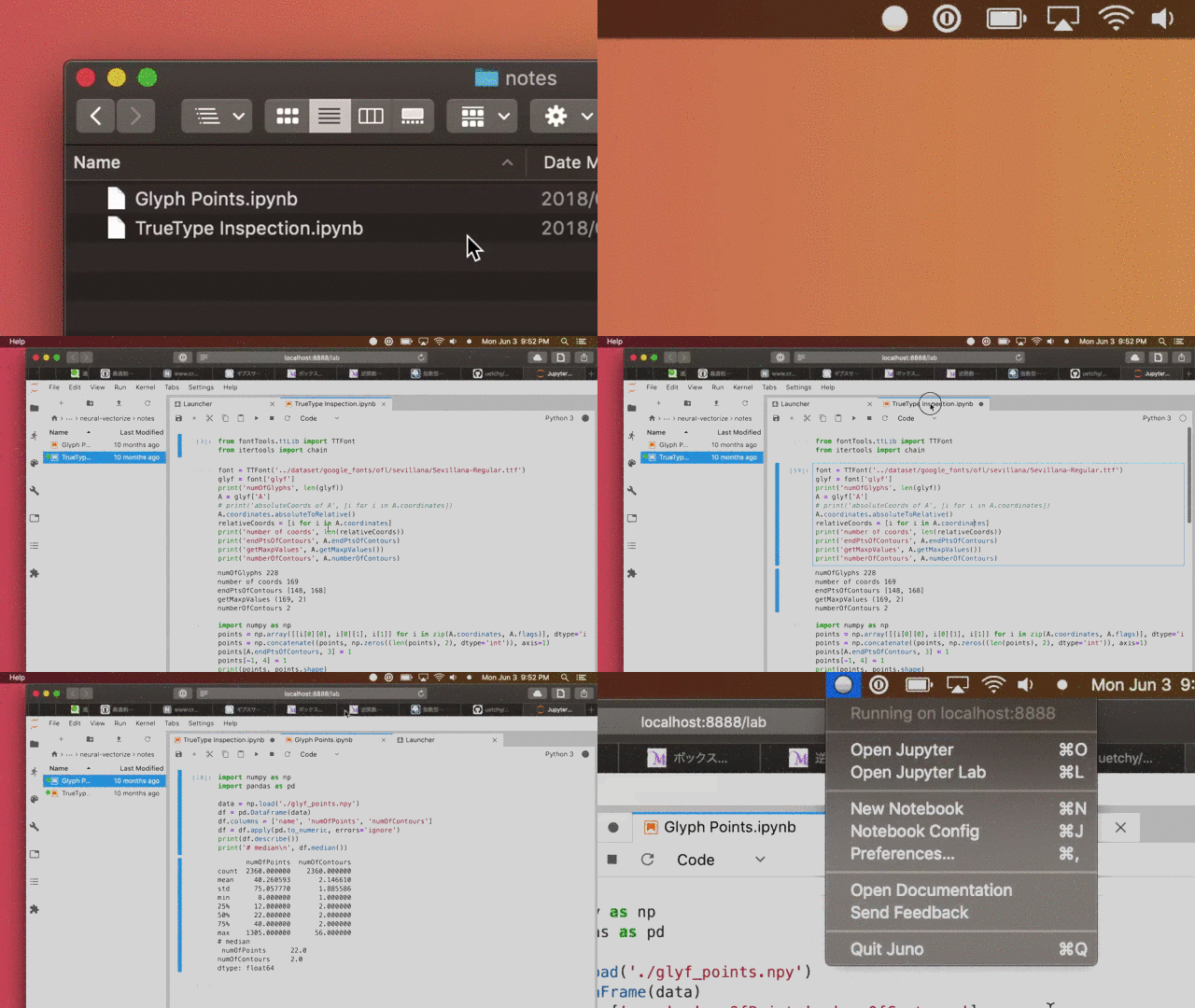



See releases.
- macOS
- Jupyter Notebook
brew install python3
pip3 install jupyter
jupyter notebook
Juno config is located on ~/.junorc.json.
default parameters are:
You can also specify /usr/local/bin/jupyter-lab to jupyterCommand to utilize
Jupyter Lab (you may also want to install jupyterlab via pip3 install jupyterlab.)
Put ~/.pyenv/shims/jupyter into jupyterCommand if you are on pyenv-enabled
environment.
Add juno command to open Jupyter notebooks from Terminal. Put following code
to your shell config file.
juno() {
open -a Juno $1
}to open a notebook:
juno "Untitled.ipynb"
Feel free to report issues.
- Launch Juno in specified directory
- Terminal integration
- Test suite
- Auto update


npm install
npm start
npm test
npm run build
MIT © Yasuaki Uechi
{
  "jupyterCommand": "/usr/local/bin/jupyter-notebook", // executable path for Jupyter Notebook
  "jupyterPort": 8888, // server port
  "jupyterHome": "~", // root folder
  "openBrowserOnStartup": true, // set true if let Juno open browser after launch
  "preferLab": false // open Jupyter Lab instead of Jupyter Notebook
}