✨ Use the option in settings to either use or hide the theme background color #982


Description

Is your feature request related to a problem? Please describe.
The "Use theme background" checkbox in Settings does not work.
Describe the solution you'd like
Use the "Use theme background" option in settings to either use or hide the theme background color.
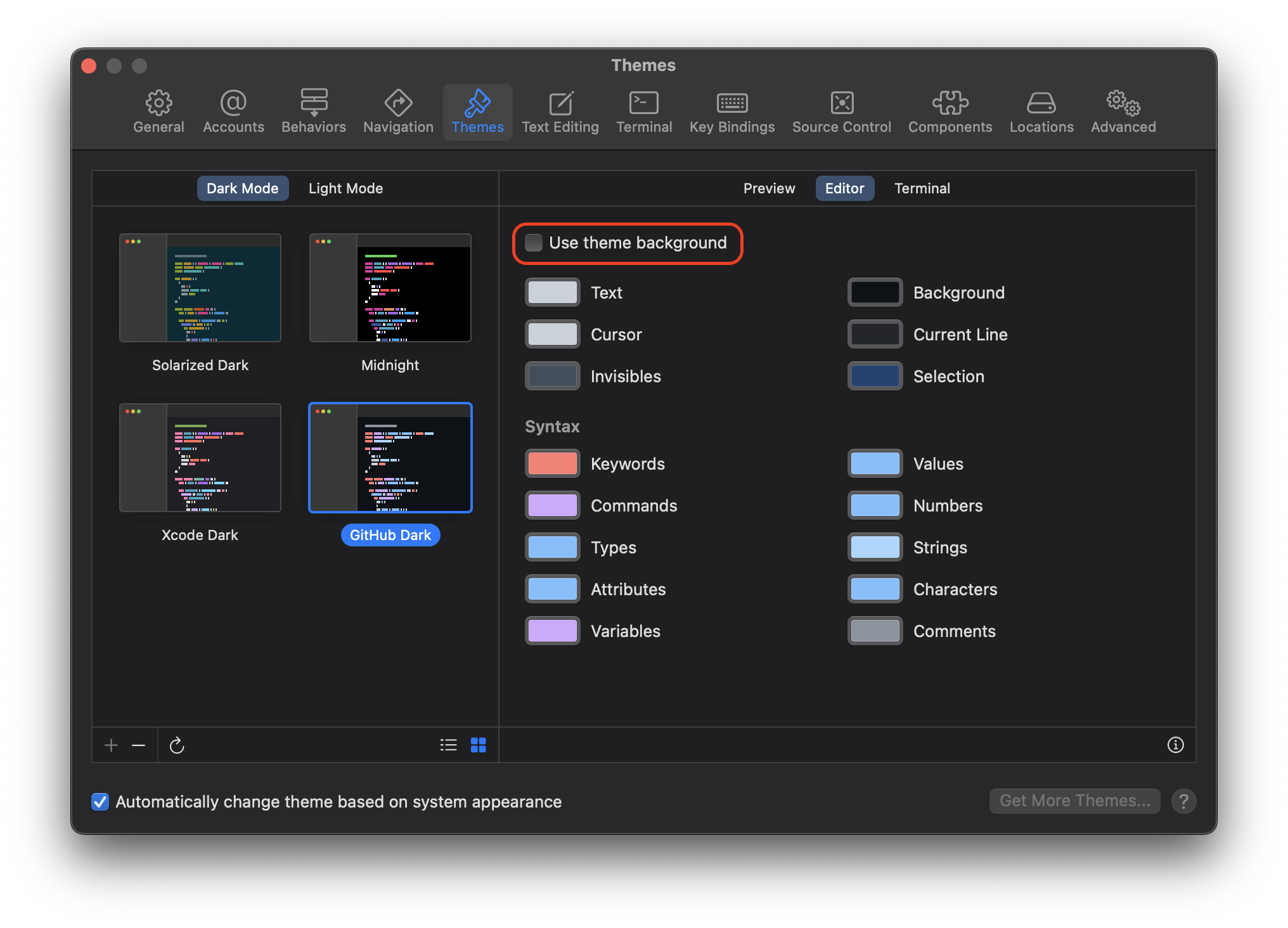
When unchecked, the theme background color will be .clear showing through to the editor background behind CodeEditTextView.
In dark mode, the editor background should be EffectView(.underPageBackground) and in light mode it should be EffectView(.contentBackground).
This same should also apply to the terminal, this checkbox does not exist in the terminal tab, so it will need to be added underneath, "Always use dark terminal appearance"
Metadata
Metadata
Assignees
Labels
Type
Projects
Status