Allow download of images shared in chat #1040


Description

If you haven’t already, check out our contributing guidelines for onboarding!
Platform - version:
All platforms / 280
Action Performed (reproducible steps):
- Log into Expensify Cash
- Click the paperclip icon
- Select an image and confirm the upload
- Once the image uploads to the chat, click the image
- Notice that there is no way to download the image in the Attachment modal
Expected Result:
The modal should provide an icon that can be clicked to download the image.
Actual Result:
There is no way to download the image
Notes/Photos/Videos:
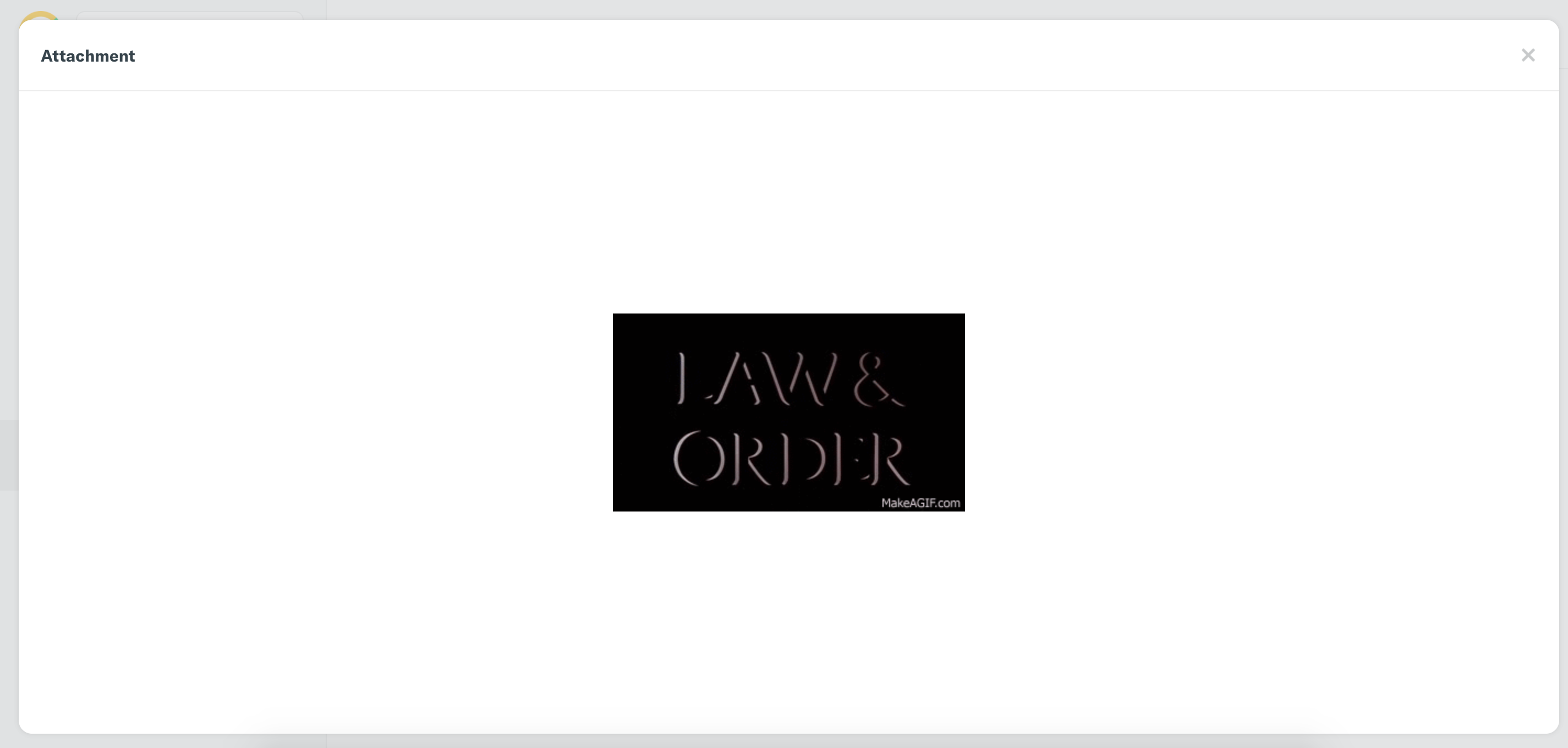
Here is what it currently looks like:
Instead, we'd like to include a download button:
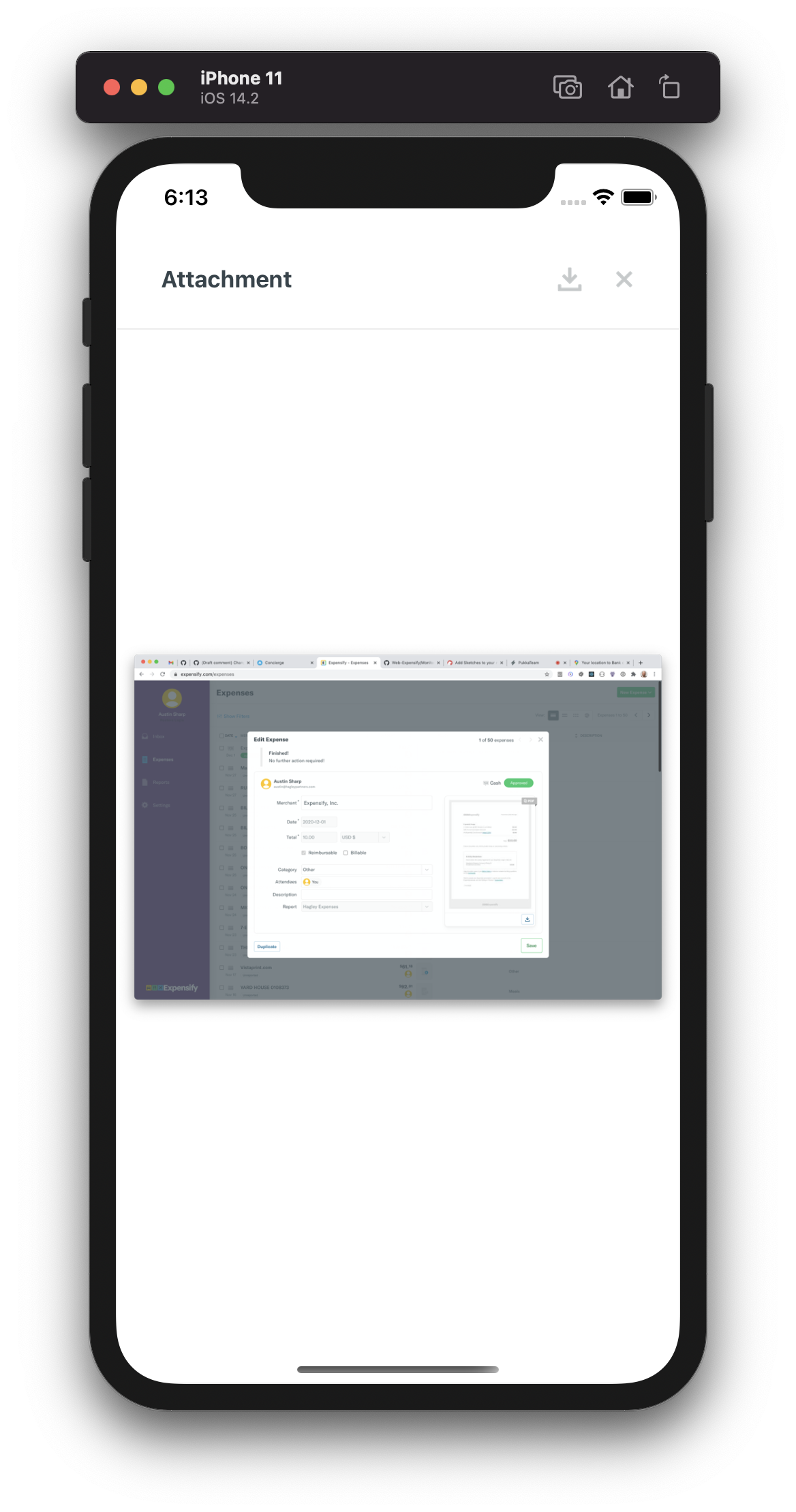
The icon asset can be found here:

After downloading, please confirm the image is stored on the device.
view the job on Upwork here.
Metadata
Metadata
Assignees
Labels
No labels