Download attachments in the chat#1585
Conversation


 bondydaa
left a comment
bondydaa
left a comment
bondydaa
left a comment
There was a problem hiding this comment.
Just a couple of comments but also going to have someone more familiar give a look at the native stuff.
| ); | ||
|
|
||
| // creating anchor tag to initiate download | ||
| const link = document.createElement('a'); |
There was a problem hiding this comment.
I was really confused here and thought "there's no way this is the best way to download something in 2021, right?" but after doing some searching uh ya I guess it still is 🤯 https://davidwalsh.name/javascript-download
There was a problem hiding this comment.
Yes right?
I was also searching for a better way to do that. But found this is still valid.
bondydaa
left a comment
bondydaa
left a comment
There was a problem hiding this comment.
great thanks for those updates 👍 all you @AndrewGable (or re-assign to someone who might have more native knowledge 🙏 )

|
oh looks like conflicts in the Podfile.lock and Expensicons.js |
….cash into sameera-download-image-from-chat

|
@bondydaa Just fix conflicts. Got a pull from the upstream master. have a look. 👍🏻 |
| - React-Core | ||
| - RNCAsyncStorage (1.12.1): | ||
| - React-Core | ||
| - RNCPicker (1.9.11): |
There was a problem hiding this comment.
hmm looks like this was just added and merged a few hours ago here https://github.com/Expensify/Expensify.cash/pull/1553/files
There was a problem hiding this comment.
sounds like you need to npx pod-install to fix? cc @marcaaron ?
There was a problem hiding this comment.
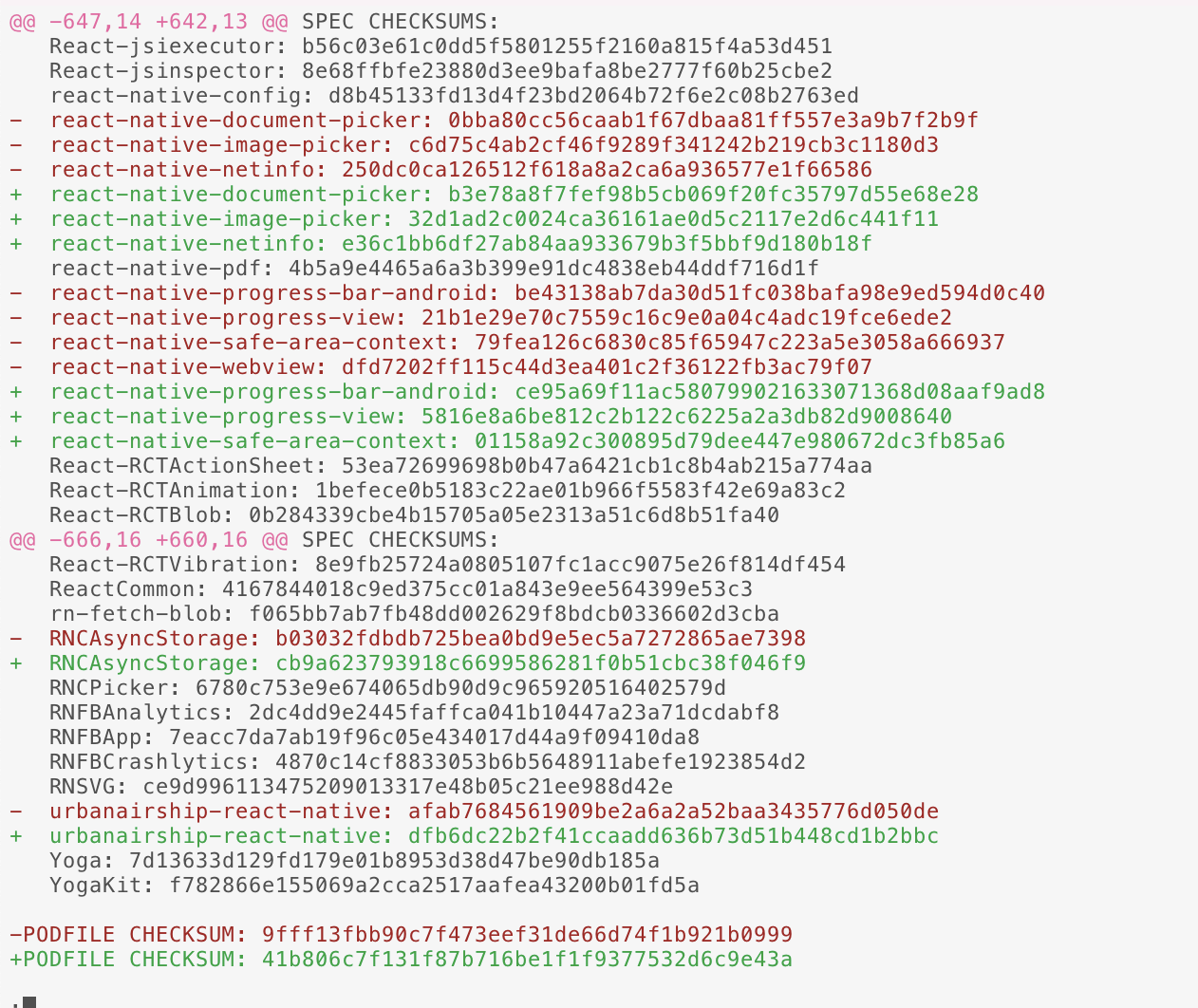
I did pod install and RNCPicker got removed. What can be the case?
Even in the master when I do pod install, It's getting removed from pod.lock
There was a problem hiding this comment.
Okay.. since the picker is newly added, I need to do run npm install. Then only pod install.
There was a problem hiding this comment.
I pulled master, ran npm install in the root then cd ios/ && pod install and looks like I'm getting the same changes so something is messed up. Asking in our Slack to try and get it figured out
There was a problem hiding this comment.
okay sorry for the delay. I'm pretty sure this https://github.com/Expensify/Expensify.cash/pull/1553/files was done wrong and what you have here is correct.
Looking at https://artsy.github.io/blog/2016/05/03/podspec-checksums/ and https://romainbrunie.medium.com/podfile-lock-87df8c744dc6 helped show me how to confirm the checksum. only thing to note is we install the pods into the repo directory instead of a global ~/.cocoapods.
Expensidev/Expensify.cash (master) $ pod ipc spec ios/Pods/Local\ Podspecs/react-native-document-picker.podspec.json | openssl sha1
b3e78a8f7fef98b5cb069f20fc35797d55e68e28
looks like another conflict in the podfile.lock 😭 so if you could pull master again, npm i && cd ios && pod install and repush.
I'll merge to once conflicts are gone. Thanks for bearing with me.

….cash into sameera-download-image-from-chat

3 participants


Details
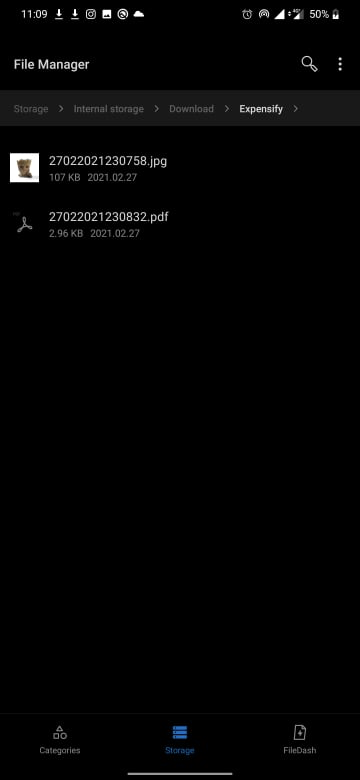
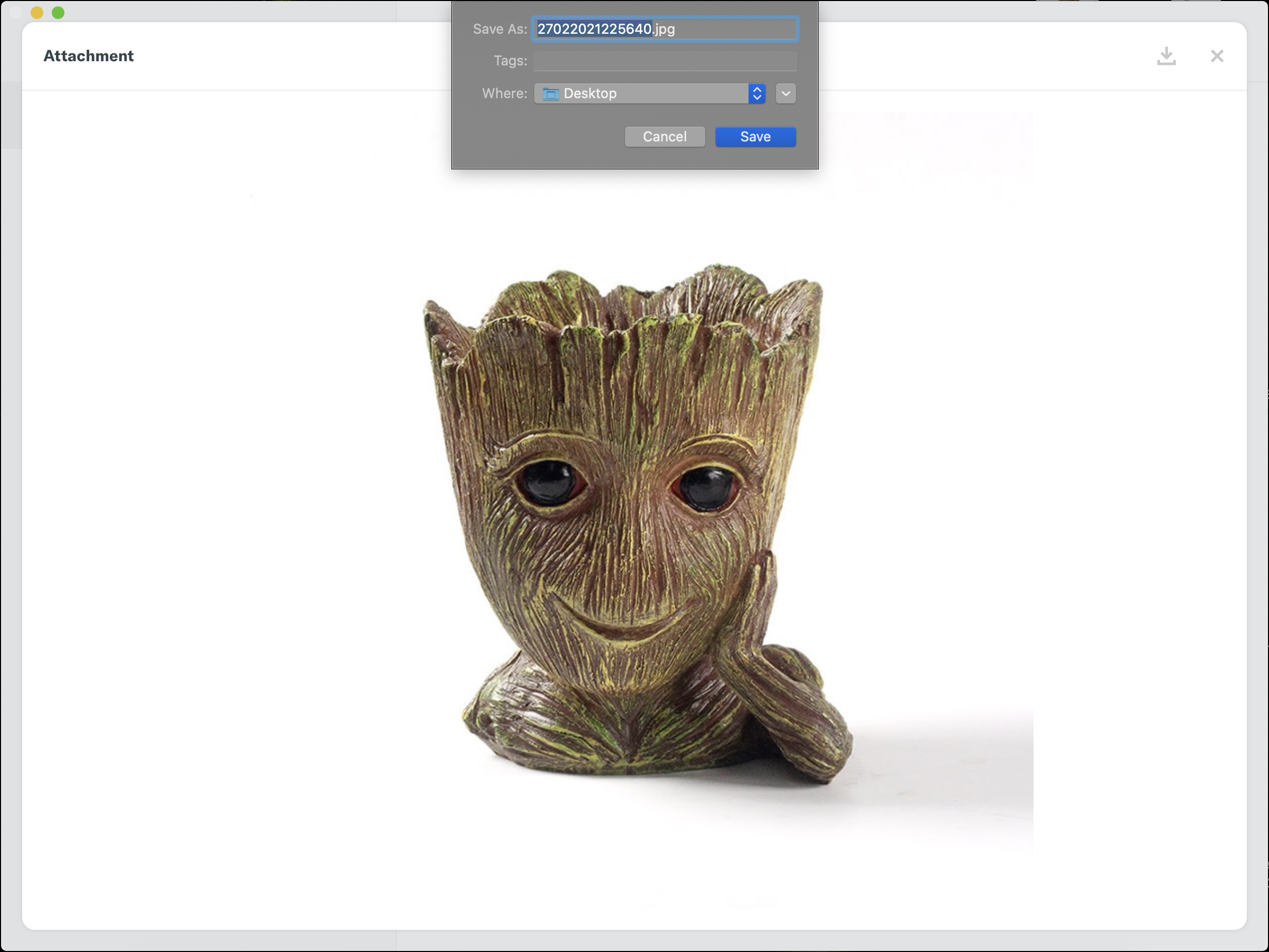
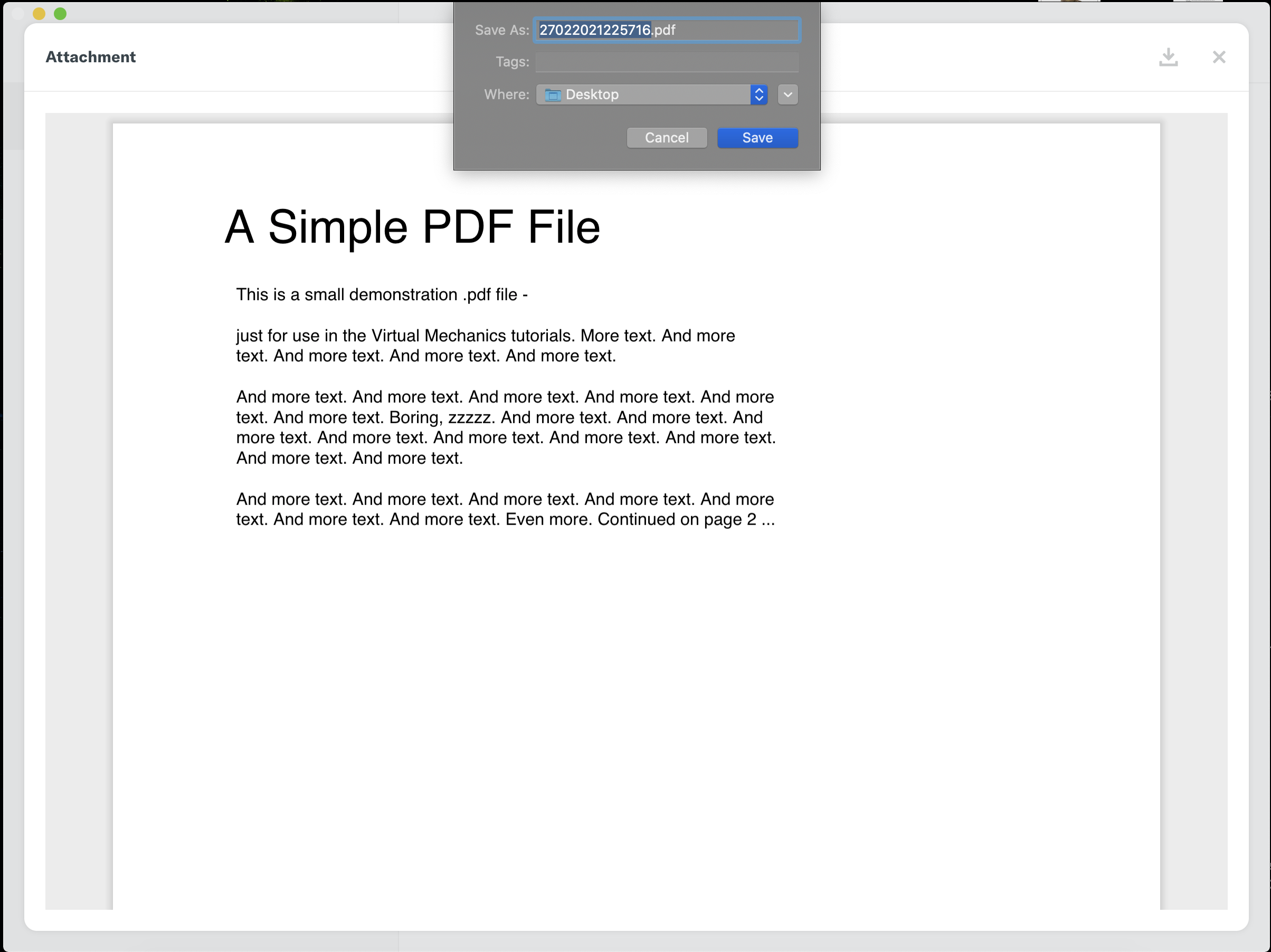
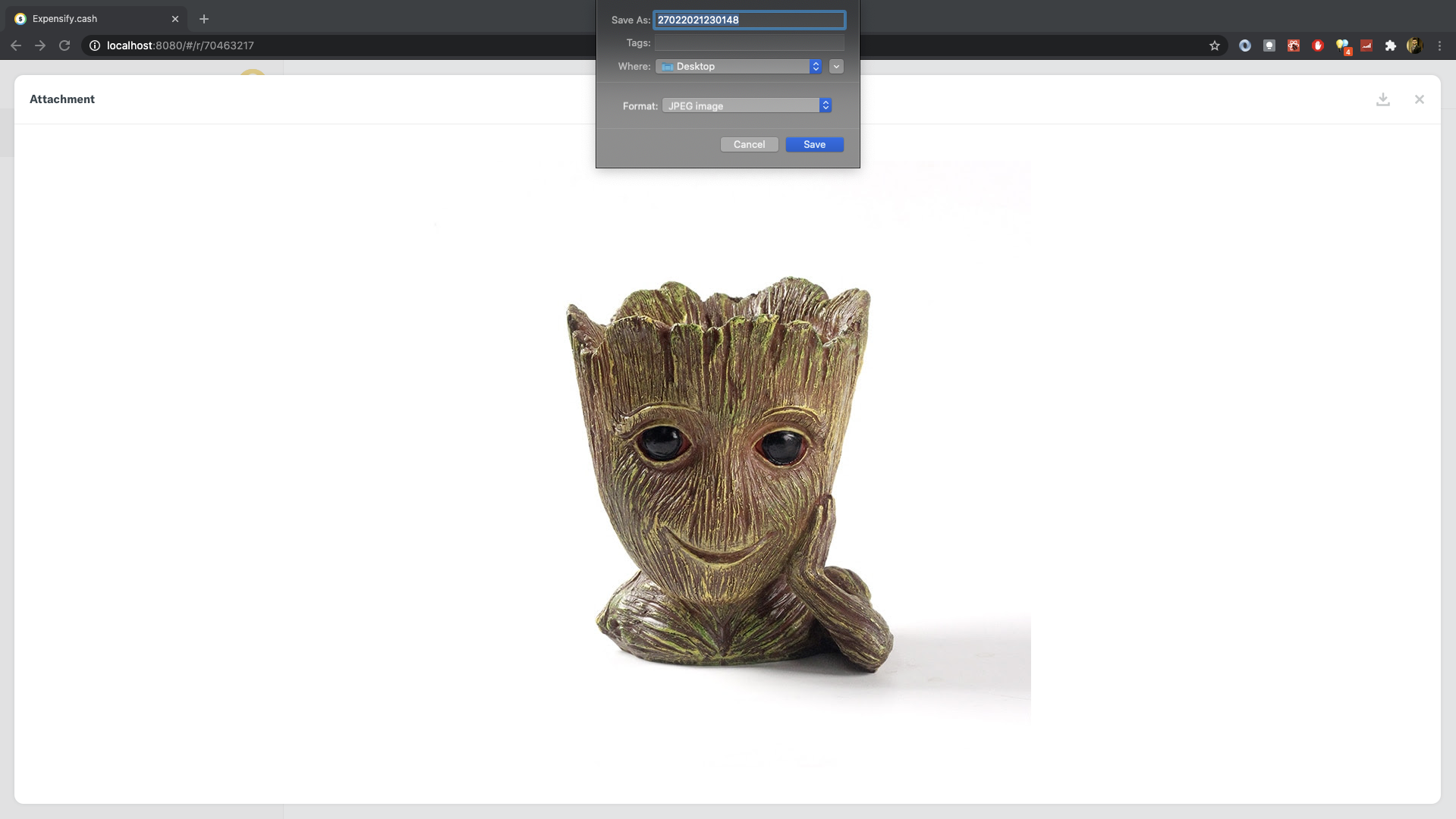
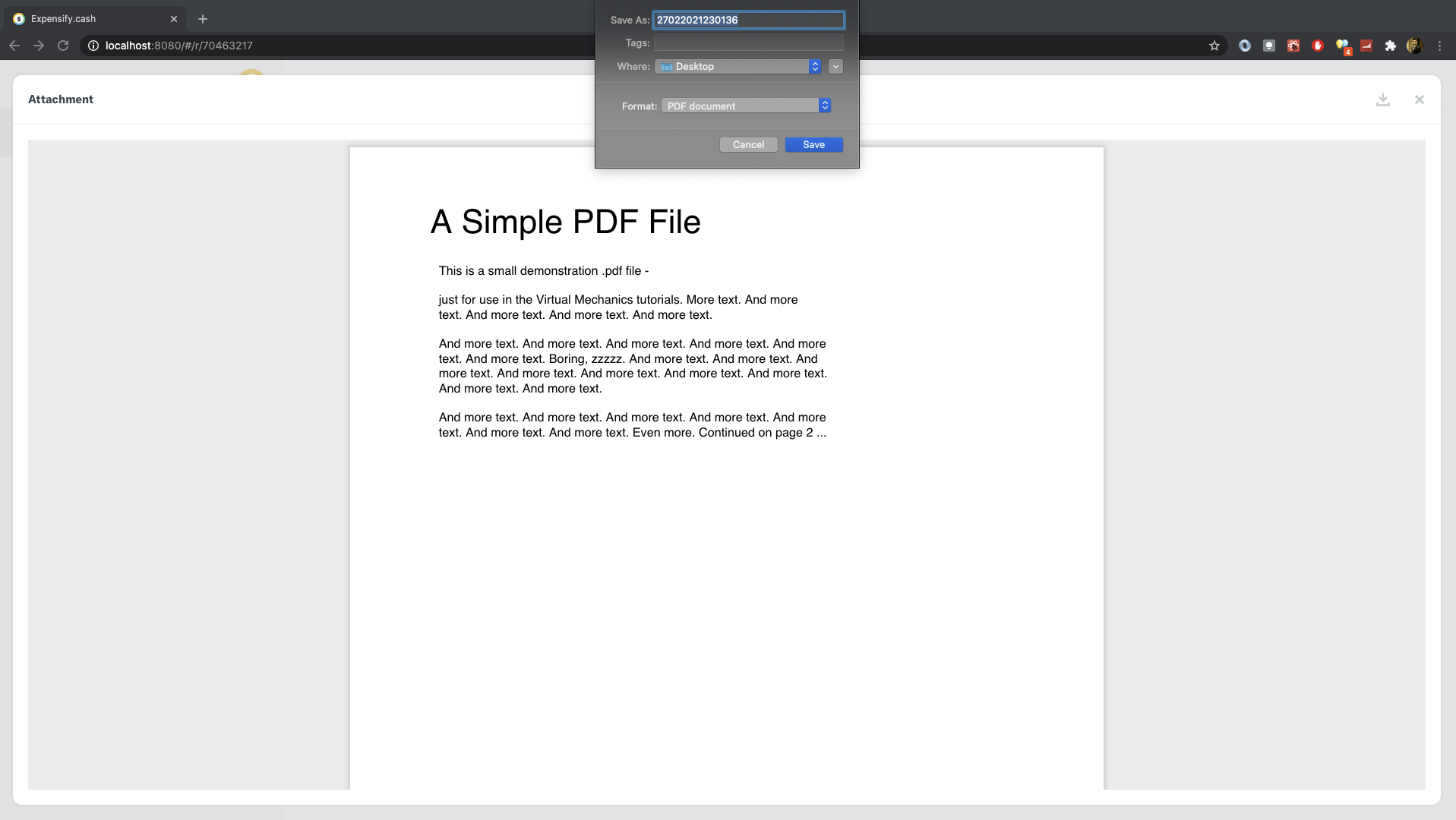
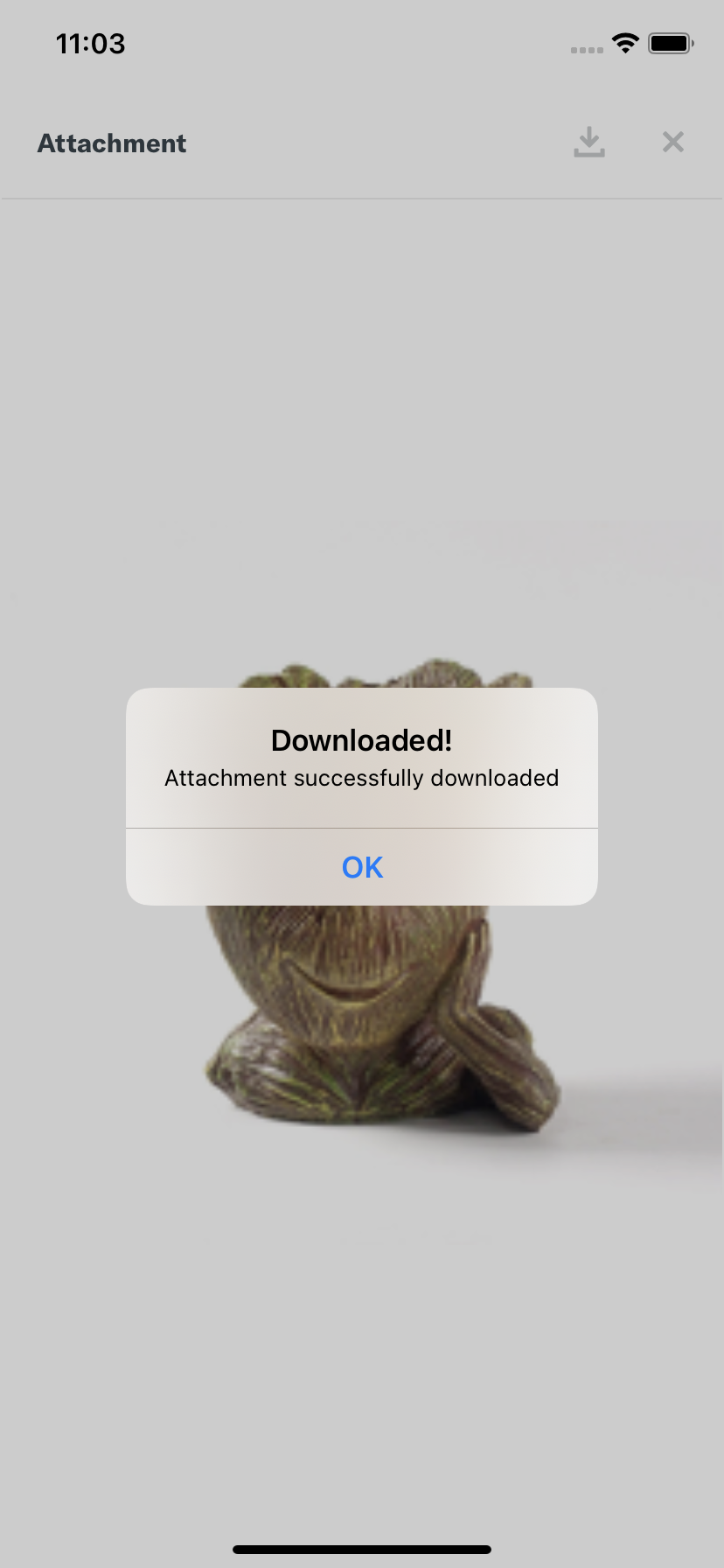
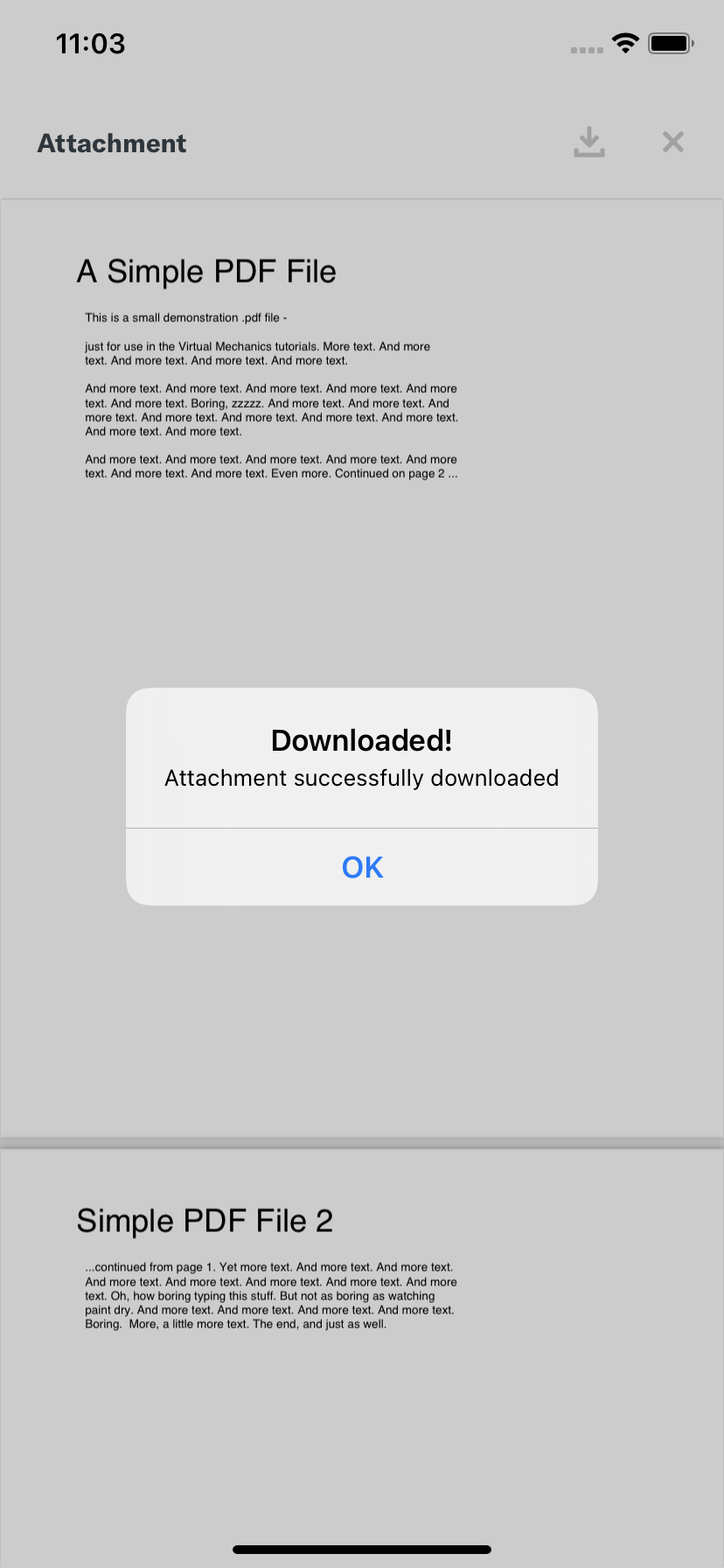
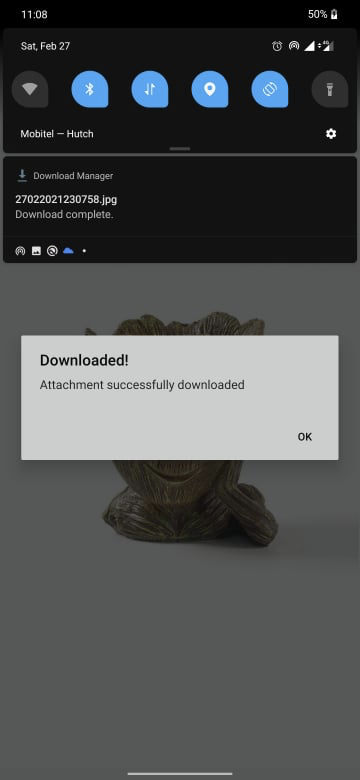
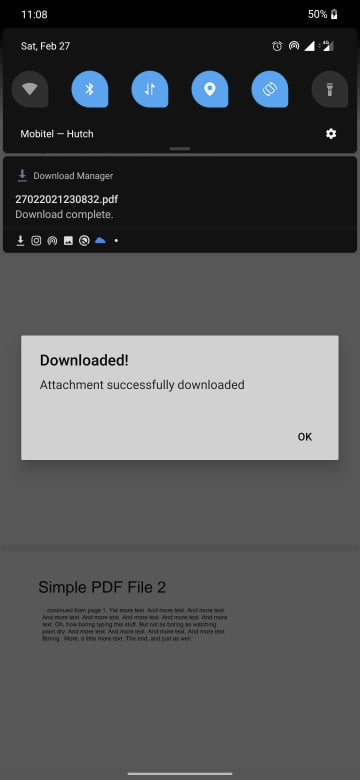
This feature contains download functionality for any type of attachments (images, pdf)
The file download function is a reusable function that is laid in the
src/libs/fileDownloadindex.native.jsthat is developed withrn-fetch-blobindex.jsthat is developed withfetchandblobFixed Issues
Fixes #1040
Tests
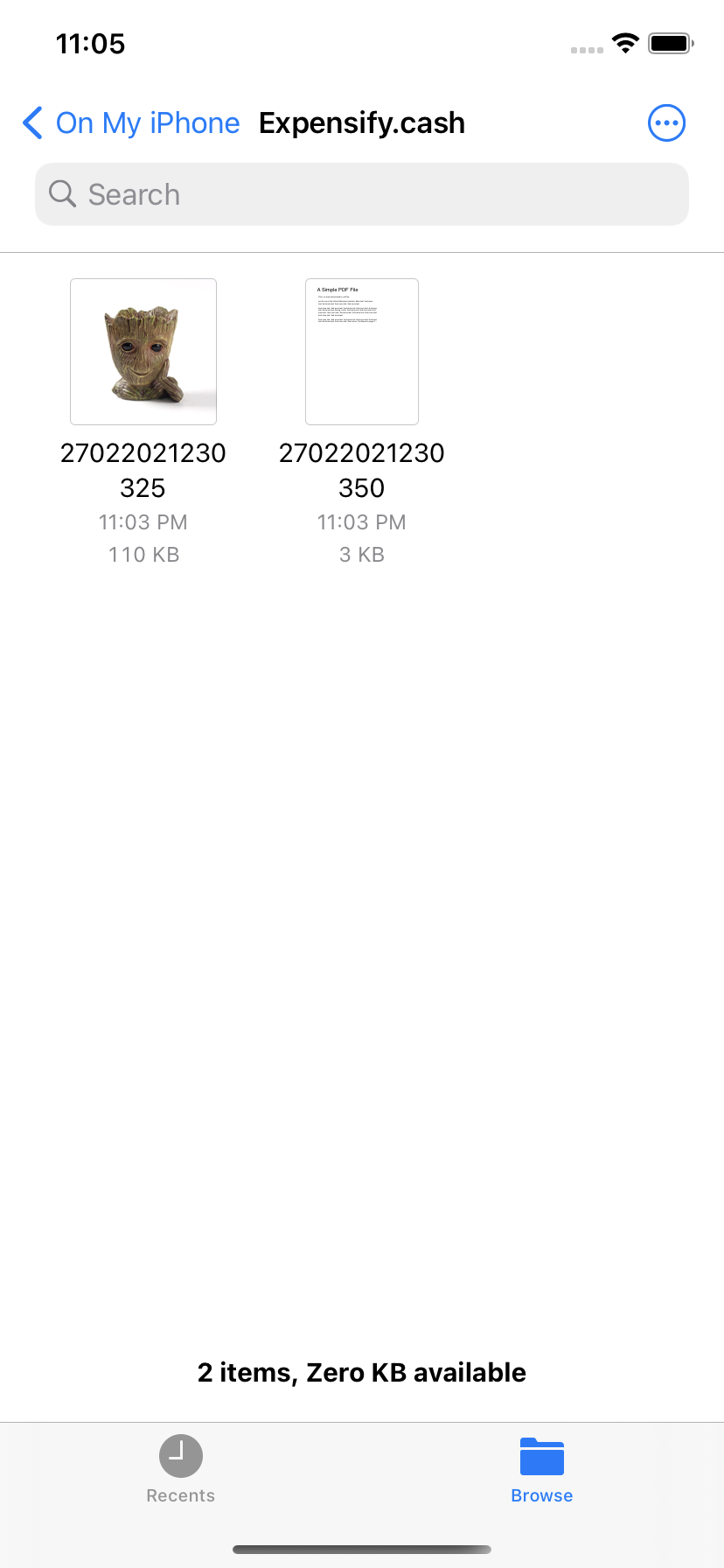
iOS
UIFileSharingEnabledandLSSupportsOpeningDocumentsInPlaceenabled ininfo.plistto save downloaded files to document folder.Filesapp on the iOS deviceExpensify.cash)Android
WRITE_EXTERNAL_STORAGEandREAD_EXTERNAL_STORAGEenabled in theAndroidMenifest.xmlDownloads/ExpensifyfolderWeb, Desktop, and Mobile web
Tested On
Screenshots
Desktop
Image download
Pdf download
Web
Image download
Pdf download
iOS (Simulator)
Image download
Pdf download
Downloaded files
Android
Permission dialog
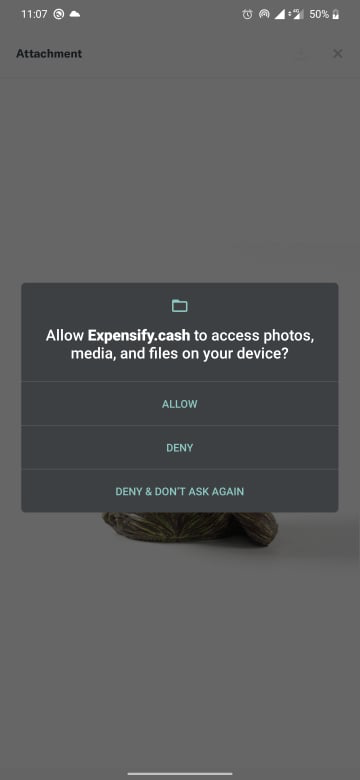
Image download
Pdf download
Downloaded files