Add parameter "morphing" #86
Conversation


…gs complicated with a 'repeat' value greater than 0
forgot to pull oops
|
Some changes I did are very arbitrary btw and I don't intend to force them. |

|
|
Thanks! I did consider this being a separate file; and actually while I worked on it it was separate as well. If that is a better solution we can go with that too! |

|
@yunsaki I really appreciate the vision and engineering that went into this work. As you probably can tell I am a beginning python scripter (wrote my first script 2 weeks ago) and I can learn a lot from the idioms you used. However, I'm in the process of refactoring dream.py and simplet2i to make the whole system more flexible and easier to maintain, and at this point it will be very difficult for me to merge your changes into the repo. Also, as @tildebyte mentioned, there is now a dream_web.py script, and your syntax for introducing variations would be great to have there too. So how about this? For now I can put your PR into a public branch and point people at it from the README because I think it will be very popular. Then, after I finish refactoring I will go through your code carefully and figure out how we can separate the prompt morphing code from the command-line processing and web processing code. I think there should be a module that takes a text prompt containing your variation syntax and returns a list of prompts that can be passed to the generation routines. This will preserve the basic architecture and separate the fancy bits from the UI bits. It will also support the web server well. I also agree that this work supersedes the more limited variant generation that was brought in by an earlier PR. Let me know what you prefer. |


|
Incrementing the seed will produce completely different results - unlike parameters like step count or cfg_scale, seed But, you can pick two seeds and then interpolate between the two of them by running the noise generation step (which is where the seed is used) and then interpolating between those two arrays. That's what #81 does. So I think it might make sense to handle this morphing a different way: instead of specifying a base value, a step size, and a number of steps for each parameter (which is what you currently do), you could instead specify a base value, a target value, and a number of steps, and then interpolate between those values as appropriate for each parameter. For simple parameters like step count there's no meaningful difference between the two, but that design will allow you to interpolate between seeds (and prompts!) as well as simpler parameters. |
|
@lstein Thank you for the nice response! Great to hear that you can learn something from this. I'm not a python expert by any means though, so maybe just keep that in mind. :) Putting this implementation into a public branch sounds good to me, feel free to do that! I will probably try to hack on your refactored version as well in the next few days, if I find the time to do so. Great work, keep it up! @bakkot I agree. I basically added the seed parameter to have an easy way to control/reproduce a changing seed. Honestly though, I would argue that you could keep my simpler implementation and add yours as well. Would it do any harm to do both things? |
|
@yunsaki I've never done a merge into a non-main branch before and I screwed it up. I'm trying to rectify it now. |


|
If steps are the only thing being interpolated then the image doesn't need to be completed to be generated and can instead be generated immediately as soon as that step is completed similar to what's asked in #99 |
|
also a sort of prompt matrix like this copied from https://github.com/hlky/stable-diffusion-webui a busy city street in a modern city would be good to add too |
I don't think that's true. Running with 50 steps vs running with 100 steps but stopping early after 50 produces different results. |
How would you handle permutations? Because it could get out of hand pretty quickly, if you use too many words. Also what if you want to use pipes in the prompt itself? (I've seen people do that) And how would this work with the previous modifiers? Let's take the prompt Yeah, I think that could be useful. But I would prefer using an additional argument for that, like |
Probably shouldn't be called permutations and combinations since laypeople might get confused by differences also I think showing a preview of exactly how many generations are going to happen would be a big help i.e something like a busy street in | a modern city | illustration | cinematic lighting -r 9 -C 7:1 -combinations a busy street in | a modern city | illustration | cinematic lighting -r 9 -C 7:1 -permutations Obviously if people add too many words it will get out of hand but at least this will warn them before generation starts |
|
I also think another feature that would be nice would be an iteration mode for -r i.e if you have busy street in a modern city -r 9 -C 7:1 -s 25:1 instead of increasing both by one per repetition it would do so iteratively i.e busy street in a modern city -r 9 -C 7:1 -s 25:1 -it Though at this point you probably want individual repetition settings so -r could be a global setting and something like this maybe? busy street in a modern city -r 9 -C 7:1 -s 25:1:5 -it If there's no -r specified generating can just take whatever the largest number is busy street in a modern city -C 7:1:6 -s 25:1:3 -it a busy street in | a modern city | illustration | cinematic lighting -C 7:1:6 -s 25:1:3 -it -combinations a busy street in | a modern city | illustration | cinematic lighting -C 7:1:6 -s 25:1:3 -it -permutations hopefully my math is correct |
would still be good for showing in progress images if you wanted to integrate this into other program |

Is it even possible? Can we produce an image at each step? If you know it can be done can you please point out which part of code I should be looking at? I am alien to ML stuff and terminology and have almost no idea what is going on. Recently found that k_euler_a never converges and even at 10000 steps it will produce a different image. Now I want to produce image at each step. Running a loop incrementally by increasing steps on each iteration as proposed in this PR is too much work for a simple thing. |
|
@SMUsamaShah It's easy for the things built in to this repo, but a little trickier for I haven't tried this but it's somewhere you can start looking. EDIT: actually it looks like this PR is implementing that already (for the web ui); you might try that branch. |
6 participants


First of all I want to apologise for this pull request. I really like this project and it's currently the best way to run stable diffusion locally imho. But I wanted to change some things...
What the hell I did
Well, I basically rewrote the entire dream.py and added some new things.
Why I did it
My idea was to add the ability to change parameters over time based on cmd settings, without having to copy, edit and re-enter every command. I had issues working with the original code, so I decided to rewrite it. However I do not think that my code is "better" or anything. I just did so I could find out how everything works and things everything according to my idea.
How it works
Every argument that I thought is worth modulating now takes a string that can either be
<value>or<init_value>:<increment>. The type which they are interpreted is int by default and float forcfg_scaleandstrength. Using<value>result in a static interpretation of the value, while<init_value>:<increment>starts at theinit_valuewhich is the incremented every repetition by theincrement. The repetitions are set via-ror--repeats. Supported values are:steps, seed, width, height, cfg_scale, strength. Additionally I have also added the-Bor--feedbackargument which passes the first image of every repetitions results to the next repetition. This however supersedes the recent addition of the-voption, which I am sorry for.An example
a cyberpunk cityscape in the style of wadim kashin -S 10:1 -s 25:5 -C 7:0.5 -r 5 -BThe
repeatsare set to 5 (default 0), so 6 images will be generated. The seeds starts at 10 and is incremented by 1 every repetition. The steps start at 25 and are incremented by 5. The cfg_scale has an initial value of 7 and increases by 0.5 in every repetition.-Bis enabled so the 5 images following the first one get the most recently generated image as aninit_img(since n is not set to something higher than 1). This results in the following log output:And the following images:
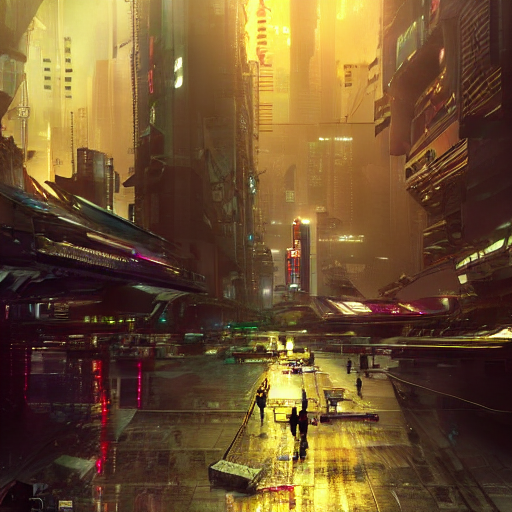
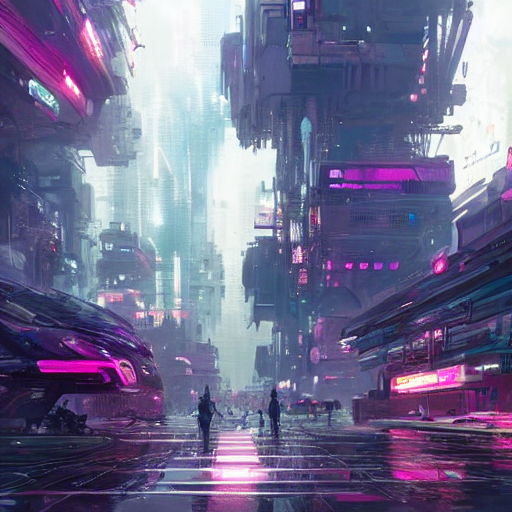
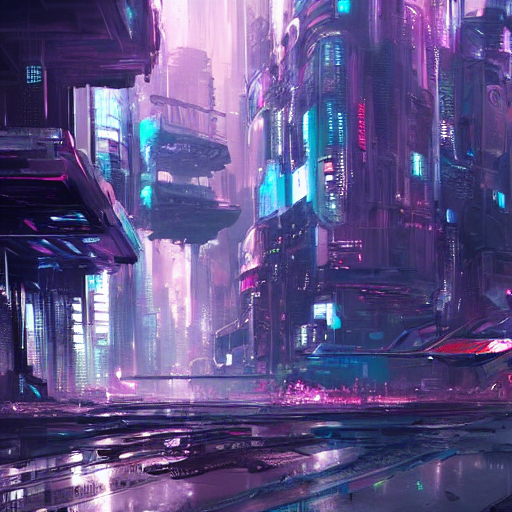
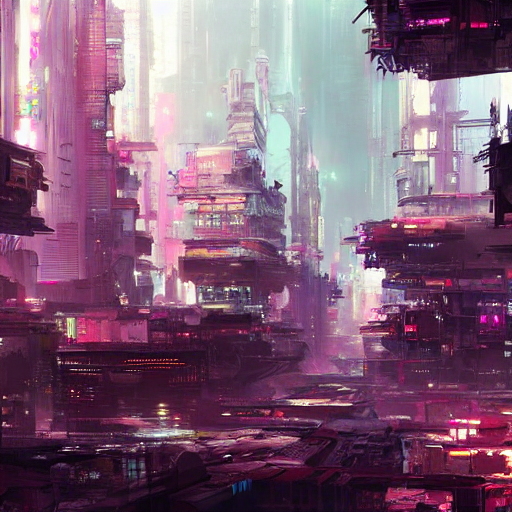
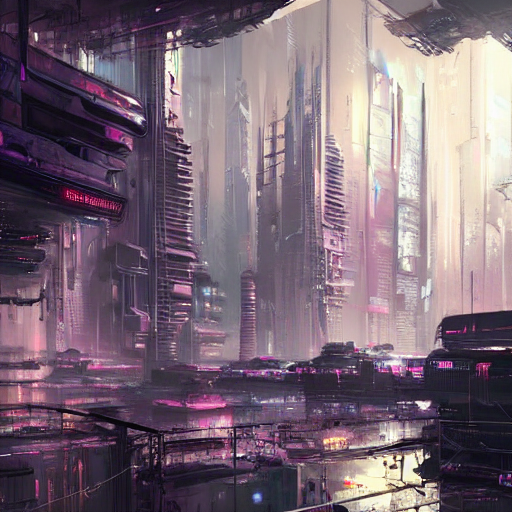
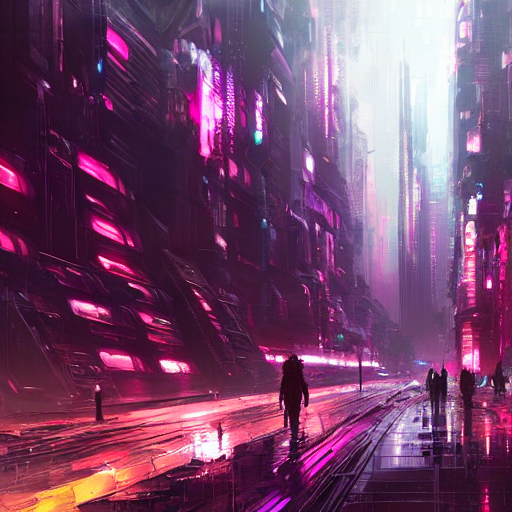
Granted, those aren't amazing, but I think with some experimentation you can do some nice things with those extra options.
What I have planned
I also want to add prompt modulation. Let's assume we have the prompt
oil painting of a landscapeand a list of things we want to add over time and increase the weighting of"in spring", "in summer", "in autumn", "in winter". The base prompt and the first item from the list get a set weighting of let's say 50:oil painting of a landscape:50 in spring:50. In the next step summer is added:oil painting of a landscape:50 in spring:49 in summer:1and so on. Giving a list of prompts as arguments could also be nice. For some modification it might make more sense to adjust the ldm/simplet2i.py directly though.What I didn't do
Extended user/usage documentation.
Thanks for reading this abomination.