Conversation


…ure/plugin-vc-network

 etoledom
left a comment
etoledom
left a comment
etoledom
left a comment
There was a problem hiding this comment.
Hey @ctarda !
I see what you mean.
Since NetworkStatusDelegate seems to work nicely with ViewControllers, I think it's good leave It there.
What feels weird to me is the controller telling what to do to viewModel. Do you think it would be a good idea to pass the networkStatusDidChange message directly to the view model and let it handle it?
Another detail could be to check the state to avoid reloading if it is already .plugin.
| extension PluginViewModel { | ||
| func reloadPlugin() { | ||
| state = .loading | ||
| let store = StoreContainer.shared.plugin |
There was a problem hiding this comment.
We are already receiving an instance of the store on init. It would be good to use that one.
One idea would be to capture it on a closure and then call the closure, or just to store it on a property.
|
Thanks for the review @etoledom . I've just pushed an update that (I think) addresses your comments. |
 ctarda
changed the base branch from
feature/extract-notifications-feature-branch
to
develop
ctarda
changed the base branch from
feature/extract-notifications-feature-branch
to
develop
etoledom
left a comment
etoledom
left a comment
There was a problem hiding this comment.
Hey @ctarda - I think the code looks cool :)
There is still a small behavior detail:
- Exit flight mode, the view should not reload
When have open a plugin previously loaded and restart the network, it shows for a moment the loading state.
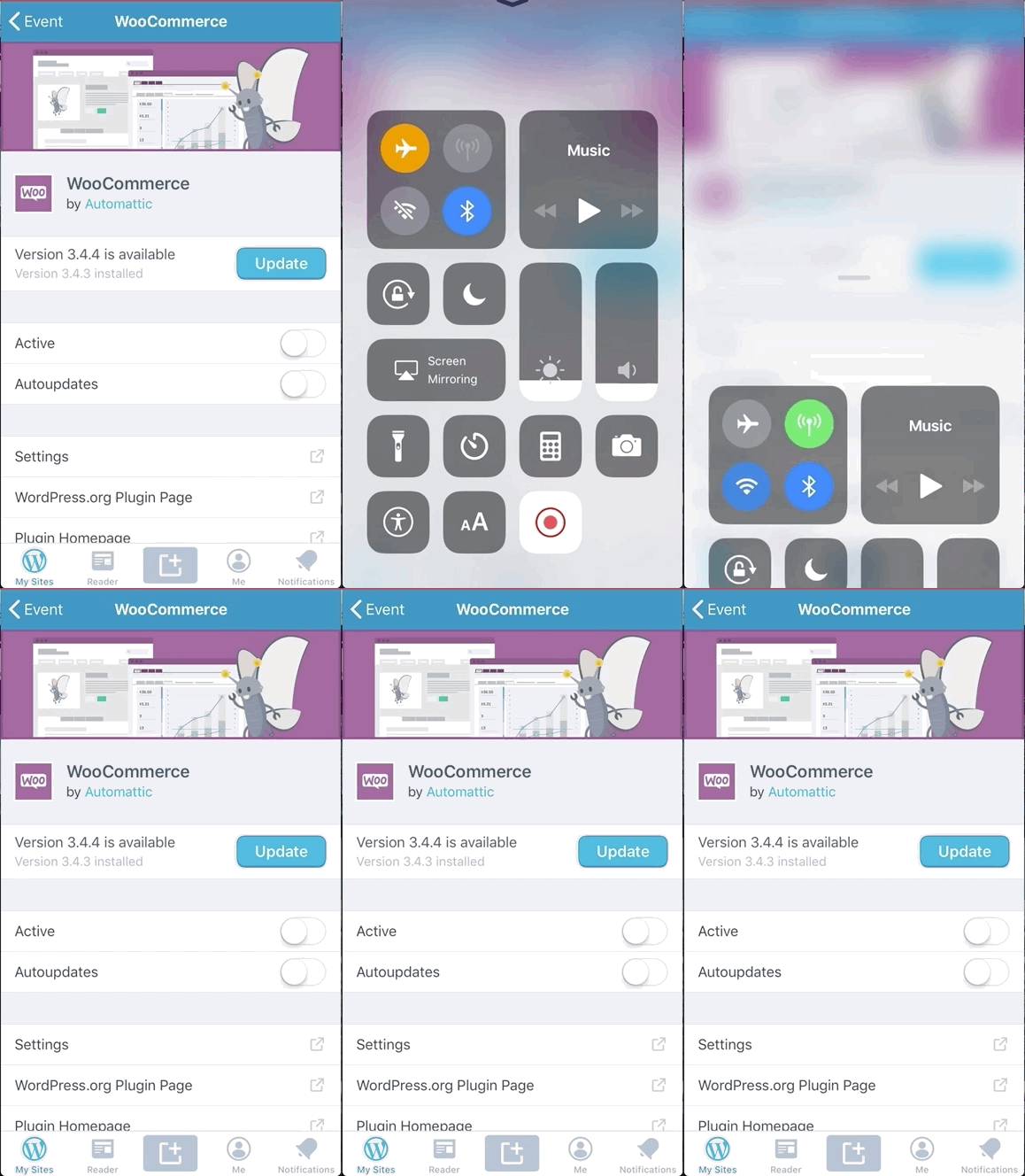
By fixing that I'd say we are ready to go!
|
Good catch, thank you! I've just pushed an updated to address that |
etoledom
left a comment
etoledom
left a comment
There was a problem hiding this comment.
Hey @ctarda - I'm sorry for asking for more changes :(
While testing, I noticed a couple of odd behavior:
The first one is that, when I'm reloading from a no-connection error, it shows the generic error view instead of the loading view. I did some testing and I think I got some sort of solution for this. I added that as an idea in the code comments.
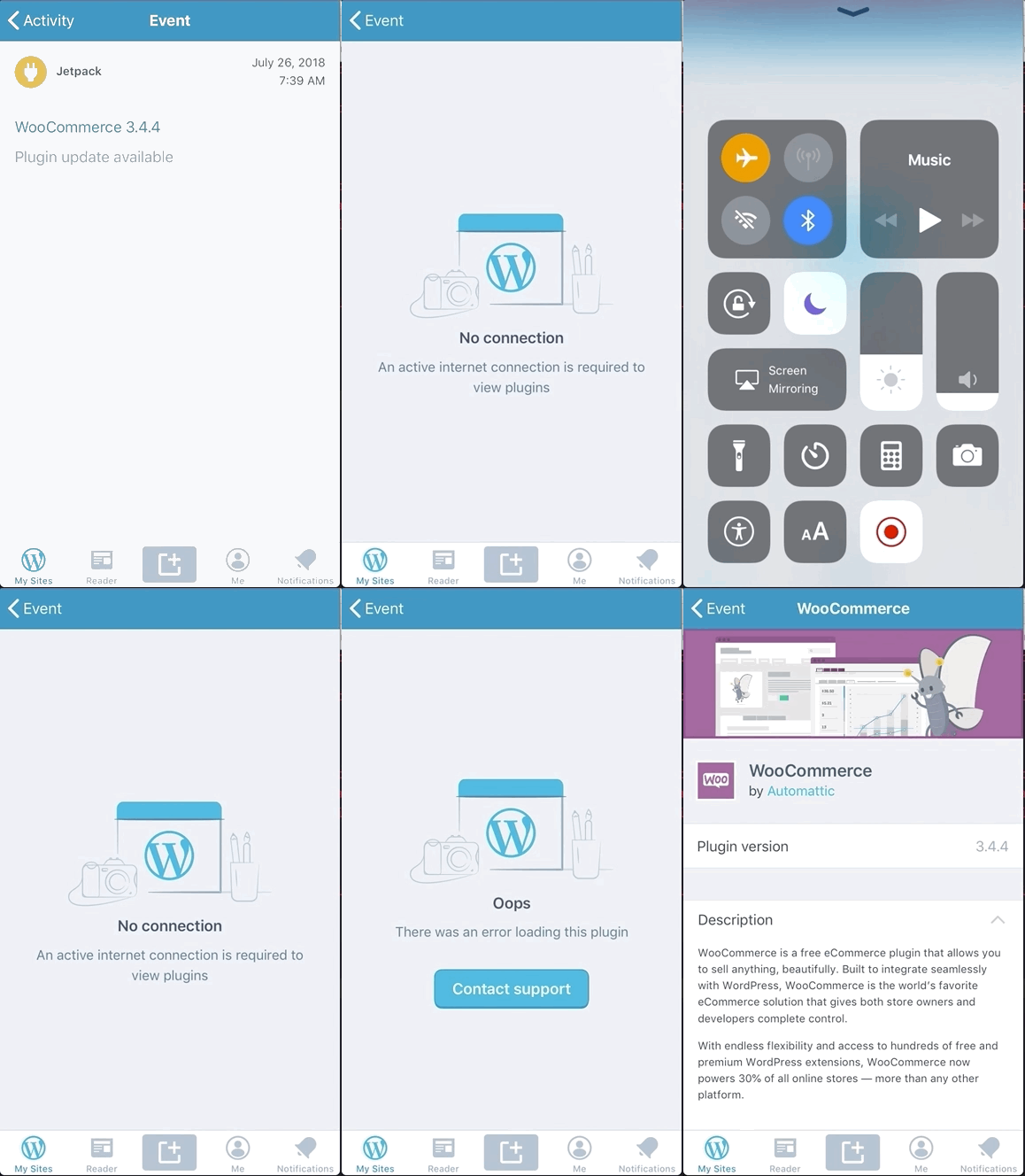
The second problem is that when I open the plugin from the plugin list section without connection, it already have some information preloaded so it won't show the no-connection error and that's fine. The problem is that when I reconnect, it won't refresh to the full plugin view. The solution I proposed in the comments also help to solve this problem.

| func networkStatusDidChange(active: Bool) { | ||
| if active { | ||
| viewModel.networkStatusDidChange(active: active) | ||
| updateNoResults() |
There was a problem hiding this comment.
This update seems to not be necessary. When the view model changes its state it triggers the no results update "automatically".
|
|
||
| extension PluginViewModel { | ||
| func networkStatusDidChange(active: Bool) { | ||
| if active, case .error = state { |
There was a problem hiding this comment.
It would be good to also cover the case when we have partial information of the plugin (loaded from the plugin list).
I would do something like this:
 if active {
    switch state {
        case .error:
            store.processQueries()
             state = .loading
         case .directoryEntry(let entry):
             store.processQueries()
             state = .directoryEntry(entry)
         default:
                break
        }
}
Note that calling processQueries() first, and then setting the state solves the error empty view issue.
If there's a better way of solving that would be cool!

|
One tip for testing: |
|
Thanks for catching that, and thanks for the comments! I have pushed another update. |
etoledom
left a comment
etoledom
left a comment
There was a problem hiding this comment.
These last commits fix all the remaining issues.
Great work! 🎉
2 participants


This PR attempts to make the plugin details view aware of the network status, and reload if necessary.
There is a lot I don't like about this implementation, and I am opening a PR mostly to gather feedback from you @etoledom , and explore any other alternatives you might suggest.
I did not implement the logic to observe changes in the network status in the view model because I af afraid to break something else that I might not be aware of.
To test:
Scenario #1
Scenario #2